WordPress Themes vs. HTML Templates: Which One Should You Choose for Your Website?
Reading time:
Imagine you’ve just poured your heart and soul into launching your small business, maybe it’s a cozy bakery, a thriving consulting service, or a unique online shop. The next crucial step is getting online. You know you need a professional website. But as soon as you start looking into how to build one, you hit a confusing roadblock: everyone is talking about “WordPress Themes” and “HTML Templates.” It feels like being asked to choose between two different languages, and you just want a simple, beautiful storefront without becoming a code expert.
You don’t need to learn web development to make this decision. This article will break down the pros and cons of WordPress Themes and HTML Templates, focusing on what matters most to you: ease of use, cost, flexibility, and control.
WordPress Themes: The Power of the Ecosystem
WordPress (WordPress.org) is a Content Management System (CMS). When you use a WordPress theme, you are using a skin that sits on top of a powerful engine.
Content is King
WordPress was built for publishing. If you plan to post weekly articles, manage a news site, or constantly update a portfolio, WordPress is the clear winner. The administrative dashboard allows you to log in from any browser and make changes without ever seeing a line of code.
The Plugin Advantage
The real strength of WordPress isn’t just the theme; it is the integration. If you suddenly decide your site needs an SEO audit tool, a contact form with file uploads, or a full online store via WooCommerce, you can add those features in minutes. With an HTML template, adding a shopping cart or a complex form requires significant backend development and third-party integrations.
The Downside of Flexibility
The “everything for everyone” approach has a cost. WordPress themes often come with “bloat”, extra code for features you might never use. This can slow down your site and hurt your Core Web Vitals, which are crucial for Google rankings. You also become a target for automated bots, because WordPress is so popular, hackers constantly look for outdated themes and plugins to exploit.
HTML Templates: Speed and Stability
An HTML template is a collection of static files (HTML, CSS, and JavaScript). When a user visits your site, the server simply sends the file to their browser. There is no middleman and no database.
Unmatched Performance
In the world of SEO, speed is a ranking factor. Because static HTML sites don’t have to “think” or pull data from a database, they are almost always faster than WordPress sites. For a professional service provider or a local business that just needs a fast, beautiful landing page, this performance is a massive competitive advantage.
Maintenance and Security
WordPress requires constant updates. If you ignore your site for six months, you might return to find it broken or hacked. An HTML site is virtually maintenance-free. Once it is uploaded to your server, it will stay exactly as it is for years. Since there is no database to inject scripts into and no login page to brute-force, security is rarely a concern.
The “Static” Hurdle
The biggest drawback is the lack of a user interface. If you want to change a phone number in your footer, you have to open the file in a code editor, find the line, change it, and re-upload it via FTP. For a five-page site, this is fine. For a fifty-page site, it becomes a nightmare.
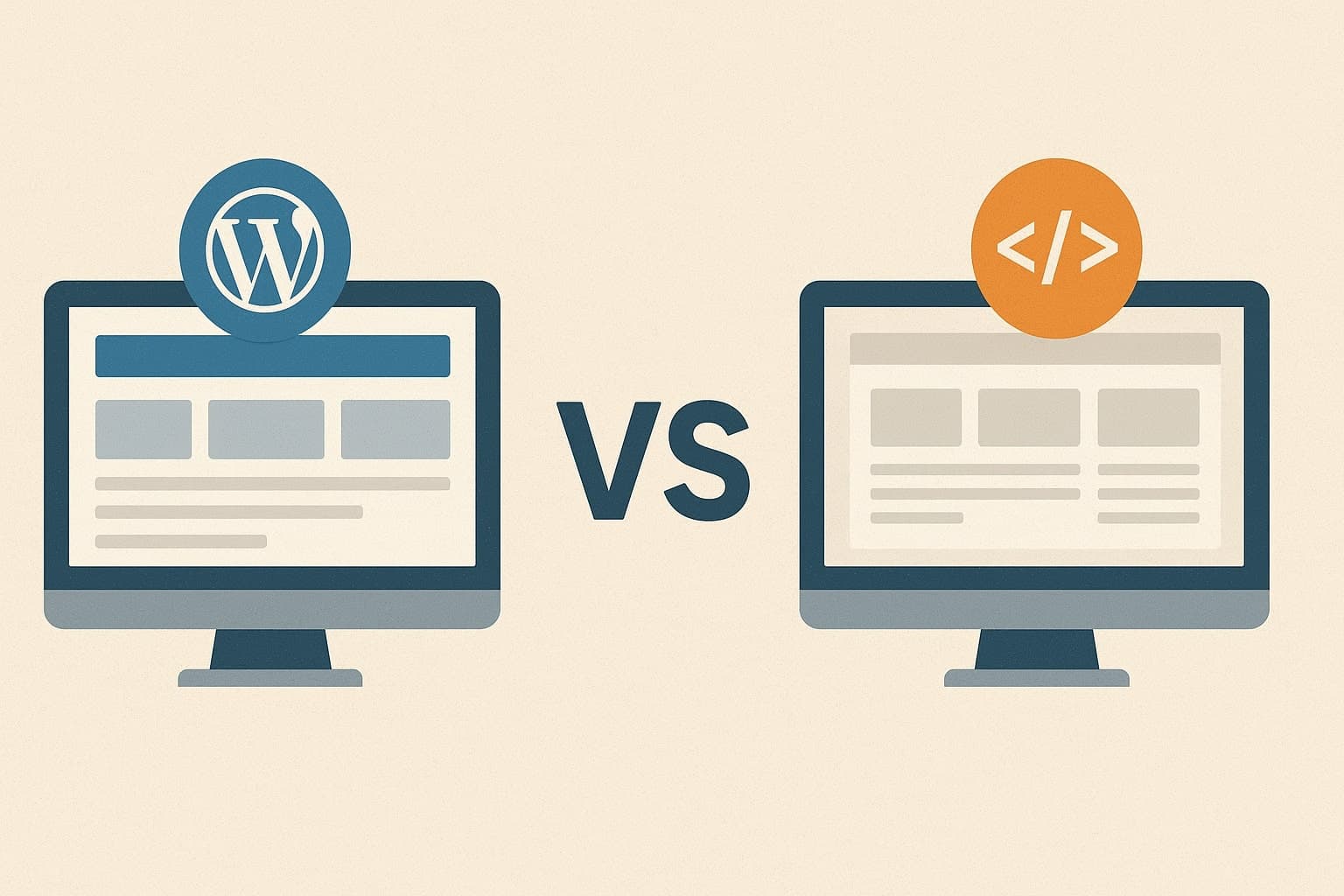
Detailed Comparison: WordPress vs. HTML
| Category | WordPress Themes | HTML Templates |
| User Interface | A full backend dashboard (the “Admin” area) for managing content. | None. You edit raw code files using a text editor like VS Code. |
| SEO Control | High. Use plugins like Yoast or RankMath to manage meta tags and schemas easily. | Manual. You must hand-code every meta tag and ensure your header structure is correct on every page. |
| Loading Speed | Slower by default. Each page load requires the server to “build” the page from the database. | Maximum speed. The server delivers a pre-built file directly to the browser instantly. |
| Security Surface | Large. Vulnerabilities can exist in the WordPress core, the theme, or any installed plugin. | Minimal. There is no database or login portal to attack. Only the server itself can be breached. |
| Maintenance | High. Requires regular updates for core, plugins, and themes to prevent site crashes or hacks. | Nearly zero. Once uploaded, the code will work perfectly for years without intervention. |
| Data Storage | Dynamic. Uses a MySQL database to store your posts, comments, and settings. | Static. Everything is contained within the files. There is no database involved. |
| Scalability | Unlimited. Adding a blog, forum, or store is just a few clicks away. | Limited. Adding 50 new pages requires significant manual work or a developer’s help. |
| Hosting Needs | Requires “standard” hosting with PHP and MySQL support (more expensive). | Can be hosted on any basic server or even free services like GitHub Pages. |
| Ownership | You own the content, but you are tied to the WordPress ecosystem. | Total ownership. You have the raw files which can be moved to any host in seconds. |
The Verdict: Which Path Should You Take?
Go with WordPress if:
- You are building a blog, a magazine, or an e-commerce store.
- You have a team of people who need to edit content without knowing code.
- You want to change the look of your entire site with a few clicks in the future.
- You need specific functionality (like a forum or a booking engine) that already exists as a plugin.
Go with an HTML Template if:
- You are a developer or have easy access to one.
- You are building a small, static site that won’t change often.
- You are obsessed with site speed and want a perfect 100 score on Google PageSpeed Insights.
- You want the lowest possible hosting costs and the highest possible security.
Most modern businesses lean toward WordPress because time is money, and the ability to update a site instantly usually outweighs the benefits of a static HTML file. However, for those who value a lean, fast, and “unhackable” web presence, the HTML template remains the gold standard.
FAQ
Not necessarily. While HTML sites are faster out of the box (which Google loves), WordPress has powerful plugins that make managing complex SEO tasks, like schema markup and XML sitemaps, much easier for the average user. If you can optimize code manually, HTML is great; if not, WordPress helps you stay competitive without a developer.
Yes, but it is a technical process that usually requires a developer. Since WordPress runs on PHP, a developer has to “slice” your static HTML code and integrate it into the WordPress architecture. While some automated converters exist, they often create bugs or messy code, so hiring a professional to build a custom theme based on your HTML design is the standard approach for a clean transition.
Initially, an HTML template is often cheaper. However, because any change requires a developer or your own time coding, the long-term cost of ownership for an HTML site can be higher if you need to update it frequently. WordPress has higher hosting and maintenance needs but lower costs for daily content updates.
If you just need a professional digital business card that rarely changes, an HTML template is perfect. If you want to use your website as a marketing tool, adding blogs, landing pages for ads, or email sign-up forms, WordPress is a much smarter investment.
Technically, yes. Most modern themes come with built-in layouts. However, the true power of WordPress lies in its extensibility. Running WordPress without plugins is like owning a smartphone but never installing any apps; it works, but you aren’t using it to its full potential.
- Explore all our WordPress themes
- Explore all our HTML templates