Best AI Tools for Web Developers in 2026: The Practical Guide to Coding, Design, and Workflow
Reading time:
AI tools for web developers in 2026 are no longer a novelty, and they are definitely not just shiny autocomplete buttons. They are now part of everyday work for developers who want to move faster without turning their codebase into a mystery novel.
The best AI tools for developers in 2026 help with writing code, creating UI, translating designs into working pages, testing, debugging, documentation, and even some of the repetitive admin work that nobody misses. The trick is not to use AI everywhere. The trick is to use the right tool at the right step of the web development AI workflow.
This guide looks at the most relevant AI coding tools and web development AI tools in 2026, with a focus on tools that are actively used and officially maintained. It includes the tools many developers already know, such as Cursor, ChatGPT, Claude, GitHub Copilot, Lovable, v0, Windsurf, Bolt, Replit, Devin, and Figma AI, while keeping the discussion practical and grounded in real use cases.
Why AI matters in web development now
Web development has always been a balancing act. You need to write clean code, keep the UI polished, make the product accessible, and somehow still answer Slack messages before lunch. AI helps by taking some of the repetitive work off your plate, especially the parts that are easy to describe but annoying to type out.
In 2026, AI is especially useful in three places. First, it speeds up the first draft of code, which means less time staring at a blank editor. Second, it helps developers work across more of the stack, from frontend components to backend scaffolding. Third, it reduces context switching because some tools now live inside the editor, the browser, the design file, or even the command line. GitHub Copilot positions itself as an AI coding assistant that helps you write code faster and with less effort, including in your IDE, command line, and GitHub workflows.
The important part is that AI is best used as a collaborator, not a replacement. It can generate a strong starting point, but developers still need to review logic, verify behavior, and make judgment calls. That is especially true when working on production sites, client work, or anything that has to survive real users.
The best AI tools for developers 2026
There is no single “best” tool for every developer. A solo freelancer, a startup team, and an agency building client sites will all want slightly different things. Still, a few tools stand out because they cover common web development tasks well and are actively relevant in 2026.
Cursor
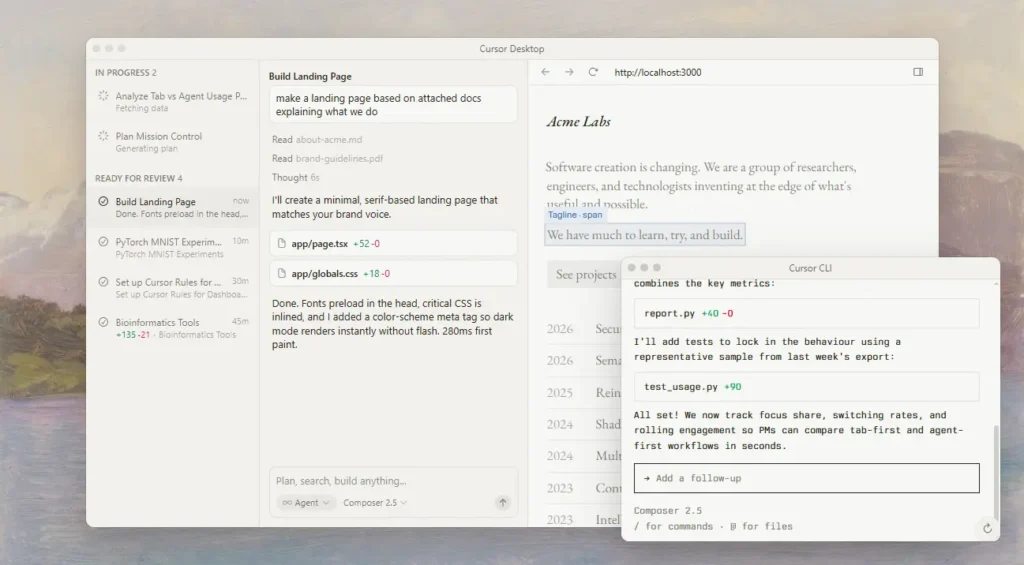
Cursor is one of the clearest examples of how AI coding tools have evolved. It is built as an AI-first code editor and describes itself as a way to code with AI, with support for building software faster inside your workspace. For web developers, its appeal is simple: it keeps the assistant close to the code, where the real work happens.
Cursor is especially useful for refactoring, understanding unfamiliar code, and generating features from natural language instructions. It fits developers who want more than autocomplete, but still want to stay in control of the project. It is a strong choice for frontend-heavy work, because small UI changes and component-level edits can be handled quickly when the assistant understands the file structure.
GitHub Copilot
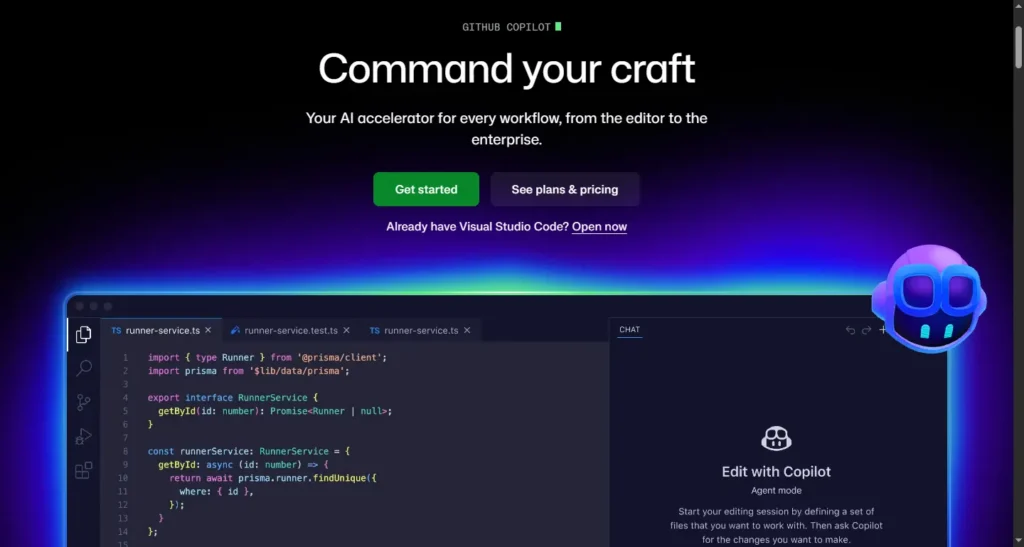
GitHub Copilot remains one of the most practical AI coding assistants for developers who already live in GitHub and modern IDEs. GitHub says Copilot can suggest code as you type, chat with you about your code, help in the command line, generate pull request descriptions, and even plan and make code changes for review. That makes it useful across the full development cycle, not just during initial coding.
For web developers, Copilot is a solid fit when you need fast code completion, help with utility functions, or assistance moving through repetitive tasks. It is particularly helpful in team environments because it plugs into existing workflows without forcing a complete change in habits.
ChatGPT
ChatGPT remains one of the most flexible AI tools for web developers in 2026 because it can support a wide range of tasks beyond coding. OpenAI’s ChatGPT apps support writing, search, image generation, and working with files and screenshots. That makes it useful for brainstorming UI ideas, rewriting documentation, explaining errors, and sketching implementation plans before touching the codebase.
It is not a replacement for a code editor, but it is often the best place to start when a task is fuzzy. For example, if you are trying to decide whether a layout should use CSS Grid or Flexbox, or how to explain a component to a client, ChatGPT can help you think through the problem before you implement it.

Claude
Claude is often used by developers who want strong long-form reasoning, cleaner text generation, and careful analysis of code or documentation. While capabilities vary by plan and version, Claude is widely relevant in 2026 for code review, architecture discussion, and writing tasks that need a more thoughtful tone. For web developers, it can be especially useful when you need to summarize a design system, interpret a long technical spec, or rewrite documentation in plain English.
It is a good assistant for work that involves lots of context. If you are building across multiple repositories or trying to keep product notes, handoff docs, and code comments aligned, Claude can help keep the language more structured.
Windsurf
Windsurf positions itself as an AI coding environment built around agentic workflows and integrated development help. Its current product messaging includes local and cloud agents, support for tools and integrations, and features like automatic lint fixing and code review support. That makes it interesting for developers who want AI to do more than suggest the next line of code.
Windsurf is especially relevant for web development teams working on larger tasks, where one prompt may need to touch several files, update a feature, and then clean up the resulting issues. It is a good fit if you want the assistant to act more like a collaborator than a text predictor.
Replit
Replit has evolved from an online IDE into a full-stack creation platform with agent-driven development capabilities. Its current materials describe it as a platform for building apps and sites with natural language prompts and for shipping real projects quickly. That makes it useful for developers who want to prototype web apps without setting up a heavy local environment.
Replit works well for quick experiments, demos, teaching, and lightweight applications. For freelancers and agencies, it can be a fast way to prove a concept to a client before moving into a more customized stack. It is not always the final destination for a large production system, but it is often an excellent starting point.
Devin
Devin, from Cognition, is positioned as an autonomous software engineer who can plan, write, test, and ship production code inside your codebase. Cognition describes Devin as a teammate who can work independently while still fitting into existing tools and workflows. That makes it one of the more ambitious agent-based development tools in the market.
For web developers, Devin matters most when tasks are broad and well-scoped, such as fixing a bug, implementing a feature, or handling work that spans several files and steps. It is not a tool you hand vague chaos to and then walk away from with total confidence. It works best when the task is specific, and the review process is strong.
Lovable
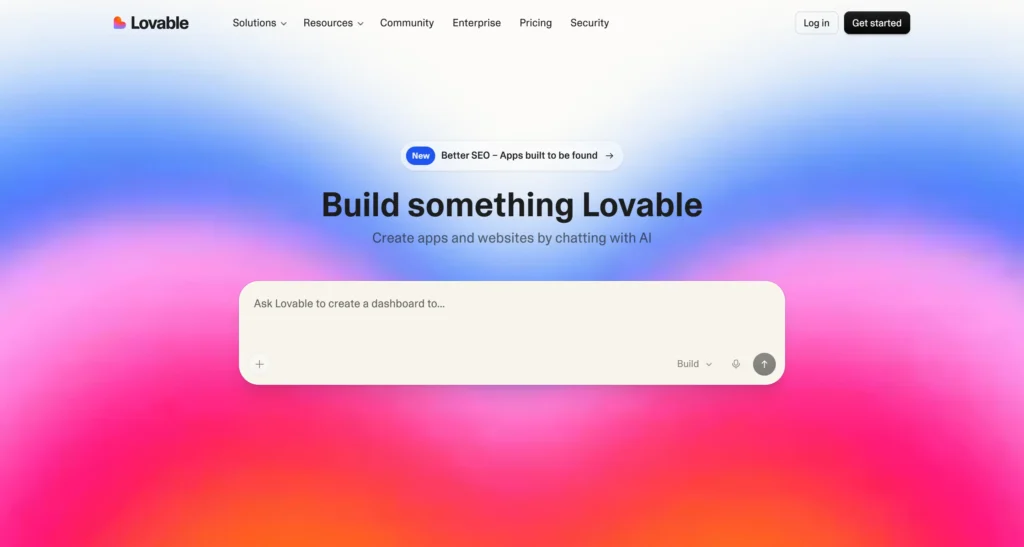
Lovable is a full-stack AI development platform that lets users create and iterate on web applications using natural language. Its documentation says it can generate a working app with frontend, backend, database, authentication, and integrations, with editable code and GitHub sync support. That makes it one of the more relevant AI website builders for people who want real code instead of a closed prototype.
Lovable is useful for founders, freelancers, and small teams that want to move from idea to working product quickly. It is also a practical option for developers who want to generate a first version of a project and then refine it manually.
v0
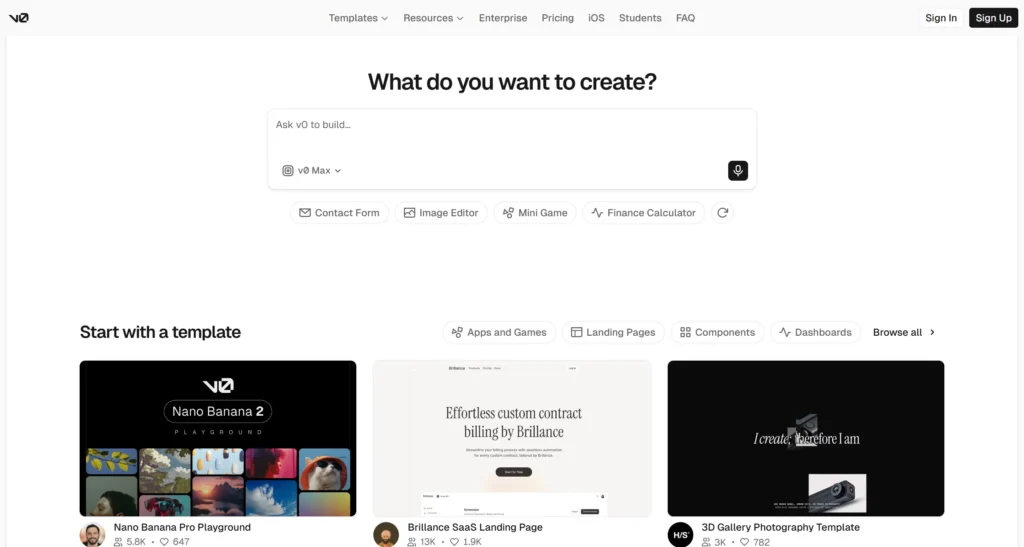
v0, created by Vercel, is another strong option for prompt-based web app and UI generation. Its docs say it can create real code and full-stack apps and agents, ship features, refine designs, update copy, and generate live prototypes. It also supports high-fidelity UI creation, backend connection, and one-click deployment.
For frontend developers, v0 is especially useful for generating React-based interfaces, landing pages, dashboards, and early prototypes. It fits well into modern web workflows where a designer or developer wants a fast visual draft before refining the code by hand.
Bolt
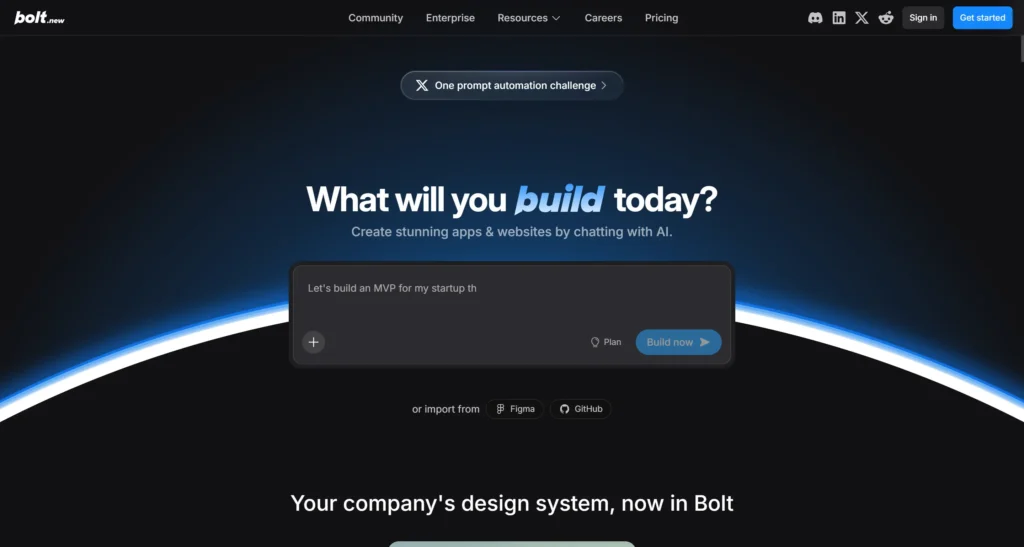
Bolt is another AI web development tool that has gained attention for prompt-based app creation. Because product details can shift quickly in this category, it is wise to verify the current official feature set before committing to a workflow. In general, tools like Bolt are most relevant when the goal is to turn a prompt into a working web app or prototype quickly, rather than building everything manually from scratch.
That makes it attractive for rapid prototyping, hackathon work, and early-stage product experiments. As with any AI builder, the key question is whether it produces code you can actually maintain later.
Figma AI
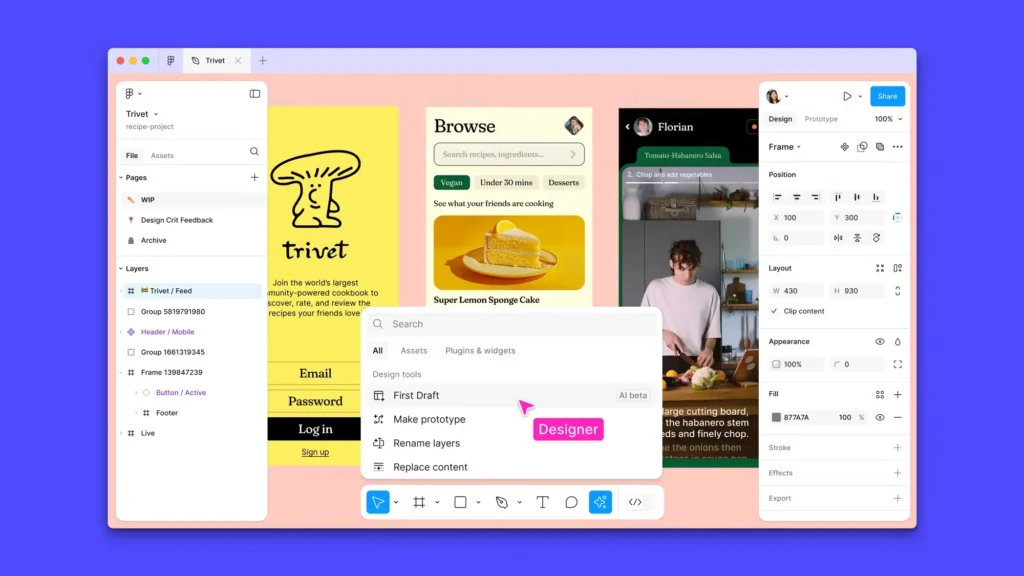
Figma AI is important because many web projects start in design before they ever reach code. Figma’s help documentation says AI tools are available across Figma products on paid plans, and that Figma Make is an AI-driven prompt-to-app tool that can turn ideas and designs into functional prototypes, web apps, and interactive UI. That bridges a gap that used to require a lot of manual translation between design and development.
For web developers, Figma AI is useful for speeding up handoff, generating first drafts, and turning visual ideas into something closer to implementation. It is especially valuable when working with designers who want to explore several UI directions quickly.
Frontend and design-to-code workflows
Frontend work is where AI often feels most visible. You can see the output right away, which is nice when the tool gets it right and mildly annoying when it does not. The best AI tools for developers 2026 help turn rough ideas into components, layouts, and styles faster than a purely manual workflow.
v0 and Lovable are strong in prompt-to-UI workflows because they can generate working interfaces from a description. Figma AI helps at the design stage by reducing the gap between visual mockups and something developers can use. Cursor and Windsurf help once the code exists, because they make it easier to refine, patch, and expand the frontend without jumping between too many tools.
A practical workflow often looks like this:
- Design the concept in Figma.
- Use Figma AI to explore variants or turn an idea into a draft.
- Move the structure into v0 or Lovable to create a working prototype.
- Refine the code in Cursor, GitHub Copilot, or Windsurf.
- Review accessibility, responsiveness, and component quality manually.
This is one of the reasons AI tools for web developers are so useful now. They are no longer limited to writing code. They can support the whole path from concept to interface.
Testing and debugging
Testing and debugging are where AI gets valuable in a very unglamorous way, which is often the best kind of useful. No one dreams of writing the seventh variation of the same failing assertion, but AI can help make that less painful.
GitHub Copilot can help with code explanations, command-line work, and pull request support. Windsurf says it can detect and fix lint errors automatically and support review workflows. Devin is also relevant here because Cognition says it can plan, write, test, and ship code autonomously. That makes these tools useful not just for feature development but for the annoying follow-up work that keeps code healthy.
For debugging, ChatGPT and Claude are useful when you need to reason through stack traces, runtime behavior, or architecture issues. They can help you narrow the problem, generate hypotheses, and suggest checks. The important habit is to keep them on a short leash. AI can speed up debugging, but it cannot replace actually verifying what happens in the browser, the terminal, or the logs.
Documentation and communication
Documentation is one of the easiest places to use AI without lowering quality, as long as you still review the output carefully. AI tools can help summarize technical changes, rewrite setup steps, generate release notes, and turn raw implementation notes into something readable for teammates or clients.
ChatGPT is especially helpful here because it can rewrite text in different tones and formats. Claude is also a strong fit for longer documentation tasks where consistency matters. GitHub Copilot can help with pull request descriptions and code context inside the development workflow.
For agencies and freelancers, this can save a surprising amount of time. A project handoff document that used to take an hour of polishing can often be drafted much faster. The same goes for client updates, internal notes, and technical summaries. You still need a human editor, but AI makes the first draft less annoying.
Automation and agent workflows
One of the biggest changes in 2026 is the rise of agent-based development tools. These are not just chat tools with a coding skin. They are designed to take a task, break it into steps, and act across multiple parts of a project.
Devin is the clearest example of this shift, with Cognition describing it as an autonomous software engineer that can work inside your codebase and ship production code. Windsurf also leans into agent-style workflows, including cloud and local agents, plus a command-center style interface for managing tasks. v0 also says it can create real code, full-stack apps, and agents from prompts.
These tools are useful when the task is bigger than a single edit. For example, you might ask an agent to add authentication, update several screens, connect an API, and clean up the resulting issues. That said, autonomy is not magic. Good prompt writing, clear scope, and careful review still matter a lot.
Freelance and agency workflows
Freelancers and agencies care about a different set of problems than in-house teams. They need to deliver quickly, keep clients informed, and avoid spending half the week on setup work. AI tools fit nicely into that reality.
For freelancers, Lovable, Replit, and v0 are useful when a client wants something visible fast. You can show a working idea early, get feedback, and then refine it instead of building blind. Cursor, GitHub Copilot, and Windsurf are useful for the actual implementation phase, where maintainability matters more than speed alone.
For agencies, AI also helps with repeatable work. That includes generating landing page variants, drafting QA notes, turning design feedback into implementation tasks, and producing documentation for handoff. Figma AI can shorten the design-to-development loop, while ChatGPT and Claude can help write client-facing explanations that are clear and not full of jargon nobody asked for.
The best agency workflow is usually a mix of tools rather than loyalty to one platform. Use one tool for ideation, another for prototyping, another for editing, and another for communication. That approach keeps the workflow flexible and avoids depending on a single product to do everything perfectly, which is a dangerous fantasy in software development.
How to choose the right tool
Picking the right AI web development workflow depends on the job, not the hype. A tool that is brilliant at UI generation may be mediocre at debugging. A tool that excels at code completion may not help much with client communication.
Here is a simple way to choose:
- Use ChatGPT or Claude when you need thinking, writing, explanation, or planning.
- Use Cursor, GitHub Copilot, or Windsurf when you want AI inside the coding workflow.
- Use Figma AI when the work starts with design.
- Use v0 or Lovable when you want prompt-to-UI or prompt-to-app generation.
- Use Replit when you want a fast online environment for prototyping or lightweight apps.
- Use Devin when the task is broad, structured, and suitable for agent execution.
If you work mostly in frontend, focus on tools that understand components, layout, and design handoff. If you work full-stack, choose tools that can move across files, data, and app structure. If you freelance, prioritize tools that help you show progress quickly. If you work in a team, prioritize tools that fit your existing stack and review process.
Best practices for using AI safely
AI tools are powerful, but they are not a free pass to stop reviewing your work. That would be a terrible idea, and probably a very short career path.
A few practical rules help keep things sane:
- Review every AI-generated change before merging it.
- Test the output in the browser, not just in the editor.
- Verify documentation and code comments for accuracy.
- Keep sensitive data out of prompts unless your tool and policies allow it.
- Treat generated code as a draft, not a final answer.
This matters especially for client work, production apps, and anything tied to authentication, payments, or user data. AI can speed up the work, but the responsibility still sits with the developer.
Conclusion
AI tools for web developers in 2026 are not about replacing skills. They are about reducing friction, speeding up routine work, and helping developers spend more time on the parts that actually need human judgment.
If you are building UI, Cursor, GitHub Copilot, Windsurf, v0, and Figma AI are especially relevant. If you want prompt-to-app speed, Lovable, Replit, and v0 are worth a closer look. If you want deeper automation, Devin and Windsurf point toward where agent-based development is headed.
The smartest web development AI workflow in 2026 is usually a mixed one. Use AI to move faster, but keep your standards high. That combination is what turns a useful tool into a real advantage.
FAQ
The best AI tools for developers 2026 depend on the workflow, but the most relevant tools include Cursor, GitHub Copilot, ChatGPT, Claude, Windsurf, Replit, Devin, Lovable, v0, and Figma AI.
For day-to-day coding, Cursor, GitHub Copilot, and Windsurf are especially practical because they work close to the codebase and support ongoing development workflows.
Lovable, v0, and Replit are among the most relevant AI website builders and prompt-based app tools in 2026 because they can generate functional web apps and prototypes from natural language.
No. AI can speed up coding, design, documentation, and testing, but it still needs human judgment, review, and product understanding. The best results come from using AI as part of the web development AI workflow, not as a replacement for it.
Yes, especially if they want faster prototyping, clearer communication, and less time spent on repetitive tasks. Tools like ChatGPT, Cursor, Lovable, and v0 can help freelancers move from idea to delivery more efficiently.
- Explore all our WordPress themes
- Explore all our HTML templates