Understanding HTML Link rel Attribute: A Beginner’s Guide to Better SEO and Security
When you start learning web development or SEO, you quickly realize that a link is more than just a clickable piece of text. In the world of HTML, the <a> tag (the anchor tag) is the backbone of the internet. But there is a specific part of that tag, the rel attribute that does a lot of the heavy lifting behind the scenes.
If you’ve ever wondered how Google knows which links to trust, or why some links open in new tabs more safely than others, you’re looking for the rel attribute. This guide will break down everything you need to know about link relationships.
What is the rel Attribute?
The word rel stands for relationship. When you add this attribute to a link, you are telling search engines and browsers exactly what the relationship is between the page the user is currently on and the page they are about to visit.
Think of it like a digital “introduction.” If you introduce a friend to your boss, you might say, “This is my trusted colleague.” If you’re pointing someone toward a stranger, you might say, “I found this person’s business card on the street.” The rel attribute provides that same context to the internet.
The Basic Syntax
A standard link looks like this:
<a href="https://example.com">Visit Example</a>A link with a rel attribute looks like this:
<a href="https://example.com" rel="nofollow">Visit Example</a>Why Should You Care? (The SEO and Security Angle)
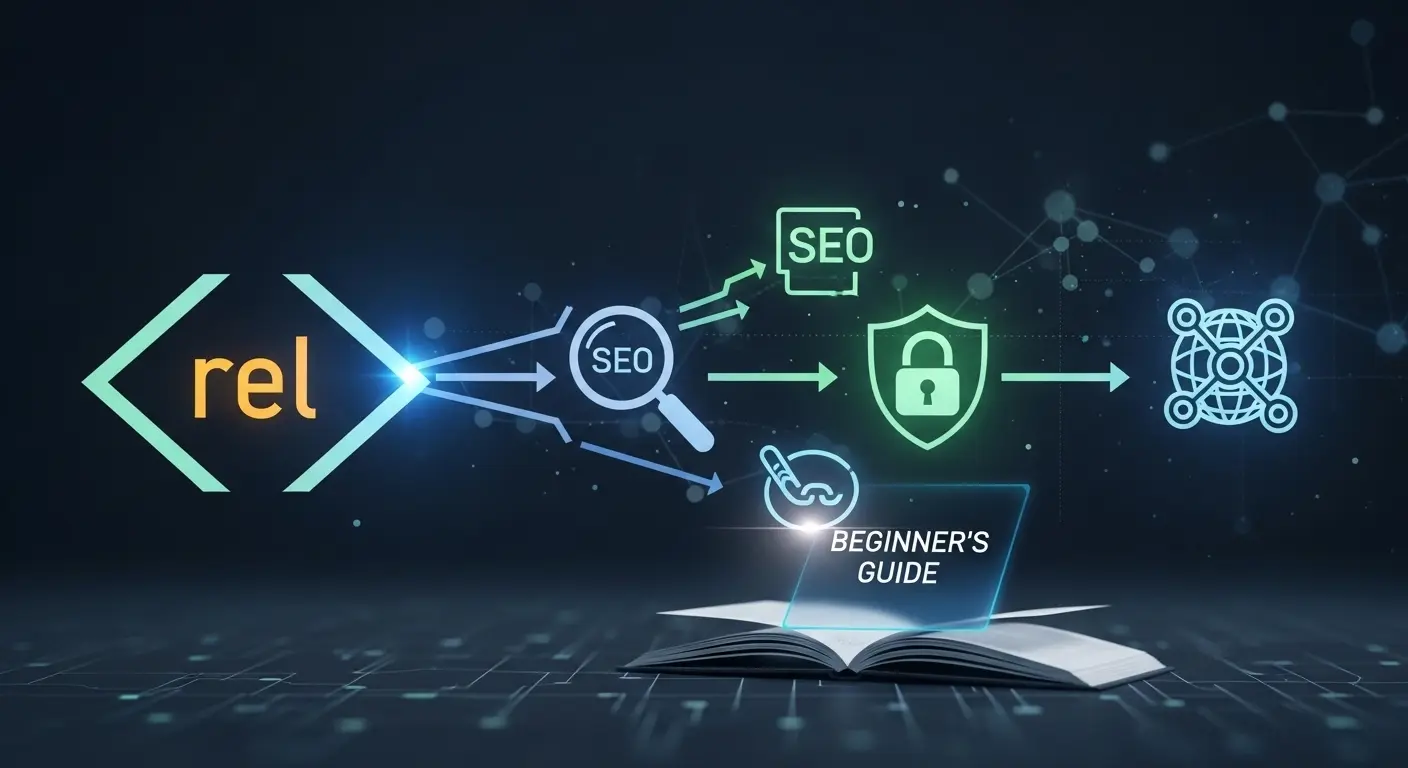
For a beginner, the rel attribute might seem like an extra step. However, it serves three critical purposes:
- SEO (Search Engine Optimization): It helps Google understand which links should influence your search rankings and which ones are just “passing through.”
- Security: It protects your website from malicious scripts when users click on external links.
- Browser Performance: It tells the browser how to handle the linked resource (like pre-loading a page) to make the site feel faster.
Common rel Attributes You Need to Know
There are many possible values for the rel attribute, but as a beginner, you only need to master a handful of them. Let’s look at the most important ones.
1. rel=”nofollow”
This is perhaps the most famous value. For years, Google used “PageRank” to determine how important a website was based on how many other sites linked to it. If a high-quality site linked to you, it was like a “vote of confidence.”
However, people started abusing this by spamming links in comment sections to boost their SEO. To stop this, nofollow was created.
- What it does: It tells search engines, “I’m linking to this page, but I don’t want to endorse it or pass any SEO credit to it.”
- When to use it: In comment sections, paid advertisements, or any content where you can’t guarantee the quality of the destination.
Example:
<a href="https://spammy-site.com" rel="nofollow">Check this out</a>2. rel=”noopener”
Whenever you use target="_blank" to open a link in a new tab, you should almost always use rel="noopener".
- What it does: It prevents the newly opened page from being able to control the page the user just came from. Without it, a malicious site could theoretically redirect your original tab to a fake login page (a tactic called “tabnabbing”).
- When to use it: Every single time you use
target="_blank".
Example:
<a href="https://google.com" target="_blank" rel="noopener">Open Google in New Tab</a>3. rel=”noreferrer”
This is similar to noopener, but it goes one step further.
- What it does: It prevents the browser from sending the “Referrer” header. This means the destination website won’t know which specific page the visitor came from; they will just see it as “Direct Traffic.” It also includes the security benefits of
noopener. - When to use it: Use this if you want to protect your users’ privacy or if you don’t want a specific website to see that you are sending them traffic.
Example:
<a href="https://private-site.com" rel="noreferrer">Private Link</a>4. rel=”sponsored”
Introduced by Google in 2019, this is a more specific version of nofollow.
- What it does: It explicitly tells Google that the link is an advertisement or a paid placement.
- When to use it: Use this for affiliate links, paid guest posts, or any link you were paid to include.
Example:
<a href="https://affiliate-product.com" rel="sponsored">Buy our favorite coffee</a>5. rel=”ugc”
UGC stands for User Generated Content.
- What it does: It identifies links that were created by users rather than the site owner.
- When to use it: Inside forum posts, blog comments, or reviews. This helps Google distinguish between your editorial voice and the voices of your visitors.
Example:
<a href="https://user-link.com" rel="ugc">User's personal blog</a>Advanced Link Relationships
As you get more comfortable, you might run into these attributes. They are less about SEO and more about how the browser handles the page.
rel="author"
This used to be a major part of “Google Authorship,” but while Google has changed how they track authors, it’s still good practice.
- Use case: Linking to the biography page or social media profile of the person who wrote the article.
rel="canonical"
While usually found in the <head> of an HTML document rather than a clickable <a> tag, it’s worth mentioning.
- Use case: Telling Google which version of a page is the “master copy” to avoid duplicate content issues.
rel="prev" and rel="next"
These are used for paginated content (like “Page 1, 2, 3”).
- Use case: Helping search engines understand the sequence of a series of pages.
Can You Use More Than One?
Absolutely. In fact, it is very common to combine them. If you have a sponsored link that you want to open in a new tab, you would list the values separated by a space.
Example:
<a href="https://partner-site.com" target="_blank" rel="sponsored noopener">Check out our partner</a>In this case, you are telling the browser to be secure (noopener) and telling Google that this is a paid link (sponsored).
Best Practices for Beginners
To keep your website healthy and your SEO strong, follow these simple rules:
- Don’t “NoFollow” everything: Some beginners think they should
nofollowevery external link to keep all the “SEO juice” for themselves. This is a mistake. Linking to high-quality, relevant sources actually improves your SEO because it shows you are providing value. - Safety first: Always use
noopenerfor links opening in a new tab. Most modern CMS platforms (like WordPress) do this automatically now, but it’s a good habit to check. - Be honest with Google: Use
sponsoredfor ads. Google is very good at detecting paid links, and trying to hide them as “natural” links can lead to penalties. - Consistency is key: Choose a logic for your site and stick to it. If you use
ugcfor comments, make sure it’s applied to all comments.
Summary Table for Quick Reference
| Rel Attribute | Purpose | When to use |
nofollow | General non-endorsement | When you don’t trust the link or don’t want to pass SEO credit. |
sponsored | Paid links | Affiliate links, ads, and paid placements. |
ugc | User content | Comments and forum posts. |
noopener | Security | Every time you use target="_blank". |
noreferrer | Privacy/Security | When you don’t want the destination site to know where the user came from. |
Final Thoughts
The rel attribute might seem like a small detail, but it’s a powerful tool in your web development toolkit. By using it correctly, you’re not just writing better code; you’re building a more secure, more transparent, and more search-engine-friendly web.
Start small. The next time you add a link to your blog or project, ask yourself: What is my relationship with this page? Once you answer that, you’ll know exactly which rel attribute to use.
FAQ
Yes, though Google now treats it as a “hint.” This means they might still crawl the link, but they generally won’t use it to rank the destination page.
On older browsers, the page you link to could potentially use JavaScript to take over your website’s tab. Most modern browsers have added built-in protections, but adding the attribute manually is still the “Gold Standard” for web safety.
Generally, no. You trust your own site, and you want search engines to follow those links to discover more of your content. You should leave the rel attribute off for internal links unless you have a very specific technical reason to use it.
Yes, you can. It is very common to combine them depending on your needs. For example, if a user leaves a link to a paid service in your comment section and you want that link to open in a new tab, you would combine the attributes like this: rel="ugc sponsored noopener". Just separate each value with a single space. This tells search engines that the link is both user-generated and a paid promotion, while also keeping your site secure.
No, using nofollow does not penalize your site. In fact, it can actually help you. Google expects a natural website to have a mix of link types. If you have a forum or a blog with comments, using ugc or nofollow shows Google that you are managing your site responsibly and preventing spam. The only way links usually “hurt” your SEO is if you link to low-quality or “scammy” sites without using these attributes.