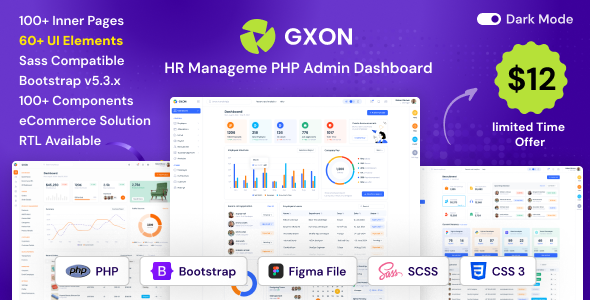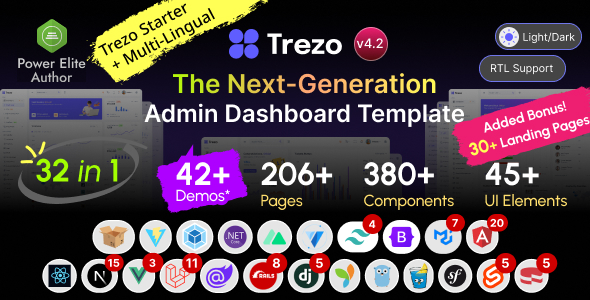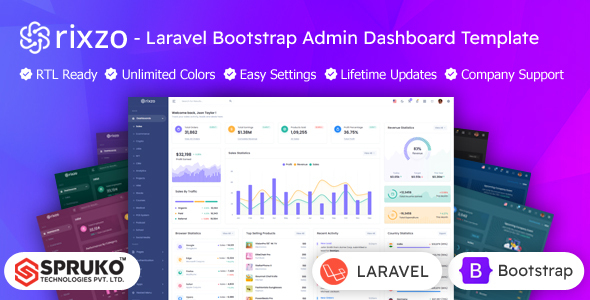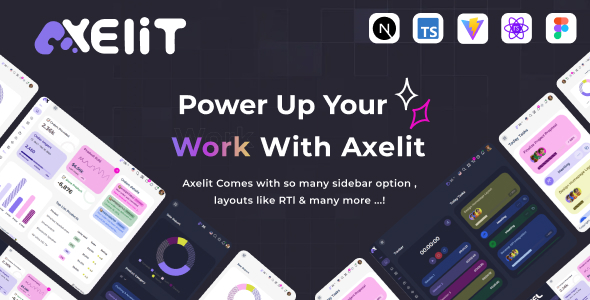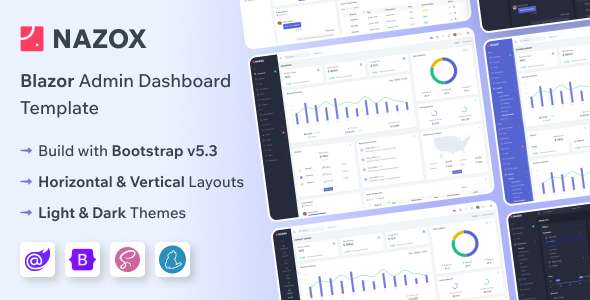
Nazox is a Blazor Server admin dashboard template built on Bootstrap, providing a pre-configured UI foundation for developers creating internal tools or SaaS backends.
Streamlining Blazor Admin Panel Development for Agencies
Building a new admin panel from scratch in Blazor can consume significant development hours, especially when handling repetitive UI tasks. This Nazox Blazor admin dashboard template addresses that by providing a functional, pre-built UI scaffolding, including basic routing and common component integrations. For agencies that frequently deliver client dashboards or internal tools, this template means faster project initiation and quicker iterations based on client feedback, saving valuable time on foundational work.
Assessing Nazox's Blazor Code Quality and Core Functionality
The template leverages Bootstrap for its styling and Blazor Server for its backend interactivity. In our experience with similar frameworks, getting the basic layout, navigation, and data presentation components to work smoothly in Blazor requires a dedicated effort. Nazox offers a functional base, reducing boilerplate code for common admin dashboard features like data tables, forms, and charting integrations. The SCSS support is a practical inclusion, allowing for structured theme customization and easier maintenance, which translates to lower long-term costs. W3C validated code is a standard expectation, ensuring fewer unexpected browser rendering issues.
- The SCSS architecture is well-organized, making it easier to customize branding and styles without deep diving into raw CSS, which reduces future development time.
- Pre-configured layouts for both horizontal and vertical navigation save time on responsive design, ensuring a consistent user experience across devices.
- Integration of common Blazor components like chart libraries and datatables is solid, providing immediate functionality for data visualization crucial for business owners.
- The inclusion of pre-built error pages and authentication flows means less time spent on foundational user experience and security, leading to a more robust application.
What Nazox Delivers Well for Blazor Developers
The primary strength here is the template's ready-to-use Blazor Server integration atop a stable Bootstrap foundation. It's not just static HTML; it's a working Blazor project with common admin UI components already connected. This significantly reduces initial setup time and the repetitive task of wiring up basic interactivity. The dark mode option is also a good addition for user preference, enhancing the overall user experience.
Identifying the Ideal User for this Blazor Dashboard Template
This Nazox Blazor admin dashboard template is best suited for individual developers or small teams needing to rapidly develop internal tools, SaaS admin interfaces, or client dashboards using Blazor Server. It's particularly valuable for those prioritizing quick deployment over highly custom UI development, and who are comfortable working within a Bootstrap ecosystem. It is not for projects demanding unique, bespoke UI/UX designs that significantly depart from Bootstrap's aesthetic, or those requiring complex backend logic deeply intertwined with the UI beyond standard administrative functions.
Recognizing the Limitations of a Pre-built Blazor Template
While functional, the design aesthetic remains fairly standard Bootstrap. It doesn't offer a particularly unique visual identity, meaning you will need to invest time in custom styling if differentiation is a key goal. The claim of "unlimited template possibilities" is somewhat overstated; you are still operating within the conventions and limitations of the Bootstrap and Blazor component ecosystem. It serves as a strong starting point, but not a blank canvas for truly novel user interfaces.
Final Thoughts: Is this Blazor Admin Dashboard Template a Smart Investment?
For developers regularly building Blazor Server applications that require an admin panel, Nazox offers a pragmatic and efficient starting point. It handles the often-tedious initial setup and provides a functional suite of components, allowing you to concentrate on the specific business logic rather than recreating common UI elements. If your objective is to accelerate development and reduce the initial workload, this template represents a sensible, time-saving investment.
FAQ
Is this template compatible with Blazor WebAssembly?No, this template is specifically built for Blazor Server applications. Adapting it to WebAssembly would require substantial refactoring of the server-side interactions.
How difficult is it to customize the styling beyond basic color changes?Since it uses SCSS, customizing the styling is manageable for developers familiar with Sass. You can override Bootstrap variables and add custom styles in a structured way, but significant visual overhauls will still require dedicated effort.
Does this template include any backend API examples or database integrations?The template provides the front-end UI and Blazor components. It does not typically include specific backend API implementations or database connection logic, as those are project-specific responsibilities.