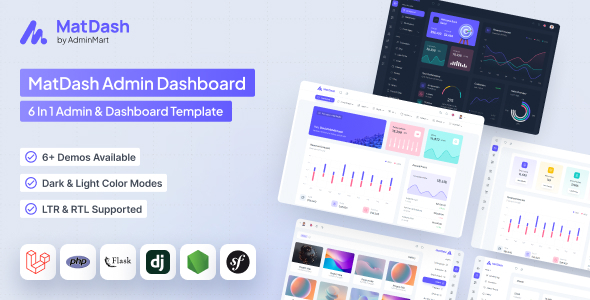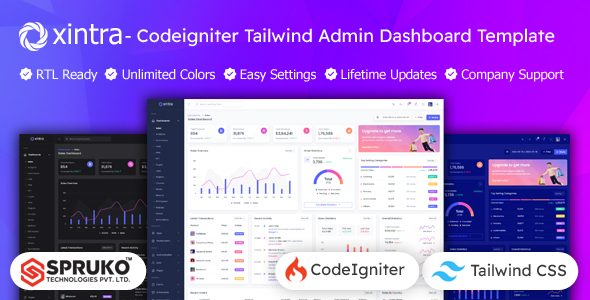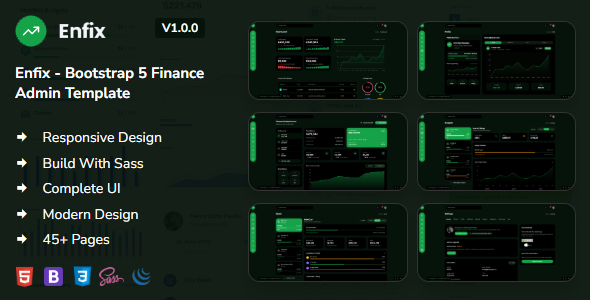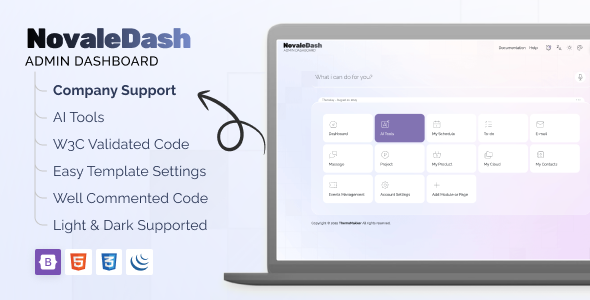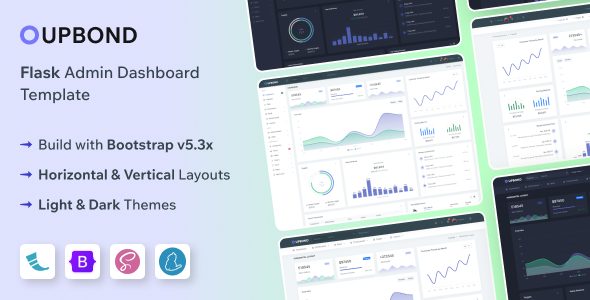
Upbond Flask: A Bootstrap admin template for building web applications. Offers reusable UI elements, widgets, and features for developers. Ideal for rapid prototyping and internal tools.
Building Admin Panels with Upbond Flask
When we first look at an admin template like Upbond Flask, we're immediately assessing its potential to speed up development for internal dashboards or client management portals. This template is built on Flask and Bootstrap, which means it’s using established technologies that many development teams are already familiar with. It provides a solid foundation with pre-built components, saving us the usual time spent on basic layout and styling for things like data tables or form elements.
Streamlining Development Workflow for Dashboards
The core value proposition here is cutting down on the grunt work involved in creating administrative interfaces. We found the inclusion of common pages like login, registration, and error pages to be a practical time saver. For projects requiring quick turnarounds or for teams that want to focus on custom application logic rather than UI minutiae, Upbond Flask offers a good starting point. The template’s structure aims to make it easier to integrate with a Flask backend, which is a key consideration for anyone developing Python-based web applications.
Practical UI Components and Features
Digging into the actual components, we found the variety of UI elements to be standard for a template in this category. It includes:
- Calendar view for scheduling and event management.
- Form validation which helps in creating user-friendly input fields.
- Invoice pages with print functionality, useful for billing or reporting modules.
- Datatables for managing and displaying large datasets efficiently.
- Charts libraries to visualize data, a common requirement for dashboards.
These elements are generally well-implemented and offer a decent starting point for most common admin panel needs. The SCSS support is also a plus, allowing for more organized and maintainable CSS if we need to extend the styling beyond the defaults.
Considerations for Customization and Scalability
While Upbond Flask provides a good set of pre-built pieces, we need to be realistic about its limitations. If your project demands a highly unique visual style or complex, custom interactive elements not covered by the included widgets, you'll likely spend significant time overriding the template's styles. It’s not designed for deep visual customization beyond what Bootstrap and the SCSS variables allow. For those needing to build a custom ecommerce website template with extensive product filtering or a complex booking system, this template might require substantial modification.
Real-World Performance and Standards
From a developer's perspective, the template's asset loading feels fairly standard. We didn't notice any immediate red flags regarding bloated JavaScript or excessive CSS that would significantly impact Core Web Vitals, though optimization is always an ongoing task. The inclusion of responsive layout across desktops, tablets, and mobile devices is expected and handled competently. We also appreciate that templates are increasingly built with semantic accessibility in mind, which helps ensure the admin panel is usable by a wider range of users and better for SEO.
Who Should Use Upbond Flask and Who Should Look Elsewhere
This template is best suited for developers building internal dashboards, content management systems, or client portals where a functional and clean administrative interface is the priority. It’s a good choice for agencies needing fast turnarounds on projects that don't require a completely bespoke frontend design for their admin sections. However, it’s not the right fit for those needing a highly branded, visually distinct admin experience out-of-the-box, or for developers looking for a template with advanced, niche-specific functionalities pre-integrated.
Final Thoughts on Upbond Flask
Upbond Flask offers a practical set of tools for anyone looking to accelerate the development of Flask-based admin interfaces. It provides the essential components and a clean aesthetic that can save considerable development time. While it doesn't break new ground in terms of unique features, its solid foundation and well-organized structure make it a sensible investment for projects where efficiency in building functional dashboards is key.
FAQ
Is Upbond Flask suitable for building a custom dashboard for a SaaS application?
Yes, it provides a solid foundation for SaaS dashboards, especially if you need to manage users, data, or settings efficiently.
How easy is it to integrate Upbond Flask with a custom Flask backend?
Given it's built with Flask, integration is generally straightforward, leveraging common Flask patterns for templating and routing.
Can I easily change the color scheme of Upbond Flask?
Yes, with SCSS support, changing the color scheme is manageable, though it requires some familiarity with SCSS variables.
Does Upbond Flask include features for managing user roles and permissions?
While it provides basic user pages, specific user role and permission management logic would need to be implemented in your backend application.


![Falt – React Tailwind Admin Template [React TS]](https://s3.envato.com/files/725995225/01_cover.__large_preview.png)