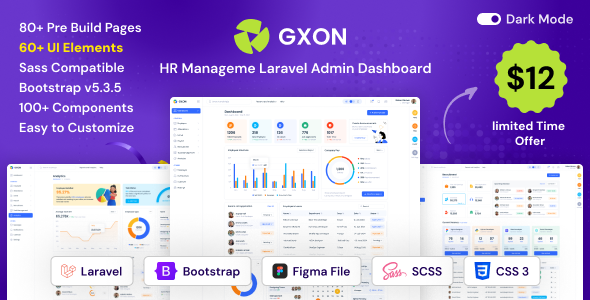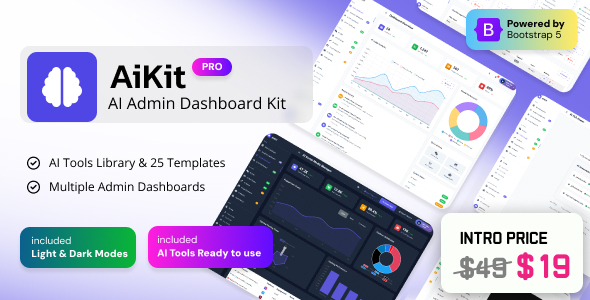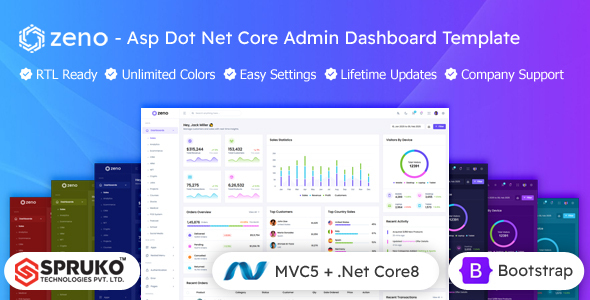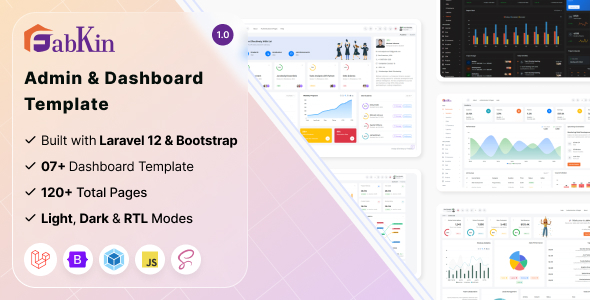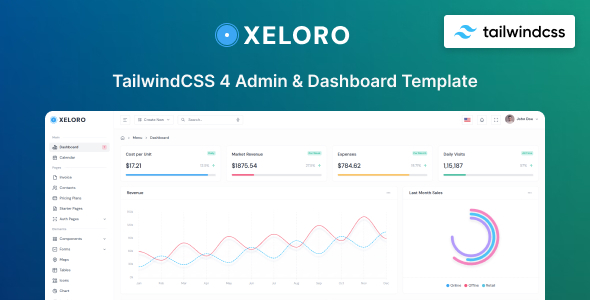
Xeloro is a Tailwind CSS admin dashboard template and UI kit designed for developers building web applications. It offers a collection of pre-built components and pages to speed up development for projects like SaaS platforms, CRMs, and e-commerce backends.
Accelerating Admin Panel Development with Xeloro
After building multiple agency sites with tools like this, we found Xeloro to be a solid starting point for projects that require a custom admin interface. It leverages Tailwind CSS, which is a popular choice for developers who prefer a utility-first approach to styling. The inclusion of Preline UI components means you get a good set of common elements out of the box, saving us considerable time on repetitive styling tasks.
This template is particularly useful for projects where the focus is on functionality and rapid deployment, rather than a highly bespoke, brand-specific frontend. If you’re building a SaaS product, an internal tool, or an e-commerce backend, Xeloro can significantly reduce the initial setup time for your admin panel. We've found that having these components pre-built and organized helps us get to the core business logic faster, which is a real workflow win.
Who Benefits Most from This Admin Template
Xeloro is clearly aimed at developers and agencies that need to spin up functional admin interfaces quickly. It’s a good fit for projects like:
- SaaS platforms that need a user-friendly dashboard for their clients.
- E-commerce backends requiring tools for managing products, orders, and customers.
- Internal business tools where a custom interface is more efficient than off-the-shelf solutions.
- Freelancers looking for a reliable starting point for client projects that involve admin areas.
However, this template isn't for everyone. If your project demands a completely unique UI design that deviates heavily from standard dashboard layouts, or if you need deep backend integrations beyond what a template typically provides, you might find yourself doing more custom work than you save. It’s also less suitable if you’re building a public-facing website where aesthetics are the absolute top priority and you’re not focusing on an admin area.
Solving the "Boilerplate Blues" in Web Application Development
The primary problem Xeloro solves is the time sink involved in building common UI elements for admin panels from scratch. Things like data tables, forms with various input types, modal windows, and navigation structures can take hours to style consistently. Xeloro provides these ready-to-use, saving us the effort of reinventing the wheel. We’ve used similar admin templates to shave off 15-20 hours on initial project setup for typical CRM-style dashboards.
The template’s organization is generally clean. The SCSS variables are well-structured, making it straightforward to adjust global styles like primary colors or font families. This is a practical benefit for business owners because it means future brand updates or minor design tweaks can be handled more efficiently, potentially lowering long-term maintenance costs.
Developer Workflow and Technical Considerations
When we tested Xeloro, we noticed the CSS structure follows Tailwind’s utility-first philosophy. This means developers familiar with Tailwind will feel right at home. The component-based approach makes it easy to reuse elements across different pages, which is standard practice for efficient development. We appreciate that it seems to adhere to standard accessibility practices, which is crucial for any professional web application.
The mobile menu behavior is standard for admin templates, collapsing into a sidebar or a hamburger icon. While the pages included cover common admin needs, we did notice that some of the included demo pages felt a bit like filler rather than essential features for a core admin panel. For instance, a dedicated "Typography" page is nice for developers but less critical for the end-user of a SaaS application.
Comparison to Market Standards
Compared to many older admin templates that relied heavily on jQuery plugins and less maintainable CSS, Xeloro’s reliance on Tailwind CSS is a significant advantage. It leads to cleaner code and better performance potential, especially concerning asset loading. While some templates bundle every possible chart library, Xeloro keeps it focused on a few integrated options, which we find more manageable.
The trade-off with this approach is that while Tailwind offers flexibility, mastering its utility classes can have a slight learning curve for developers new to the framework. However, for those already comfortable with it, the speed of development is undeniable. The semantic structure of the HTML also appears to be decent, which is a plus for SEO if parts of the admin interface might be indexed or if search engines are a consideration.
A Practical Choice for Backend Interfaces
Xeloro is a practical choice for developers needing a well-organized and feature-rich admin template. It provides a strong foundation for building functional web applications efficiently. While it might not offer groundbreaking new features, its adherence to modern development practices and its comprehensive set of reusable components make it a smart investment for speeding up backend development. It’s a solid option for anyone looking to avoid building admin UI from scratch.
FAQ
Is Xeloro suitable for building a public-facing website?
Xeloro is designed as an admin dashboard template and UI kit, not for public-facing websites. Its components and layouts are optimized for backend interfaces.
How easy is it to customize the look and feel of Xeloro?
Customization is relatively straightforward, especially for developers familiar with Tailwind CSS and SCSS variables, allowing for easy adjustments to colors, typography, and spacing.
Does Xeloro include any e-commerce specific admin features?
While Xeloro provides general admin components that can be adapted for e-commerce, it doesn't come with pre-built, specialized e-commerce admin pages like product listing or order management dashboards.
What is the benefit of using a template like Xeloro for my web application?
Using Xeloro significantly reduces development time by providing pre-built UI components and page layouts, allowing you to focus on your application's unique features and business logic.