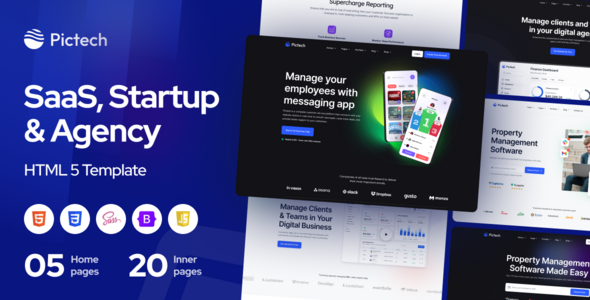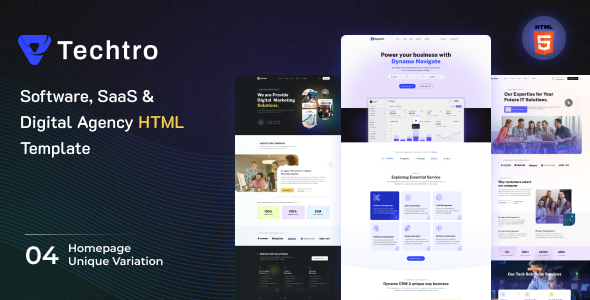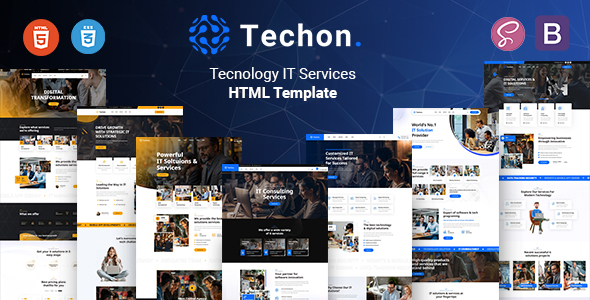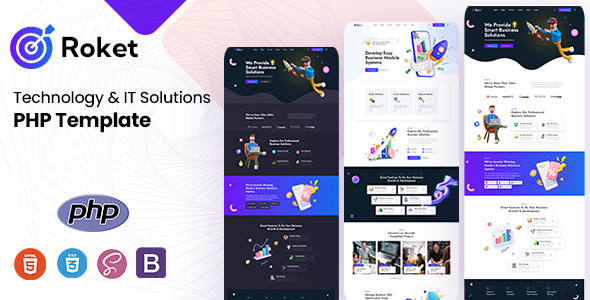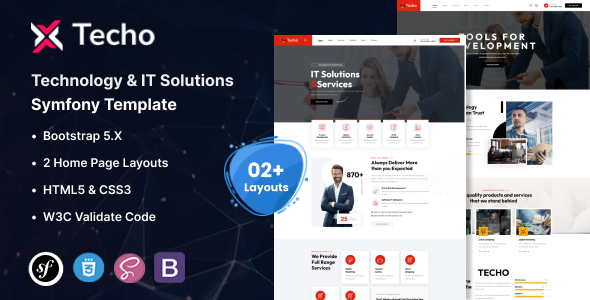
The Techo Technology IT Solutions Symfony Template is a pre-packaged frontend user interface kit built on Bootstrap, integrated with Symfony for developers or agencies looking to rapidly deploy marketing websites for technology and IT service companies.
Accelerating IT Solutions Website Development for Agencies
This template addresses a common workflow problem for agencies building IT solutions websites: getting a presentable, functional frontend up quickly without starting from a blank canvas. When you have a Symfony backend already in play or planned, this template provides a head start on the visual layer, saving significant time on initial design and component setup. It's a smart investment for projects with tight deadlines where the primary goal is a solid marketing presence rather than a deeply custom, bespoke design.
Technical Standards and Practical Implementation for Symfony Projects
Techo leverages Bootstrap, which is a common, reliable framework for responsive design. The use of W3C valid Twig files is a good sign for semantic structure and potential search engine optimization benefits, meaning the underlying HTML is clean and well-formed. This attention to semantic structure also contributes to standard accessibility practices, which is crucial for any public-facing website. From a maintenance perspective, a clean Twig structure makes content updates and minor layout tweaks more straightforward for anyone familiar with Symfony's templating.
- The CSS organization, while built on Bootstrap, appears to be fairly standard. You'll likely find a mix of global styles and component-specific rules. For larger projects, you might want to refactor into a more modular SASS architecture for easier long-term maintenance and lower costs.
- The template includes a Revolution Slider and Menuzord for the responsive navigation. While these offer rich features, they can introduce additional JavaScript and CSS overhead. You'll need to carefully manage asset loading to ensure good Core Web Vitals scores, which directly impacts user experience and search rankings.
- Handling long text in service descriptions or case studies is decent, with layouts generally accommodating content without awkward breaks. The mobile menu, powered by Menuzord, behaves as expected, collapsing cleanly and providing clear navigation on smaller screens, ensuring a consistent user experience across devices.
- Integrating this Symfony template into an existing project means you're primarily dropping in the Twig templates and associated assets. The setup feels comparable to integrating any Bootstrap-based frontend, but with the advantage of already being wired into Symfony's templating engine, which simplifies route and data binding.
Strengths and Practical Utility for a Developer
What impresses most about Techo is its focus on a specific niche: IT services. The layouts are directly applicable for presenting services, case studies, team profiles, and contact information without needing extensive modifications. The out-of-the-box responsiveness is solid, a non-negotiable for any modern site. It's a pragmatic choice for a developer needing to quickly prototype an IT services agency website or launch a client's site with a professional look, avoiding the initial frontend build-out.
Who Benefits from this Symfony Template and Who Should Consider Alternatives
This template is ideal for freelance developers or small to mid-sized agencies that frequently build marketing sites for technology companies, IT consulting firms, or SaaS startups. It’s particularly useful for those who need a solid frontend foundation that integrates well with a Symfony backend and can be deployed quickly. However, it's not for those needing deep custom backend logic tied directly into the frontend components, or for projects demanding a highly unique, brand-specific design that deviates significantly from common IT sector aesthetics.
Acknowledging the Template's Limitations
One aspect that feels fairly standard is the overall visual design. While clean and functional, it doesn't push any creative boundaries; it's a safe, "market-average" look for the IT sector. The inclusion of external libraries like Revolution Slider means you're tied to their update cycles and potential licensing. For smaller projects, a lighter, custom-built slider might offer better performance and less dependency overhead. You also need to be mindful of GDPR-ready font loading practices, as Google Fonts are used; ensure proper consent or local hosting if necessary.
Final Thoughts: Is it worth it?
If your agency or project pipeline frequently involves building marketing sites for IT and technology clients, investing in the Techo Technology IT Solutions Symfony Template makes sense. It provides a robust starting point, significantly cutting down on initial development hours and allowing you to focus on client-specific content and backend integration. It's a tool that genuinely saves time and effort, making it a logical choice to streamline your workflow and deliver projects more efficiently.
FAQ
Does this template include any backend functionality for forms or user management?No, this is a frontend template. While it provides the HTML and Twig structure for forms, you will need to implement all backend logic for data processing, validation, and storage within your Symfony application.
How easy is it to change the primary brand colors and typography?The template uses Bootstrap, so changing primary colors usually involves overriding Bootstrap variables or adjusting a central CSS file. Fonts are Google Fonts, which can be swapped by editing the CSS and Twig template includes.
Can I easily remove or replace components like the Revolution Slider?Yes, you can remove the Revolution Slider by deleting its associated Twig includes and JavaScript/CSS assets. Replacing it with a different slider or a custom solution would require integrating the new component's code into the relevant Twig files.
Is the template designed with semantic accessibility in mind?The W3C valid Twig files suggest a good foundation for semantic HTML, which aids accessibility. However, full accessibility compliance often requires additional attention to ARIA attributes, keyboard navigation, and contrast ratios, which would need to be verified during implementation.