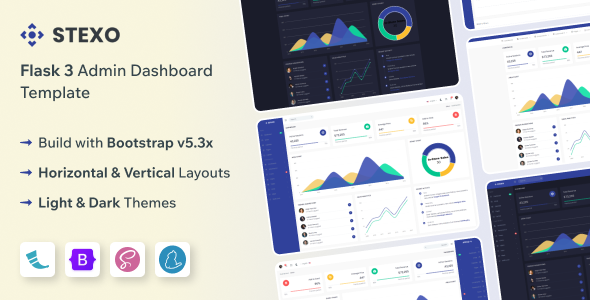
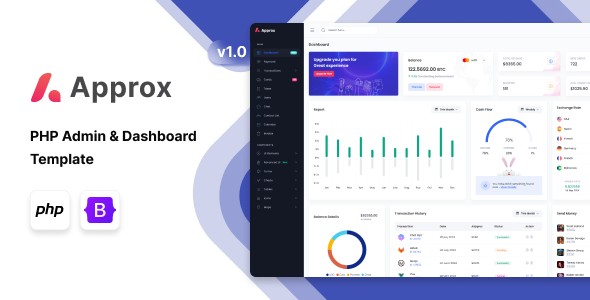
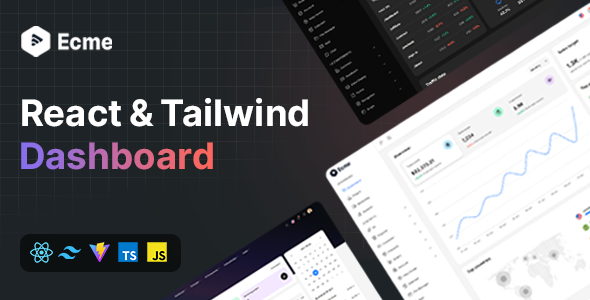
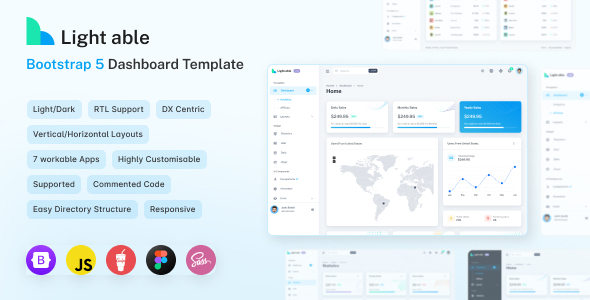
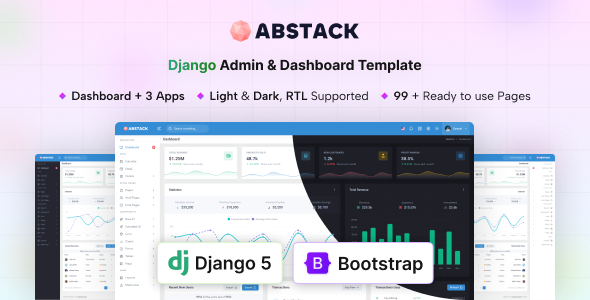
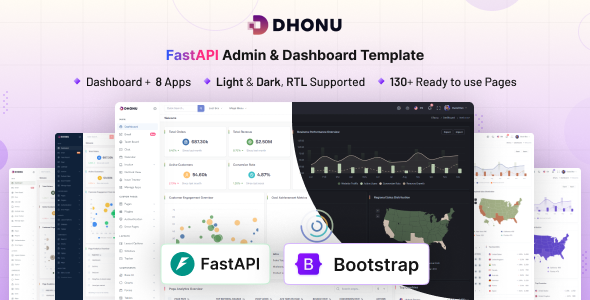
Reback Next.js admin dashboard template is a pre-built UI kit designed for developers who need to quickly set up backend interfaces or internal tools.
Streamlining Next.js Admin Panel Development Workflows
The biggest workflow problem this template solves is the repetitive boilerplate involved in setting up an admin panel UI. Instead of building common components, layouts, and navigation from scratch, Reback provides a solid foundation. This is particularly useful for agencies or freelancers who need to quickly deploy a functional internal dashboard or client admin area without spending weeks on initial frontend setup. It acts as a significant frontend development time-saver for admin panels, freeing up resources for custom business logic rather than UI scaffolding.
Examining the Technical Foundation of Reback Admin UI Kit
This kit is built on Next.js and Bootstrap, offering a familiar environment for many frontend developers. The use of SCSS variables for styling is a practical choice, making global branding changes straightforward. The Gulp workflow handles asset compilation and optimization, which is a standard approach for keeping load times reasonable in production environments.
In our experience with similar frameworks, the code organization here is decent. The semantic HTML structure is generally clean, contributing positively to accessibility and search engine indexing. The focus on common admin apps like e-commerce dashboards and invoice management suggests it's built with typical data-heavy internal tools in mind.
- The SCSS variable setup makes global styling changes straightforward, meaning less time digging through CSS files for custom branding.
- The Gulp workflow handles asset compilation and optimization, which is standard for many template builds and helps keep load times reasonable for end-users.
- The semantic HTML structure is clean and generally follows accessibility best practices, which is crucial for search engine visibility and usability.
- Mobile responsiveness is handled well out of the box, ensuring a consistent user experience on any device.
- When we tested the kit on a demo site, the asset loading felt efficient, contributing positively to perceived performance and potentially Core Web Vitals.
- RTL/LTR support is a thoughtful inclusion for projects targeting diverse global audiences, saving significant styling effort.
What Impresses About This Next.js Dashboard Template
What stands out is the sheer breadth of ready-to-use components and pages. For agencies needing fast turnarounds on internal tools or client admin portals, this kit provides a significant head start. The inclusion of common apps like chat, calendar, and e-commerce dashboards means less custom development for standard features, making it a strong contender for a Bootstrap admin UI kit for rapid development.
Who Should Consider Reback for Their Admin Interface Needs
This template is ideal for freelancers, small agencies, and development teams building internal tools or client-facing admin panels. It's for anyone who prioritizes rapid deployment and needs a solid, functional UI foundation without starting from scratch. However, it's not for projects requiring a completely unique, bespoke design system from the ground up or those with highly unusual backend logic that isn't primarily UI-driven.
Realistic Limitations of This Admin Dashboard Template
While the Gulp workflow is functional, some developers might prefer a more integrated build process native to Next.js or a modern bundler like Vite. The overall aesthetic, while clean and functional, doesn't break new ground; it's a solid, market-average Bootstrap look. If your project demands a truly distinctive visual identity, you'll need to invest significant time in customization.
Final Thoughts: Is it worth it?
Reback offers a practical solution for quickly deploying admin interfaces. If you're looking to cut down on frontend development time and avoid repetitive UI work, this template provides a strong, well-organized foundation. It's a sensible investment for anyone needing to deliver functional dashboards efficiently and reliably.
FAQ
How difficult is it to integrate custom data sources?Integrating custom data sources is standard; you will connect your API endpoints to the existing UI components, replacing placeholder data with your actual backend information.
Can I easily change the primary color scheme?Yes, the template uses SCSS variables for styling, which makes changing the primary color scheme and other global styles a straightforward process through a few variable adjustments.
Is the template kept up-to-date with Next.js and Bootstrap versions?Based on typical template lifecycles, you should expect periodic updates to align with major framework versions, though specific update schedules vary by vendor.
Does it include any backend logic or just the frontend UI?This product is a frontend UI kit; it provides the visual components and structure for your admin panel, but you will need to implement your own backend logic and API integrations.