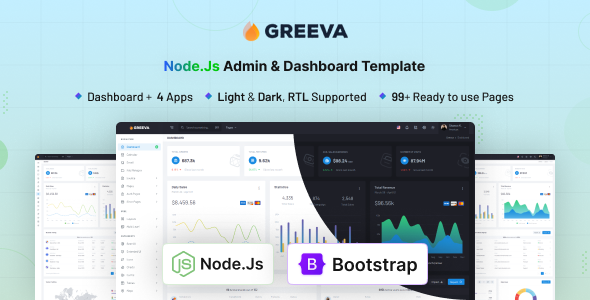
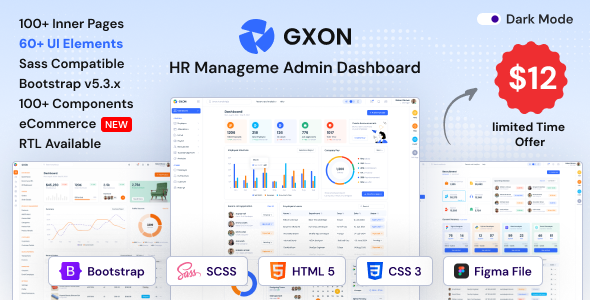
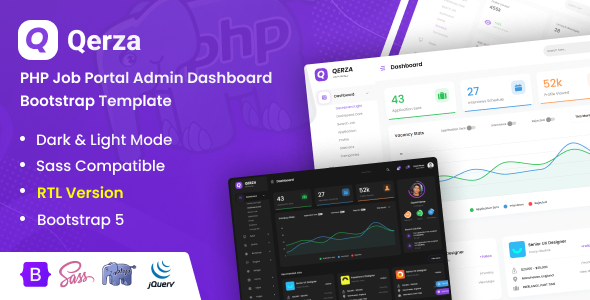
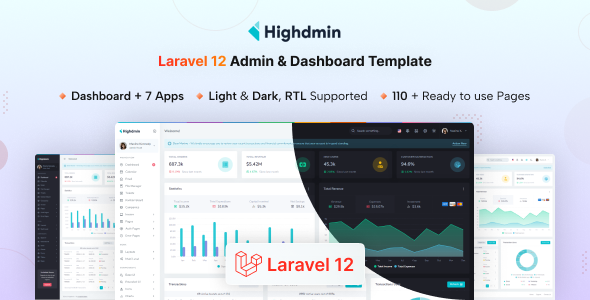
Mirbal Laravel admin dashboard template is a pre-built UI kit for backend systems, designed for developers who need to quickly spin up an admin panel for Laravel applications.
Addressing Common Challenges in Laravel Admin Panel Development
This template directly addresses the time sink of setting up a consistent, functional user interface for admin panels. For agencies needing fast turnarounds or solo developers building internal tools with Laravel dashboard functionality, it provides a solid foundation, saving countless hours on initial styling and component creation.
Instead of starting from scratch with basic Bootstrap components, you get a full suite of pre-designed pages and elements. This allows you to focus on the application's core business logic rather than front-end boilerplate, which is a significant workflow problem for many projects.
Technical Standards and Code Quality for Laravel Dashboards
Mirbal is built on a standard, modern stack: Laravel, Bootstrap, Webpack, and SCSS. This means the underlying architecture is familiar to most developers, which is a huge plus for long-term maintainability and finding talent to work on the project.
The SCSS organization is logical, making it relatively straightforward to override variables and customize styles without fighting the framework. Webpack handles asset compilation, which translates to optimized, smaller file sizes for the end-user, contributing positively to load times and overall user experience.
From an accessibility standpoint, relying on Bootstrap provides a decent baseline. The semantic structure for SEO is clean, using standard HTML elements for navigation and content areas, which helps search engines understand the page structure, though admin panels are less about public SEO and more about internal usability.
- The Webpack build process ensures assets are optimized, leading to faster loading times for end-users and better overall application performance, which can lower server costs.
- SCSS integration means customization is manageable. Changing primary colors or font stacks is done through variables, reducing maintenance costs significantly compared to overriding compiled CSS.
- The mobile menu behavior is standard Bootstrap, collapsing gracefully and providing a clear navigation experience on smaller screens, critical for administrators on the go.
- Layouts generally handle long text content by allowing natural wrapping or providing scrollable containers where appropriate, preventing common UI breakages.
- Compared to many market-average templates, the file organization for the front-end assets feels intuitive, making it easier to locate and modify specific components for easier content updates.
Strengths of Mirbal for Building Internal Tools
What impresses here is the completeness of the common admin features. You get pre-built dashboards, authentication pages, and various components like charts and data tables right out of the box. This makes it a strong contender for anyone needing to build internal tools or a client-facing admin area quickly.
The dark and light modes, along with RTL support, are good additions for broader appeal and user preference, reducing the need for custom styling in these areas and offering more flexibility to business owners.
Who Should Use Mirbal for Their Laravel Projects
This template is ideal for development teams or individual developers looking for a fast way to implement a backend UI for their Laravel projects. It’s particularly useful for agencies delivering client projects on tight deadlines or startups needing a functional admin panel MVP without dedicating extensive resources to UI development. This is a solid option for anyone building frontend boilerplate for Laravel applications.
However, it’s not for those needing an extremely unique, bespoke UI from the ground up, or projects with highly specialized front-end requirements that deviate significantly from standard admin patterns.
Limitations and What Feels Standard
While solid, the default design aesthetics are fairly standard for a Bootstrap-based admin template. It’s clean and functional, but without customization, it won't stand out. The "unlimited template possibilities" claim is standard marketing; you have the flexibility of Bootstrap and SCSS, but it still requires development effort to make it truly unique.
One thing I'd change is perhaps a more opinionated set of example CRUD (Create, Read, Update, Delete) interfaces beyond just data tables, which would further accelerate common administrative tasks.
Final Thoughts: Is it worth it?
Yes, Mirbal is a smart investment if your goal is to save development time on the front-end of a Laravel admin panel. It provides a robust, well-structured starting point that handles many common UI challenges, allowing your team to focus on the unique business logic of your application. For its price, the time saved on initial setup and ongoing maintenance makes it a logical choice to accelerate project delivery.
FAQ
Does this template handle complex data tables well?
It provides standard data table components, which are functional for most use cases. For very complex data manipulation or large datasets, you might need to integrate a more specialized JavaScript data grid library.
How easy is it to integrate custom Laravel backend logic?
The template is designed as a front-end shell for Laravel, meaning integrating your custom controllers, models, and database interactions is straightforward as it uses standard Laravel Blade views.
What's the typical performance impact on Core Web Vitals?
Given its Webpack build and Bootstrap foundation, performance is generally good. Optimized asset loading contributes to decent Core Web Vitals, but actual metrics will depend heavily on your specific server setup and additional custom code.