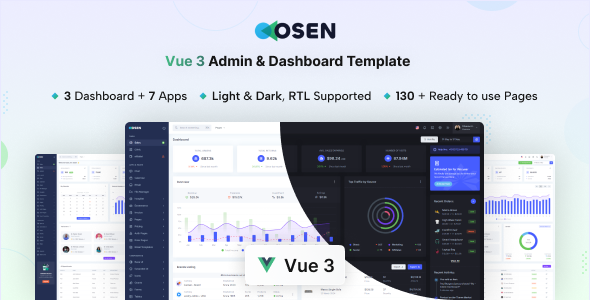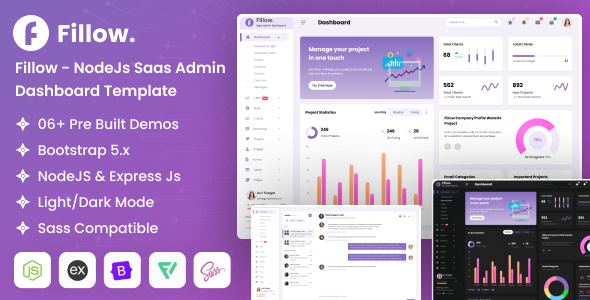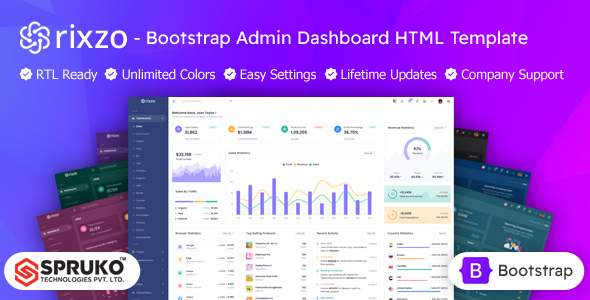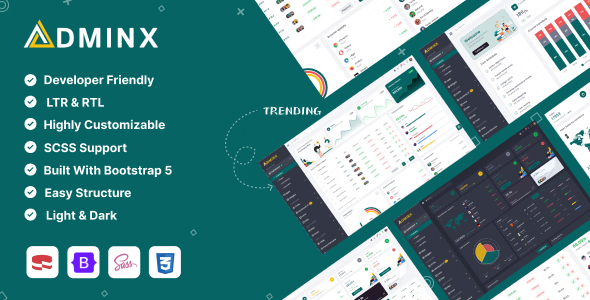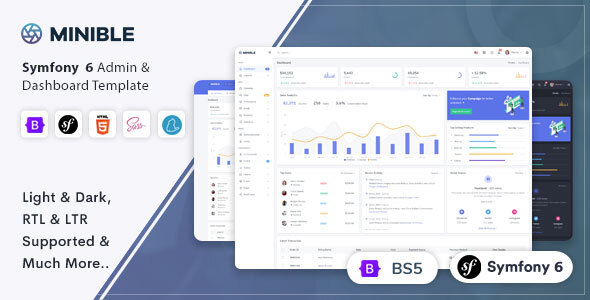
Minible Symfony admin dashboard template is a pre-built UI kit for backend applications, suitable for developers looking to quickly deploy administrative interfaces on a Symfony framework.
Streamlining Backend UI Development with a Symfony Admin Panel Starter Kit
The main workflow problem this Minible Symfony admin template solves is the repetitive, time-consuming task of building a functional backend user interface from scratch. For agencies or solo developers, laying out dashboards, data tables, forms, and navigation for every new project eats up valuable hours that could be spent on core application logic. This template provides a solid foundation, significantly cutting down on initial setup time for common admin panel needs.
It's a smart investment because it front-loads much of the UI/UX work, letting you focus on integrating your Symfony backend without getting bogged down in CSS details or responsive breakpoints. In our experience with similar frameworks, this can save 20-30 hours on styling and component assembly for a typical project, allowing for faster client delivery.
Evaluating Minible's Code Quality and Backend UI Kit Features
From a technical standpoint, Minible builds on Bootstrap, which is a standard choice for rapid UI development. The Symfony integration means it's set up to work within that ecosystem, including pre-configured authentication routes. This adherence to established tools helps ensure a relatively smooth onboarding process for developers familiar with these frameworks.
The code organization feels straightforward. Styles are generally well-structured, making it easier to override or extend components without fighting a deeply nested CSS hierarchy. The use of semantic HTML elements across the template also contributes positively to overall accessibility and search engine optimization, which often gets overlooked in hurried admin panel builds but is crucial for long-term maintainability and potential public-facing components.
- Asset Loading: The template's asset loading feels optimized enough for an admin panel. It doesn't appear to be excessively heavy, which helps maintain decent Core Web Vitals, even if the primary audience is internal users.
- Mobile Responsiveness: The layouts adapt well to various screen sizes. The mobile menu behavior is standard Bootstrap, which is predictable and generally reliable for a good user experience on smaller devices.
- Component Reusability: Key components like data tables and form elements are built modularly, making them easy to drop into different parts of your application. This is a practical benefit for lower maintenance costs over time.
- CSS Organization: The CSS structure is clean. It avoids overly specific selectors, which means less time spent debugging style conflicts and easier content updates for non-technical business owners.
Minible's Strengths: Rapid Prototyping and UI Consistency for Admin Applications
What impresses most about Minible is its immediate utility for rapid prototyping and maintaining UI consistency across a backend application. The variety of pre-built pages—ecommerce, chat, invoice layouts—means you’re not just getting a basic dashboard but a set of common application modules ready to be wired up. This significantly accelerates the initial build phase for projects like a custom CRM or a project management app.
The inclusion of dark and RTL modes out of the box is a practical strength, addressing common client requirements without needing custom implementation later, saving development time and effort.
Who Should Use Minible Symfony Admin Template for Their Projects?
This template is ideal for developers, small teams, or agencies who need to quickly deploy a functional, good-looking admin panel for a Symfony application. It's particularly useful for projects where the backend UI is primarily data-driven and requires standard CRUD operations, like a custom SaaS dashboard or an internal content management system. This is not for those needing deep custom frontend animations or highly specialized, bespoke UI interactions that deviate significantly from standard Bootstrap components.
Limitations of the Minible Admin Dashboard
While solid, one area that feels standard is the level of customization beyond the provided layouts. While you can certainly extend it, the base structure leans heavily on Bootstrap conventions. For projects requiring a truly unique brand identity or highly specific component designs that diverge from typical admin interfaces, you'll still be doing a fair amount of custom CSS and component overrides.
The JavaScript implementation, while functional, doesn't introduce any groundbreaking patterns; it largely sticks to what you'd expect from a Bootstrap-based template. This isn't a flaw, but it means you're getting a reliable, rather than a cutting-edge, frontend interactivity layer.
Final Thoughts: Is it worth it?
If your goal is to get a robust Symfony admin panel up and running quickly, saving significant development time on UI implementation, Minible delivers. It provides a well-structured starting point with common features, allowing you to allocate more resources to your application's core logic and backend services. For projects needing a reliable, responsive, and feature-rich administrative interface without starting from zero, it’s a logical investment to save both time and money.
FAQ
Is Minible suitable for high-traffic public-facing applications?
Minible is primarily designed for administrative interfaces, which typically have internal or limited user bases. While technically possible, it's not optimized for public-facing, high-traffic scenarios where SEO and performance are paramount in the same way a dedicated frontend theme would be.
How easy is it to integrate custom Symfony bundles with Minible?
Integrating custom Symfony bundles should be straightforward. The template provides the UI layer, and you would connect your bundles to its routes and views as you would with any standard Symfony application, rendering your data within the provided layouts.
Does Minible support different database systems?
Minible is a frontend UI template for Symfony. Your choice of database system (e.g., MySQL, PostgreSQL, MongoDB) is handled by your Symfony backend application, not directly by the template itself. It's agnostic to your data storage.