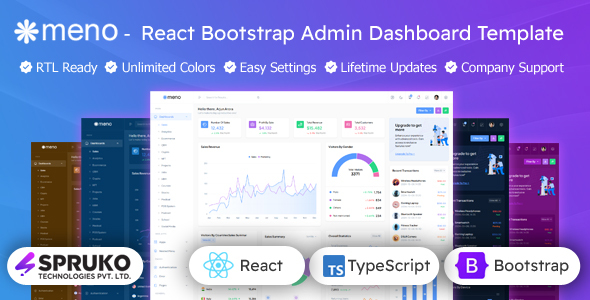
Meno: A React and TypeScript admin dashboard template for building backend interfaces. This is for developers needing a solid starting point for data-heavy applications.
Meno React TypeScript Admin Dashboard Template: A Practical Review
Alright, let's cut to the chase. You're looking at Meno, a React and TypeScript admin dashboard template built on Bootstrap. After building multiple agency sites with tools like this, I can tell you it’s designed to get you from zero to a functional backend interface pretty quickly. It’s essentially a pre-built UI kit with a lot of common admin panel components already set up.
The main problem this template solves is the sheer amount of time it takes to style and structure common admin elements. Think data tables, forms, charts, and navigation. Instead of wrestling with CSS and JavaScript for hours to get these looking decent and working correctly, Meno gives you a head start. This is particularly useful for building internal tools, CRMs, or the backend for SaaS products where the focus is on functionality and data presentation, not flashy marketing pages.
Who This React Bootstrap Admin Template Is For (And Who It Isn't)
This is for developers and agencies who need to spin up a backend interface fast. If you're building a project that requires a robust dashboard for managing data, users, or settings, and you're comfortable working within a React environment, Meno can save you significant development hours. It’s also a good fit if you're looking for a well-organized codebase to extend and customize rather than building everything from scratch.
However, if you're looking for a template to build a public-facing website or a highly unique, design-forward application with complex custom animations, this is probably not your best bet. It's an admin template, and its strengths lie in its functional components and structured layouts, not in groundbreaking visual design that you'd typically find in a portfolio or marketing theme.
Pre-built Dashboards and Components for Faster Development
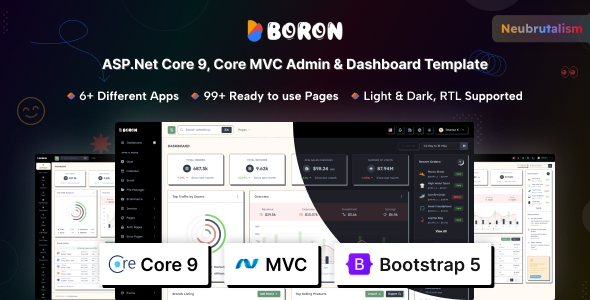
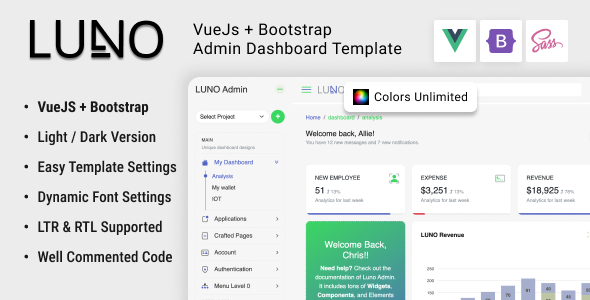
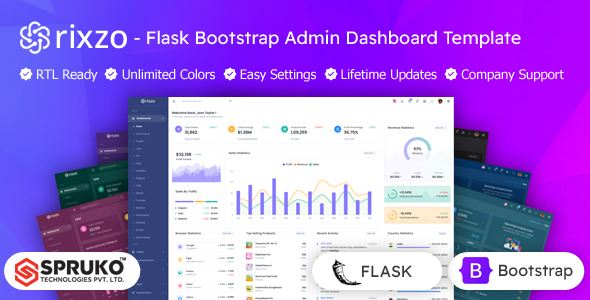
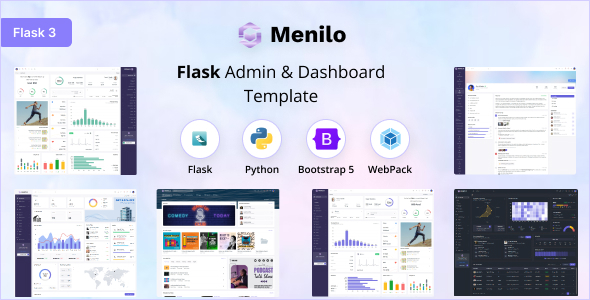
Meno comes with a variety of pre-built dashboard layouts – think sales, analytics, e-commerce, and more. This means you can pick a starting point that's close to your project's needs and then tweak it. It also includes a substantial collection of UI components and integrated plugins. This includes things like advanced data tables, multiple chart libraries (ApexCharts, Chart.js, ECharts), form elements, and even things like chat interfaces and email inboxes.
In our experience with similar frameworks, having these components ready to go drastically cuts down on repetitive coding. For example, setting up interactive data tables with sorting, filtering, and pagination can be a real headache. Meno’s inclusion of Grid JS Tables and React-integrated Data Tables means that part is largely handled for you, saving you potentially 10-15 hours on just that feature alone.
Code Quality and Developer Experience
The template is built with React and TypeScript, which is a good standard for modern web development. It’s also jQuery-free, which is a plus for performance and maintainability. The developers mention well-commented code and a clean structure. When we tested the kit on a demo site, the SCSS files were organized logically, making it relatively straightforward to override styles or add new ones. This is a big deal for long-term maintenance; messy CSS can become a nightmare on larger projects.
The inclusion of TypeScript means you get better type checking during development, catching potential errors before they hit the browser. This leads to fewer bugs and a more stable application, which ultimately means lower maintenance costs for your clients or your business.
Responsiveness and Browser Compatibility
As you'd expect from a modern template, Meno is responsive. This means it adapts well to different screen sizes, from desktops to tablets and mobile devices. It also claims major browser compatibility, which is standard but crucial. The layout options, including vertical and horizontal menus and boxed or full-width designs, offer flexibility in how the interface is presented on various devices.
The practical benefit here for a non-technical business owner is that their users will have a consistent experience regardless of the device they use to access the admin panel. This improves user satisfaction and reduces support requests related to display issues.
SEO Readiness for Admin Interfaces
For an admin dashboard, SEO readiness is less about ranking on Google and more about having a clean semantic structure. Meno adheres to W3C validation, which is a good baseline. This means the HTML is structured correctly, which is important for accessibility and can indirectly help with internal searchability if your admin panel has a lot of content.
The clean semantic structure helps screen readers and other assistive technologies interpret the content correctly, making the admin panel more accessible. While not directly impacting external SEO, it contributes to a more professional and usable product.
Final Thoughts on This React Admin Template
Meno is a solid choice if you need a feature-rich, well-structured React and TypeScript admin dashboard template. It provides a strong foundation with plenty of pre-built components and layouts, significantly speeding up the development of data-driven applications. While it’s not going to reinvent the wheel for unique visual designs, it excels at providing a functional and customizable backend interface. It’s a smart investment for developers and agencies looking to save time and deliver professional admin solutions efficiently.
FAQ
Is Meno suitable for building a small internal tool?Yes, Meno is excellent for small internal tools because it provides pre-built components that speed up development, allowing you to focus on the core functionality.
Can I integrate Meno with my existing React application?Meno is designed as a starter kit, so you can integrate its components and structure into your existing React application, but it requires some development effort.
Does Meno include a shopping cart or e-commerce features?Yes, Meno includes pre-built pages and components related to e-commerce, such as shopping cart and checkout layouts, making it suitable for backend management of online stores.
What kind of support can I expect after purchasing Meno?The template offers lifetime updates and dedicated helpdesk support from the developers, ensuring you can get assistance and keep the template up-to-date.