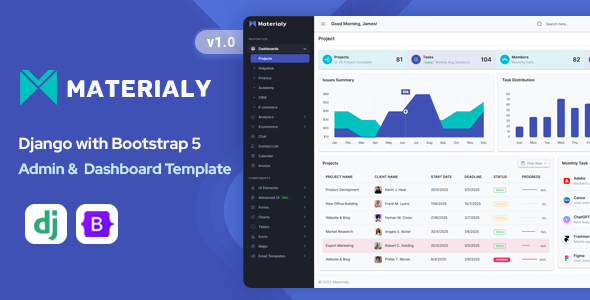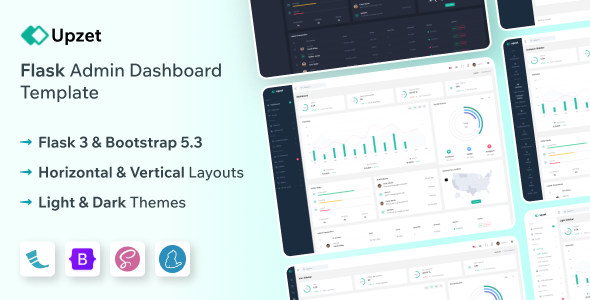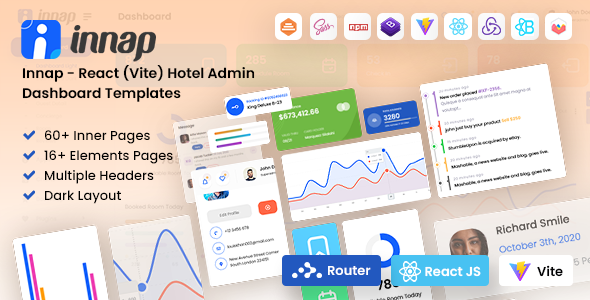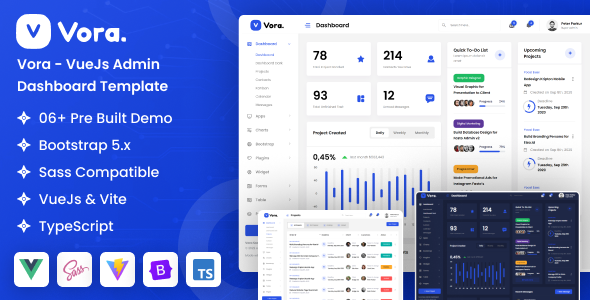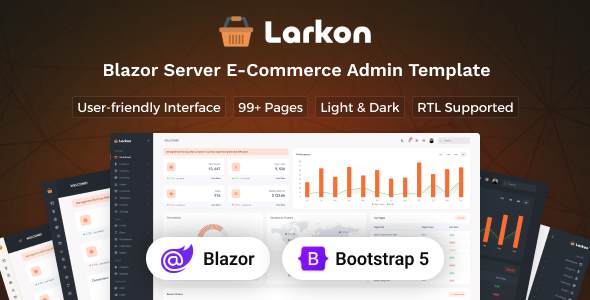
The Larkon Blazor Server Admin Dashboard Template is a UI kit designed for developers building Blazor Server applications who need a pre-built, Bootstrap-based administration interface, particularly for ecommerce or data management systems.
Streamlining Blazor Admin Dashboard Development Workflows
This template addresses a common pain point: the initial grind of setting up a functional admin interface from scratch. For those of us regularly building internal tools or client dashboards using Blazor Server, the Larkon template provides a substantial head start. It saves significant development time on laying out common elements like data tables, forms, navigation, and user management screens, which can easily eat up days or weeks when starting fresh.
Evaluating Larkon's Blazor Server Code Quality and Feature Set
From a technical standpoint, Larkon leverages Bootstrap, which is a familiar and reliable foundation for many developers. The Blazor components are structured logically, making it relatively straightforward to understand how different UI elements are connected to the underlying Blazor Server logic. This approach contributes to lower maintenance costs down the line, as new team members can onboard faster. The inclusion of many ecommerce-specific pages like product lists, order overviews, and inventory tracking means less time spent on custom layouts for typical online store operations.
- Component Organization: The Blazor components are organized in a way that promotes reuse, which is crucial for maintaining consistency and speeding up development on subsequent pages.
- CSS Structure: The styling is primarily CSS-based, built on Bootstrap. This means it's generally easy to override or extend with custom styles without fighting a complex preprocessor setup, which can be a relief for projects that need quick branding adjustments.
- Data Binding Patterns: It uses standard Blazor data binding, which ensures predictability and makes it easier to integrate with your existing backend services and data models.
- Responsiveness: The template handles responsiveness well, adapting layouts and mobile menus gracefully. This ensures a consistent user experience whether an admin is on a desktop or managing orders from a phone, which is vital for busy business owners.
- Accessibility Basics: It adheres to standard semantic HTML practices for forms and navigation. This is a good starting point for accessibility, reducing the effort needed to make the dashboard usable for everyone and improving its search engine visibility.
- Asset Loading: Assets are loaded efficiently, contributing to decent initial page load times. This is important for Core Web Vitals and ensures a snappy experience for users, even on slower connections.
Key Strengths of the Larkon Blazor Admin Template
What impresses most about Larkon is its sheer breadth of pre-built pages and components specifically tailored for an ecommerce management admin dashboard. You get a fully laid out structure for products, customers, sellers, invoices, and even a help center. This extensive foundation means you spend less time on repetitive UI tasks and more time on the unique business logic of your application, accelerating project delivery.
Who Benefits Most from the Larkon Blazor Server Admin Template?
This template is ideal for agencies, freelancers, or development teams who are building Blazor Server applications and need to deliver a functional, presentable admin interface quickly. If you're looking for a solid base to build a Blazor Server ecommerce admin dashboard or a similar data management system, Larkon provides that. However, it is not for those working with different UI frameworks, or who require a highly custom, non-Bootstrap visual design without significant modification effort.
Practical Limitations of the Larkon Blazor Admin Dashboard
While comprehensive, the styling is fairly generic, as is common with most templates in this category. You'll need to invest time in rebranding to align it with a specific client's identity. The "CSS-based" light and dark modes are functional but might not offer the deep theming capabilities of more advanced systems, potentially requiring manual adjustments for specific brand colors. Also, while it provides the UI, integrating it with your specific backend APIs and data models will still require considerable development work.
Final Thoughts: Is it worth it?
After building multiple agency sites with tools like this, I can say that Larkon offers real value for Blazor Server developers. It’s a practical investment that significantly cuts down on initial setup and UI development time for common admin functions, making it a smart choice for delivering projects faster and more efficiently.
FAQ
How easily can I integrate this with an existing Blazor Server project?
Integrating Larkon involves copying the relevant Blazor components and static assets into your existing project, then adjusting your routing and data binding to connect it to your backend services.
Does it handle complex data filtering and sorting out of the box?
The template provides the UI structure for data tables and basic filtering, but the actual logic for complex data operations, like server-side filtering and sorting, will need to be implemented in your Blazor Server code.
What's the effort involved in rebranding the template?
Rebranding primarily involves modifying the core Bootstrap CSS variables or adding your custom CSS overrides to adjust colors, fonts, and spacing, which is a standard process for Bootstrap-based themes.
Is the template optimized for Core Web Vitals?
The template uses efficient asset loading and a clean structure, which provides a good foundation for Core Web Vitals, but final optimization will depend on your specific Blazor Server application's data loading and component rendering.