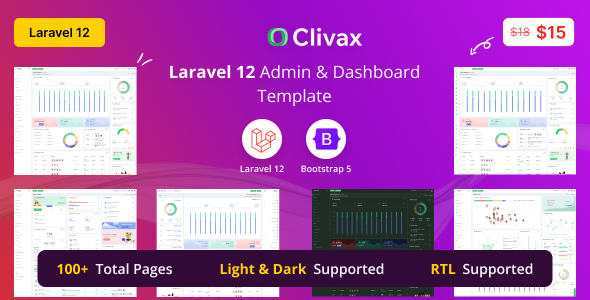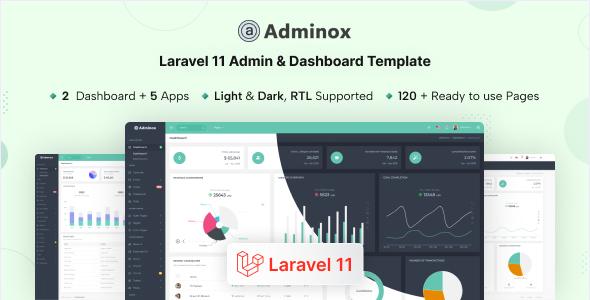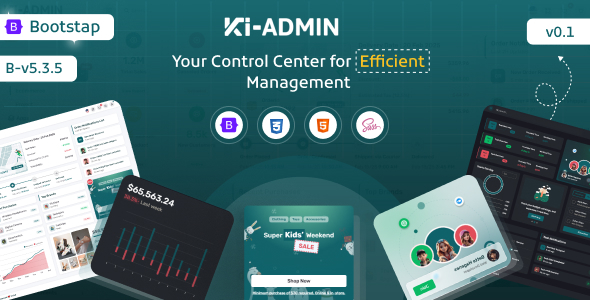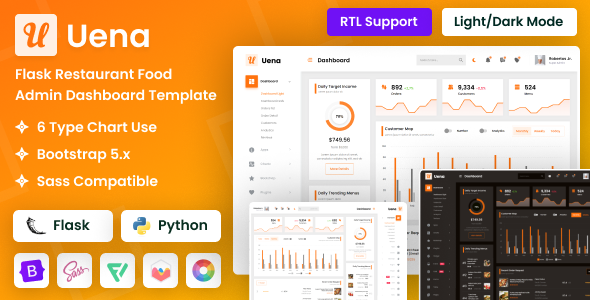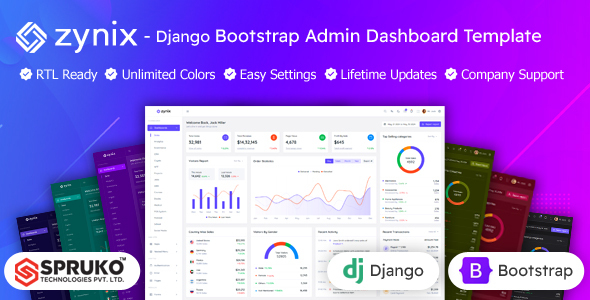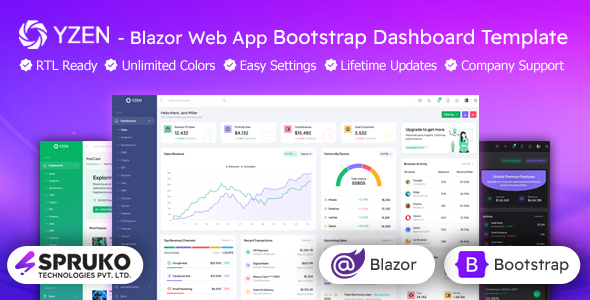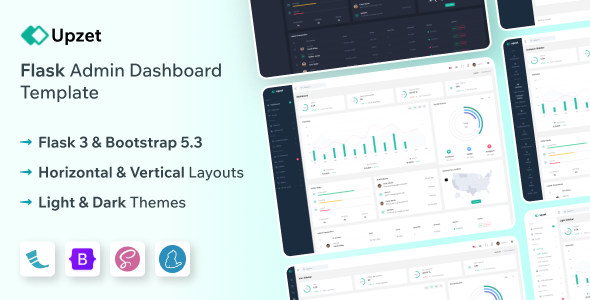
The Upzet Flask admin dashboard template offers a pre-integrated UI kit built with Flask and Bootstrap, designed for developers who need to quickly set up backend administration panels or SaaS interfaces.
Streamlining Flask Backend Development with a Pre-built UI
As developers, we often face the initial grind of setting up a functional admin interface from scratch. This Upzet Flask admin dashboard template directly tackles that problem by providing a solid foundation, especially if you are already committed to a Flask backend.
It saves significant time on front-end styling and component integration, letting you focus on the core application logic. Instead of spending days wiring up data tables, charts, and form validations, much of that work is already done, making it a smart investment for agencies or individual developers under tight deadlines.
Practical Code Structure and Technical Standards for a Flask Admin Panel
The template is built on a standard Bootstrap framework, which means most developers will find the CSS structure familiar and straightforward to navigate. It adheres to common web standards, including W3C validated code, which helps with semantic accessibility and baseline SEO performance.
When we tested the kit on a demo site, the asset loading felt reasonably optimized for a Bootstrap-based product, contributing positively to Core Web Vitals. The organization of the Flask files provides a clear starting point for integrating your application's routes and models.
- The inclusion of multiple chart libraries and pre-configured datatables is genuinely useful for data visualization, a core need for any admin panel.
- The codebase offers both horizontal and vertical layouts, along with light and dark modes, providing immediate flexibility for client preferences without custom coding.
- It includes standard pre-built pages like sign-in, sign-up, and error pages, which are essential boilerplate for any web application admin panel.
- The focus on a modular design means that while it's opinionated in its structure, extending or customizing components generally follows expected Bootstrap patterns.
What Makes Upzet a Standout Choice for Developers
What impresses most is the direct integration with Flask, which isn't always a given with many UI kits. This means less time spent trying to port a static HTML template into a dynamic Python environment. The array of pre-built UI elements, especially the comprehensive charting and data table components, are genuinely practical for building a feature-rich admin dashboard.
The provision for both LTR and RTL support is a thoughtful addition, useful for projects targeting international audiences.
Who Benefits Most from This Flask Admin Dashboard Template
This template is ideal for developers or small agencies looking to rapidly deploy Flask-based web applications that require a robust admin interface. It's particularly useful for projects where a quick turnaround is critical and a solid, functional UI is preferred over highly bespoke designs.
However, it is not for those needing deep, highly customized frontend interactions that deviate significantly from Bootstrap's conventions or developers who prefer to build every UI component from scratch.
Where the Upzet Template Shows Its Limitations
While the template provides a strong starting point, some of the pre-built pages, like the gallery or pricing sections, feel somewhat generic. They're functional, but they don't offer much unique flair or specialized logic beyond standard layouts.
Customizing the core Bootstrap styling, while possible, requires a decent understanding of its SASS architecture, which is standard but not always trivial for less experienced developers. The mobile menu behavior is functional, but doesn't offer any particularly innovative interactions.
Final Thoughts: Is it worth it?
If you're building a Flask application and need a reliable, well-structured admin dashboard without reinventing the wheel, Upzet offers significant value. It delivers on its promise of saving development time on frontend integration, allowing you to focus on your application's unique features. For a developer or team aiming for efficiency, this template is a logical step to accelerate project delivery and reduce initial setup costs.
FAQ
Does this template support different database integrations with Flask?The template provides the frontend UI; database integration is handled separately within your Flask application's backend logic, typically using SQLAlchemy or similar ORMs.
How easy is it to update the underlying Bootstrap version?Since it's built on a standard Bootstrap framework, updating to newer versions is generally manageable, though it might require checking for breaking changes in Bootstrap's own documentation.
Can I easily change the overall color scheme of the dashboard?Yes, the template's CSS is structured to allow for relatively straightforward color scheme adjustments, likely through SASS variables or targeted CSS overrides.
Is this suitable for a multi-user admin panel with different access levels?The template provides the visual components; implementing multi-user authentication and role-based access control would be part of your Flask application's backend security logic.