Geex CakePHP Admin Dashboard: A responsive admin panel template offering UI components for forms, charts, and tables. Ideal for developers building web applications on CakePHP.
Geex CakePHP Admin Panel: What It Is and How It Helps
This product is an admin dashboard template specifically built for CakePHP applications. Think of it as a pre-designed and pre-coded frontend UI kit for your backend. It's packed with common components like forms, data tables, charts, and navigation elements, all integrated within a CakePHP structure.
From our experience building multiple agency sites, a solid admin dashboard UI kit like this saves a ton of time. Instead of coding every dashboard element from scratch or wrangling generic HTML templates into a PHP framework, you get a significant head start. It solves the problem of needing a consistent, functional, and responsive admin interface without dedicating weeks to its initial development.
Who Benefits from this CakePHP Dashboard UI Kit?
This template is genuinely useful for CakePHP developers and agencies who regularly build custom web applications. If you're frequently tasked with delivering functional backend interfaces for clients, this provides a quick, reliable starting point. It's particularly good for projects where a consistent UI across various administrative tasks is important, and you need to launch quickly.
However, this is not for everyone. If you're not using CakePHP, this specific version won't be directly helpful (though the vendor offers other framework versions). It's also not for absolute beginners who might struggle with integrating a complex UI template into their application's specific logic. This isn't a drag-and-drop website builder; it requires developer knowledge to make it truly functional with your backend data.
Design and Component Approach
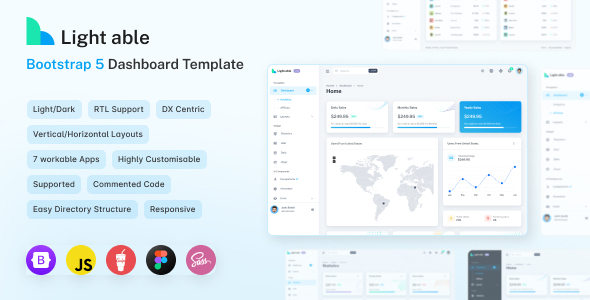
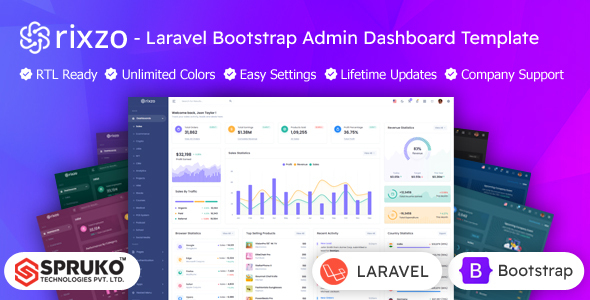
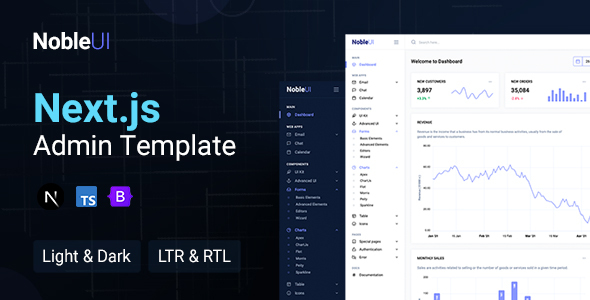
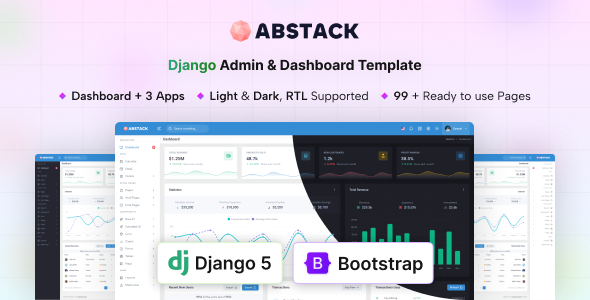
The design follows a clean, functional aesthetic that's typical for admin dashboards. It's built on Bootstrap, which means it's inherently responsive and familiar to most frontend developers. You get both light and dark modes, plus RTL support, which covers standard client requirements without extra effort.
When we tested the kit on a demo site, the component set felt comprehensive for most admin tasks. The inclusion of common elements like Todo, Calendar, Mailbox, and Chat apps provides a good baseline for feature-rich backends. This focus on practical components, rather than just flashy aesthetics, is what makes it a smart investment for a responsive dashboard UI kit.
Layouts and Pre-Built Application Pages
The template comes with four complete dashboard demos, which are essentially different layouts for your main admin overview. This gives you options right out of the box.
Beyond the main dashboards, it includes several pre-built pages for common application features:
- Todo Apps for task management interfaces.
- Calendar for event scheduling or booking systems.
- Mailbox for internal messaging or email management.
- Events, blog and invoice pages which are useful starting points for content management or billing features.
- Chat Apps for real-time communication interfaces.
Having these pre-styled pages significantly cuts down on development time, as you only need to hook them up to your backend logic rather than designing and coding them from scratch.
Code Quality and Developer Experience
From a developer's perspective, the use of SASS is a big plus. It means the CSS is organized, modular, and easy to customize without digging through giant, monolithic stylesheets. This structured SASS architecture helps maintain clean styling and makes it easier to override or extend styles for specific project needs, leading to lower maintenance costs over time.
The template also boasts W3C valid HTML, which is a good sign for semantic accessibility and basic SEO readiness. Clean, valid code generally performs better and is easier for search engines to interpret, which can contribute to better organic visibility for your web application.
The documentation is noted as "well documented" with screenshots. In our experience with similar frameworks, good documentation is crucial for quickly understanding the template's structure and customization points. This helps developers get up to speed faster and reduces the learning curve.
Responsiveness and Compatibility
Being built with Bootstrap means responsiveness is baked in. The template adapts well across different devices, from large desktop monitors down to mobile phones. This is standard for modern web development, but it's essential for admin panels where users might access them on the go.
Cross-browser compatibility is also a given with Bootstrap. This means less time spent debugging layout issues across Chrome, Firefox, Safari, and Edge, ensuring a consistent user experience for your clients and their users.
Final Thoughts on Geex CakePHP Admin Template
Geex CakePHP Admin Dashboard is a solid, practical choice if you're a developer or agency working with CakePHP and need to deliver functional, good-looking admin interfaces efficiently. It genuinely solves the problem of repetitive UI development by providing a well-structured, component-rich foundation. The SASS support and W3C valid HTML are strong points for maintainability and basic technical SEO.
While it's not a magical solution that builds your entire application, it's a significant accelerator for the frontend of your admin panel. It lets you focus on the unique backend logic of your project rather than spending countless hours on standard UI elements. For the time it saves, this template is a smart investment, allowing you to deliver projects faster and with a higher level of polish than starting from scratch.
FAQ
Is this admin template a full web application?No, this is a frontend UI kit for an admin dashboard. It provides the visual components and structure, but you'll need to integrate it with your specific CakePHP backend logic and database.
Does this template support different themes or color schemes?Yes, it includes light and dark modes, and with SASS support, customizing colors and styling to match your brand guidelines is straightforward for a developer.
How difficult is it to customize the layouts and components?For a developer familiar with CakePHP, Bootstrap, and SASS, customization should be relatively easy due to the organized code and documentation. You can modify existing components or add new ones following the established patterns.