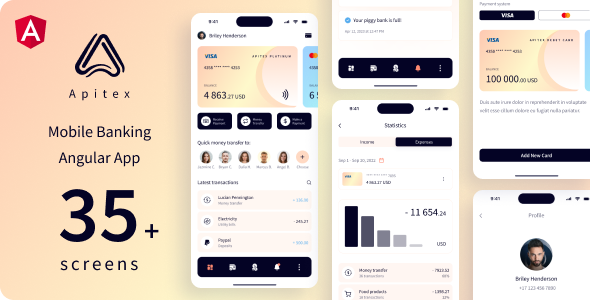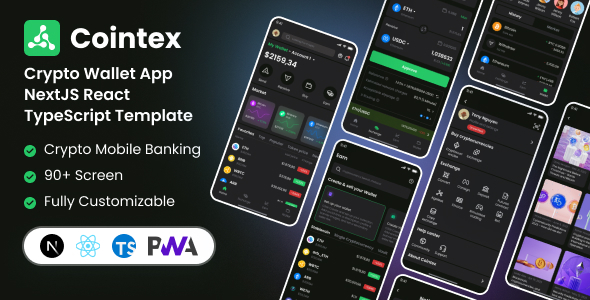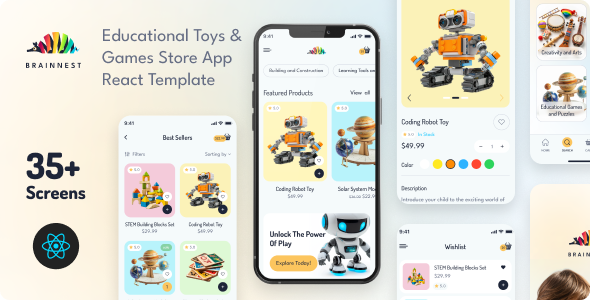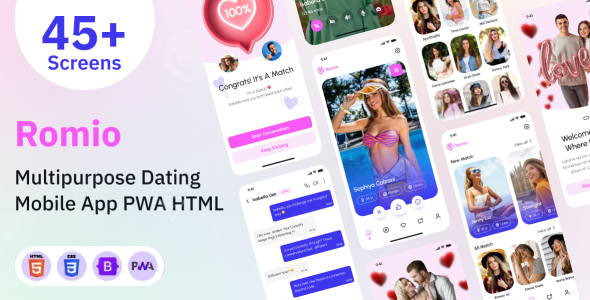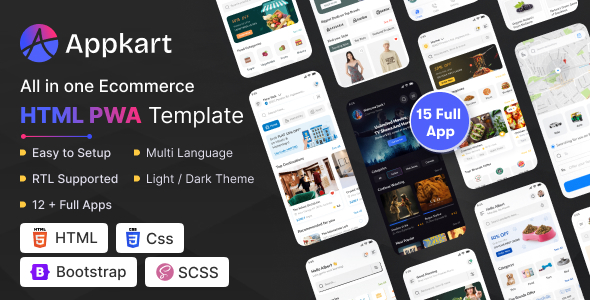
The Appkart PWA HTML template is a collection of front-end components and page layouts designed for quickly building mobile-first progressive web applications. This is a solid starting point for agencies or freelancers who need to rapidly prototype or deploy various PWA interfaces.
What problem does this Appkart PWA HTML template solve for agencies?
For agencies tasked with building multiple client projects, especially those requiring a mobile app-like experience without the overhead of native development, this template addresses a common workflow bottleneck. It saves significant time on initial UI/UX design and component creation for diverse use cases like a simple e-commerce website template, a booking system, or a content blog. Instead of starting each new PWA front-end from scratch, you have a pre-built library of common mobile patterns ready to adapt.
Evaluating the technical standards and core features of Appkart PWA
From a developer's standpoint, the underlying structure of Appkart PWA is what you'd expect from a contemporary HTML template. It uses Bootstrap, which means a familiar grid system and component library for most front-end developers. The inclusion of SCSS files is a plus, allowing for organized styling and easier customization via variables. This approach helps reduce maintenance costs for clients down the line, as style changes are centralized.
The PWA readiness here typically means it includes a basic manifest file and a service worker registration script, providing the foundational elements for an installable app experience and initial caching. For a fully robust PWA with advanced offline capabilities or push notifications, further development will be required. The asset loading feels reasonably optimized for mobile, which is critical for good Core Web Vitals and a smooth user experience, even on slower connections.
- The SCSS architecture is structured, making it straightforward to find and modify styles for specific components or global themes.
- HTML markup generally follows semantic accessibility practices, which is good for SEO and screen reader users.
- It includes RTL language support and a dark/light mode switcher, which are standard but useful features for broader market reach.
- The template provides a wide range of pre-built pages across different "app" types, offering a good starting point for building multi-purpose PWA front-ends without extensive custom coding.
Key strengths and what stands out in this PWA template
The primary strength of Appkart PWA is its breadth. Having distinct layouts for categories like e-commerce, fitness, or hotel booking means you get a diverse set of UI components and page flows. This variety is genuinely useful for agencies that handle a wide array of client needs. The consistency in its Bootstrap foundation across all these variations means less time spent reconciling different styling approaches. It’s a solid toolkit for rapidly prototyping and delivering front-ends for mobile app interfaces.
Who benefits most from using Appkart PWA for mobile app interfaces?
This template is best suited for web development agencies, freelance developers, or small teams looking for a head start on PWA projects that are primarily front-end focused. If you need to quickly launch an installable web application with a polished mobile UI across various niches, Appkart PWA provides a strong foundation. It's not for those requiring deep custom backend logic or a completely unique, highly experimental design system out-of-the-box, as it leans heavily on established UI patterns.
Practical limitations and average aspects of the Appkart PWA template
While the sheer number of pages and "app" types is a strength, it can also lead to some generic styling across different sections. Some of the "app" demos feel like variations on a theme rather than truly distinct experiences. This means you’ll likely spend time removing unused components or refining the visual language to make a project truly unique. The PWA implementation itself, as often seen in HTML templates, is foundational; don't expect advanced offline capabilities or complex service worker logic without additional development effort. It provides the boilerplate, not a fully optimized PWA engine.
Final Thoughts: Is it worth it?
If your workflow involves frequently delivering mobile-first web projects or PWAs with diverse front-end requirements, the Appkart PWA HTML template is a smart investment. It significantly cuts down on initial development time for common UI patterns, allowing you to focus on client-specific features and backend integration. For developers evaluating PWA HTML templates for rapid development, this offers a robust and adaptable starting point.
FAQ
What kind of backend integration does this PWA template support?As an HTML template, Appkart PWA provides only the front-end structure and styling. Backend integration would need to be custom-developed using APIs to connect with your chosen server-side technology.
How easy is it to customize the visual design and branding?With its SCSS files and Bootstrap foundation, customizing colors, fonts, and general styling is relatively straightforward for anyone familiar with CSS preprocessors and the Bootstrap framework.
Can this template be used for a single-page application (SPA) framework like React or Vue?While this is an HTML template, its component-based structure makes it a good visual reference. You could extract the HTML and CSS to rebuild components within a React or Vue SPA, but it doesn't come pre-integrated with those frameworks.
What level of PWA functionality is included out of the box?It includes the basic PWA necessities like a web app manifest and a service worker registration script for "add to home screen" functionality and initial caching. Advanced offline features or push notifications would require additional custom development.