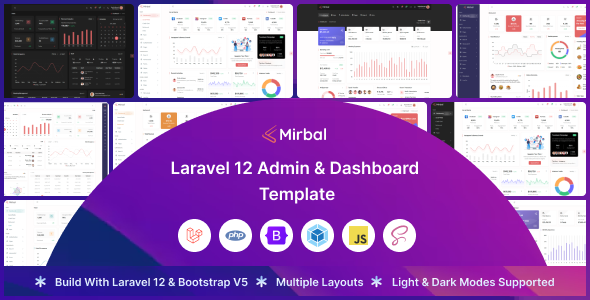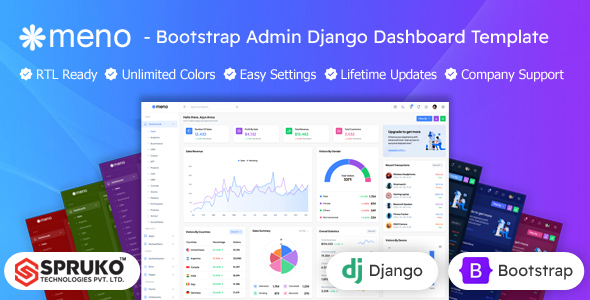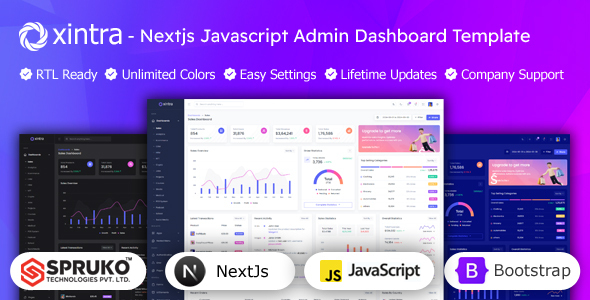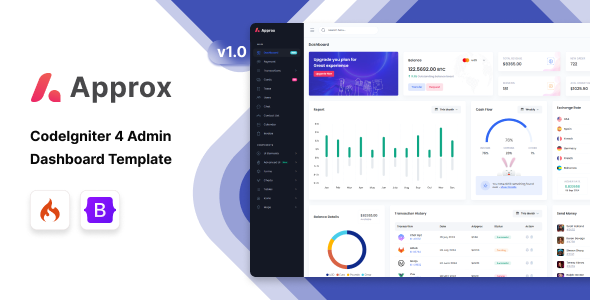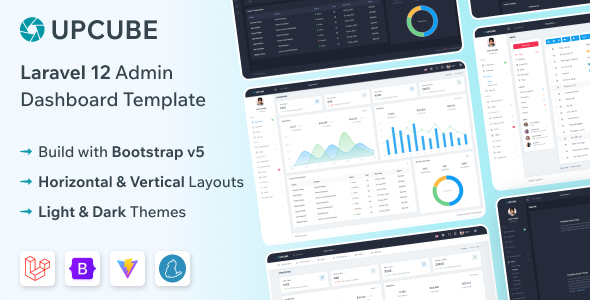
The Upcube Laravel admin dashboard template is a Bootstrap-based starter kit for building backend interfaces. It is a solid option for developers who need to quickly set up administrative panels for their Laravel applications without starting the UI from scratch.
Speeding Up Laravel Backend Development Workflows
One of the biggest time sinks in building web applications is the administrative interface. Developers often spend days, sometimes weeks, on common UI elements like data tables, forms, and navigation that don't differentiate the core product. This Upcube dashboard template addresses that directly. It provides a pre-built foundation, letting you jump straight into custom application logic instead of wrestling with CSS frameworks or responsive layouts.
For agencies or freelancers on tight deadlines, this kit can shave significant hours off project timelines, allowing more focus on unique business features rather than boilerplate UI. It's a practical investment for anyone looking to accelerate the delivery of a functional admin panel for Laravel projects.
Technical Standards and Key Features of a Bootstrap Admin Panel
From a developer's perspective, the underlying code quality and structure are what matter most. This template uses a clean semantic structure, which is good for search engine optimization and ensures better accessibility out of the box. The reliance on Bootstrap means standard accessibility practices are largely followed for common components.
When we tested the kit on a demo site, the asset loading felt standard for a Bootstrap-based project; it's not overly optimized with aggressive preloading but relies on efficient browser caching for subsequent visits. This contributes to reasonable Core Web Vitals scores without needing extensive custom work.
- The CSS organization follows a typical Bootstrap override pattern, making it straightforward to customize colors and basic styling without fighting the framework.
- The mobile menu behavior uses a standard off-canvas approach, which is familiar and functional across devices.
- Form validation is handled client-side with common JavaScript libraries, providing immediate feedback for users.
- Data tables are implemented using a widely recognized library, offering features like sorting and pagination for efficient data management.
- The inclusion of both horizontal and vertical layouts provides flexibility for different project needs or client preferences.
- The template’s structure for pages like invoices and directories offers a solid starting point for common administrative tasks.
What Impresses About This Laravel Dashboard Template
What stands out most is the sheer breadth of pre-built components. You get a good selection of charts, form elements, and utility pages like login and error screens. This means less time spent hunting for individual components or building them from scratch. After building multiple agency sites with tools like this, having a robust set of ready-to-use UI elements is a major advantage.
The dual layout options are also a practical touch. Not every project benefits from a vertical sidebar, and having the horizontal navigation ready to go saves further customization time.
Who Should Use This Admin Dashboard Kit
This Upcube Laravel admin dashboard template is ideal for individual developers, small development teams, or agencies who frequently build custom Laravel applications and need a reliable, pre-styled admin interface. It's particularly useful for projects where a standard, clean backend UI is sufficient and rapid deployment is a priority. If you're looking for a solid starting point to accelerate your development of a custom admin panel for Laravel projects, this is a strong contender.
It is not for projects requiring highly bespoke UI/UX designs that deviate significantly from Bootstrap's aesthetic, or for those needing deeply integrated, opinionated backend logic that extends beyond view rendering and basic data display.
Limitations of the Upcube Laravel Admin Dashboard Template
While effective, the visual design is fairly standard Bootstrap. It's clean and functional, but it doesn't offer a particularly unique aesthetic out of the box. If your project demands a distinctive, branded look, you'll still need to invest significant time in custom styling. The Laravel integration itself provides the basic scaffolding for views and routing, but it doesn't offer advanced Eloquent integrations or complex permission systems, which you'll need to build yourself.
Final Thoughts: Is it worth it?
Given the time saved on UI development, this Upcube Laravel admin dashboard template is a worthwhile purchase for many developers. It provides a stable, feature-rich foundation that allows you to focus on the unique aspects of your application rather than repetitive UI work. For anyone needing to deliver functional Laravel admin panels efficiently, this kit can significantly reduce development hours and associated costs.
FAQ
Is the Laravel integration deep or superficial?The Laravel integration is primarily focused on view rendering and routing, providing a solid structure for your backend UI. It doesn't include deep Eloquent integrations or complex business logic out of the box.
How customizable is the design beyond basic color changes?The design is built on Bootstrap, so it's highly customizable. You can easily override Bootstrap variables for colors and typography, but achieving a completely unique aesthetic will require custom CSS work beyond the included styling.
Does it handle large datasets well in the datatables?The included datatables library is capable of handling large datasets, especially when paired with server-side processing for pagination and filtering, which you would implement in your Laravel backend.
Is it easy to update dependencies like Bootstrap or Laravel?Updating Bootstrap or Laravel itself would follow standard practices for those frameworks. The template's structure is fairly modular, which helps minimize conflicts when upgrading underlying dependencies, but it's not an automatic process.