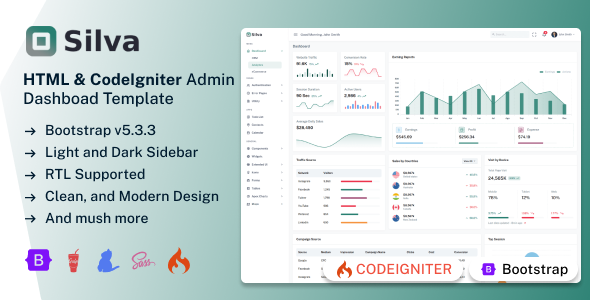
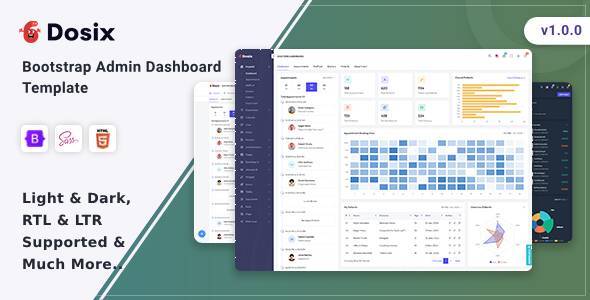
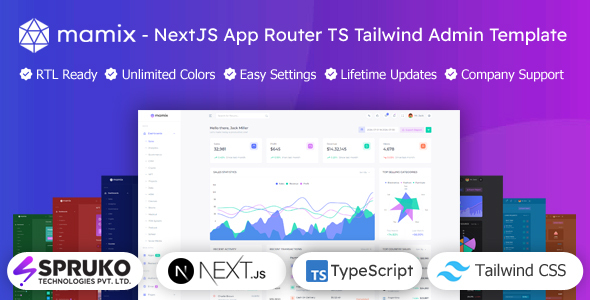
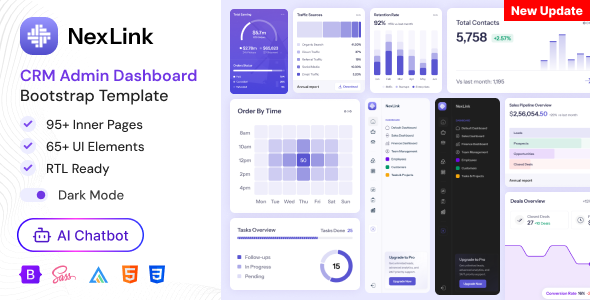
Meno is a CodeIgniter admin dashboard template built with Bootstrap, providing a UI kit for PHP developers to build custom backend interfaces fast.
Meno: A Practical CodeIgniter Admin Dashboard Template
Alright, so you’re looking at Meno, another admin dashboard template. After building multiple agency sites with tools like this, my take is it’s a solid starting point if you’re deep into CodeIgniter development and need a pre-styled UI. It delivers a clean, modern aesthetic for backend systems.
The core idea here is to save you the grunt work of setting up the visual layer of an admin panel. It handles the responsive design, component styling, and basic page layouts, letting you focus on the actual application logic. This template dashboard codeigniter aims to get you past the initial UI setup quickly.
Who This CodeIgniter Admin Panel Template Is For (And Who It Isn't)
This template is genuinely useful for PHP developers, agencies, and freelancers who regularly build custom CodeIgniter applications. If your workflow involves creating bespoke admin panels for clients and you're tired of styling forms and tables from scratch, this Meno CodeIgniter admin panel template can save significant time.
It’s especially good if you understand CodeIgniter’s view layer and how to integrate static HTML/CSS into your application. However, if you're expecting a full, ready-to-deploy CRM or ecommerce backend with all the database logic pre-built, this isn't it. This is a UI kit. You bring the backend application logic and connect it.
Exploring Meno's Admin Panel Layouts and UI Components
Meno comes packed with a good range of UI components and page layouts. You get a variety of dashboard styles, from sales to analytics, which are essentially different arrangements of widgets and charts. This gives you a quick visual starting point for various use cases.
- Includes over 180 PHP pages, giving you a comprehensive set of pre-designed screens for common admin tasks.
- Offers 16 dashboard variations, which means you have multiple visual starting points for different types of data overviews.
- Provides vertical, horizontal, RTL, and boxed layouts, allowing for flexible structural choices depending on user preference or project requirements.
- Features a good collection of charts, tables, forms, and icon sets. These are the building blocks you'd expect for any functional admin interface.
The number of included pages and components is substantial. This means less time spent creating standard elements and more time customizing the data display for your specific needs.
Meno's Code Structure and Developer Setup
From a developer's perspective, Meno is built with Bootstrap, which is a standard, familiar framework. A big plus is the stated lack of jQuery dependency, which means it uses modern JavaScript, leading to lighter asset loads and often better performance. This is a smart move for any new Bootstrap 5 admin panel.
The template includes SCSS files, which is excellent for customization. It means you can manage your styling with variables and mixins, making color changes and theme adjustments much more efficient than digging through raw CSS. The code is also well-commented, which helps immensely when you're trying to figure out how a specific component works or where to make your changes. This reduces future maintenance costs for any business owner.
Dependencies like PHP 8.2.12+, Composer, CodeIgniter 4.6.0, Node, Npm, Sass, and Gulp indicate a modern development environment. Setting this up will be straightforward for anyone familiar with the PHP ecosystem and frontend tooling.
Device and Browser Behavior with Meno
Meno claims full responsiveness and cross-browser compatibility, which is standard for any admin dashboard template built on Bootstrap today. In our experience with similar frameworks, Bootstrap generally handles responsive layouts well across different screen sizes. This ensures your admin panel will look and function correctly whether users are on a desktop, tablet, or phone, leading to a consistent user experience.
The various menu styles (click, hover, icon) also contribute to a better experience on smaller screens, allowing you to adapt navigation to touch interfaces. This attention to detail means fewer headaches down the line with mobile-specific bug fixes.
Technical SEO Considerations for Admin Dashboards
While an admin dashboard typically isn't indexed by search engines, the mention of "SEO-Friendly Architecture" still points to good underlying practices. This usually means clean, semantic HTML structure. A well-structured document, even in a backend system, is easier for developers to read, maintain, and integrate with data. It also adheres to standard accessibility practices, which is always a good thing for any web application, public or private.
Clean code, as provided by this CodeIgniter admin dashboard template, also means less bloat, which indirectly contributes to faster page loads. Faster pages are always better, even for internal tools, as they improve user productivity.
Is Meno the Right CodeIgniter Admin UI Kit for Your Project?
If you're a developer working with CodeIgniter and need a robust, pre-built UI foundation for an admin panel, Meno offers a solid option. It provides a comprehensive set of components and layouts, built on modern standards like Bootstrap and without jQuery. The inclusion of SCSS and well-commented code makes it easy to customize and integrate into your existing projects.
The main takeaway is that this is a UI kit. It solves the problem of building a clean, responsive admin interface from the ground up, saving you dozens of hours on styling and basic component integration. You'll still need to write your application's specific backend logic and connect it to the provided views. For anyone needing to quickly deliver a polished CodeIgniter admin dashboard template, this is a smart investment to jumpstart development and focus on what truly differentiates your application.
FAQ
Does Meno include backend application logic or database integration?No, Meno is a static UI kit. It provides the visual components and page layouts; you need to implement your own CodeIgniter backend logic and database connections.
Can I easily change the overall color scheme or branding?Yes, Meno includes SCSS files and dynamic switcher options for colors and layouts, making it straightforward to customize the appearance to match your branding.
Is Meno compatible with older versions of CodeIgniter?Meno is built specifically for CodeIgniter 4.6.0 or newer. Using it with older versions would likely require significant modifications and is not officially supported.