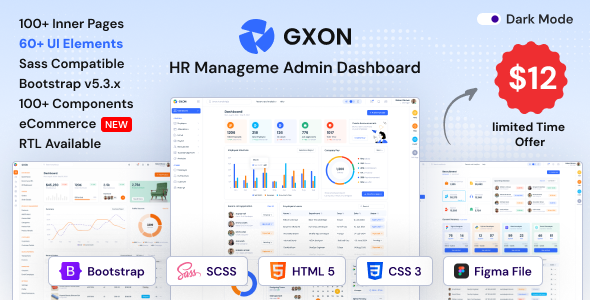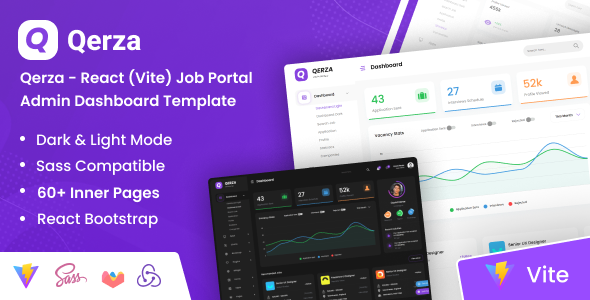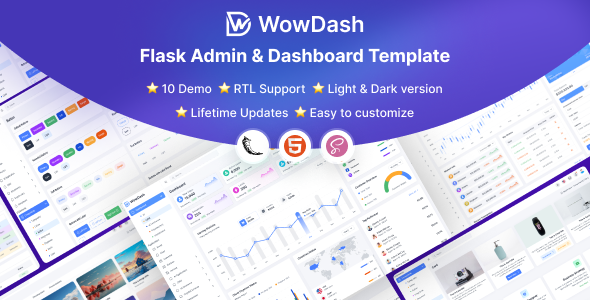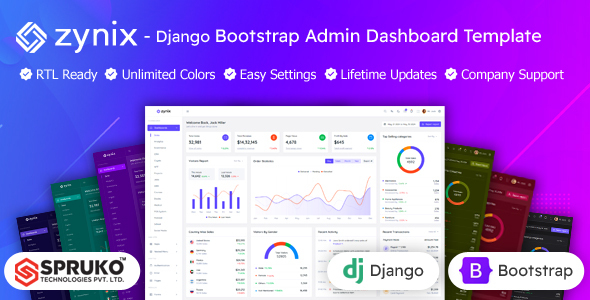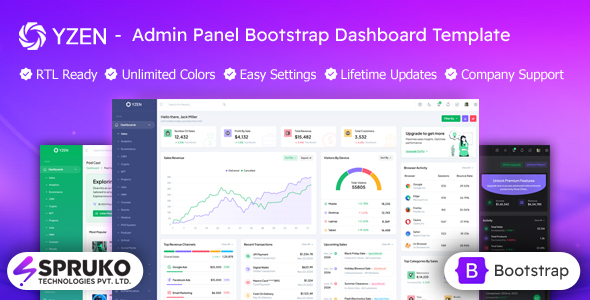
Yzen is a Bootstrap HTML admin dashboard template for building internal tools and web application UIs. It packs 16 dashboard variations, 180+ pages, and runs without jQuery for responsive performance.
Yzen: A Practical Bootstrap Admin Dashboard Template
This is essentially a comprehensive UI kit built on Bootstrap, designed for anyone needing to quickly spin up an admin panel or internal dashboard. It’s a collection of pre-styled HTML, CSS, and JavaScript components, all laid out across a significant number of pages. Think of it as a starting point to visualize data, manage users, or build custom control interfaces for your web applications.
The core value here is skipping the boilerplate. Instead of building common UI elements like data tables, forms, or navigation from scratch, Yzen gives you a functional, pre-assembled set. This saves a lot of initial setup time, letting developers focus on integrating their backend logic rather than styling.
Who Benefits from this HTML Admin Panel Kit?
Yzen is a solid pick for freelancers and agencies tasked with building custom internal tools, CRM systems, or data visualization dashboards for clients. If you're regularly delivering client projects that require a functional, well-structured admin interface, this can significantly cut down your development hours. It's also suitable for startups needing a quick, professional-looking dashboard for their MVP without spending heavily on custom UI development.
However, this isn't for everyone. If you're a complete beginner with no HTML, CSS, or JavaScript experience, you’ll find it challenging to customize beyond the surface. It's also not for projects requiring highly unique, bespoke UI/UX that deviates significantly from standard Bootstrap patterns, or for those expecting a full-stack solution with integrated backend logic.
Pre-built Layouts and Components for Rapid Development
Yzen comes with an impressive array of pre-built content, including 16 distinct dashboard variations covering niches like sales, analytics, e-commerce, and even crypto or medical dashboards. This means you don't just get a generic shell; you get layouts tailored to specific data presentation needs. Beyond the dashboards, there are over 180 HTML pages covering everything from user profiles and chat interfaces to error pages and e-commerce flows like shopping carts and checkout.
Having these components ready-to-go is a major time-saver. For instance, the inclusion of Grid JS tables and various chart types means you can plug in your data and have a functional data display almost immediately. This directly solves the headache of setting up a niche-specific booking flow or complex data visualizations from scratch, which can easily eat up dozens of development hours.
Under the Hood: Code Quality and Developer Workflow
From a developer's perspective, Yzen feels well-organized. It’s built on the latest version of Bootstrap, which is a familiar and reliable framework for most web developers. A significant plus is that it has no jQuery dependencies, opting for pure HTML and JavaScript. This generally leads to lighter, faster-loading assets and better performance, which directly impacts Core Web Vitals and provides a smoother experience for the end-user. For a business owner, this means lower hosting costs and a more responsive application.
The template uses Sass for its CSS architecture, which is a standard practice and makes styling changes much more manageable. If you need to tweak colors or adjust component spacing globally, the Sass files are logically structured, making it easier than sifting through thousands of lines of compiled CSS. It also leverages modern build tools like Esbuild and Gulp, which are great for optimizing assets and maintaining a consistent development workflow. The code is generally clean and well-commented, which is a huge help when onboarding new team members or handing off a project.
Performance and Cross-Device Experience
The responsiveness across devices is what you'd expect from a modern Bootstrap template; it adapts well from desktop to mobile. We tested the kit on a demo site, and the mobile menu behavior is standard and intuitive, collapsing nicely without awkward overflows. Text layouts generally handle longer content without breaking, which is often a small but annoying issue in less polished templates. For a business owner, this means their internal tools will be accessible and usable by staff on any device, reducing friction and improving productivity.
Setting Up for Search Engines
While an admin dashboard template isn't typically a public-facing SEO concern, Yzen does come with a clean, semantic HTML structure. This means the underlying code is organized logically, using appropriate tags for headings, navigation, and content areas. For any public-facing sections you might integrate, this semantic structure is a good foundation for search engine crawlers to understand your content, even if it's not the primary focus of an admin panel.
The Verdict: Is Yzen the Right Admin Dashboard Template for You?
After building multiple agency sites with tools like this, Yzen stands out as a solid, practical choice if you need to deliver a functional Bootstrap admin dashboard template quickly. It’s not revolutionary in its design, which is fairly standard Bootstrap, but that's often a benefit for internal tools where familiarity trumps novelty. The sheer volume of pre-built pages and components, combined with a modern, jQuery-free codebase, makes it a smart investment for saving significant development time.
The main trade-off is that it’s a static HTML template, so you'll need to integrate it with your chosen backend framework. However, for a developer looking for a reliable, well-structured starting point to build a developer-friendly dashboard UI kit, Yzen provides excellent value and a clear path to faster project delivery. It's a pragmatic choice that helps you get the job done efficiently.
FAQ
Does Yzen include a backend or database functionality?No, Yzen is a static HTML, CSS, and JavaScript UI kit. It provides the visual front-end components and layouts, but you will need to integrate your own backend logic and database.
How easy is it to customize the overall look and feel of Yzen?Customization is straightforward if you're comfortable with Sass. The template's CSS is organized with Sass, allowing you to easily adjust colors, fonts, and component styles by modifying a few variables.
Can I use Yzen for a commercial project or client work?Yes, Yzen is designed for commercial use cases like building client projects, internal business applications, or SaaS dashboards. Just ensure you purchase the appropriate license for your usage.