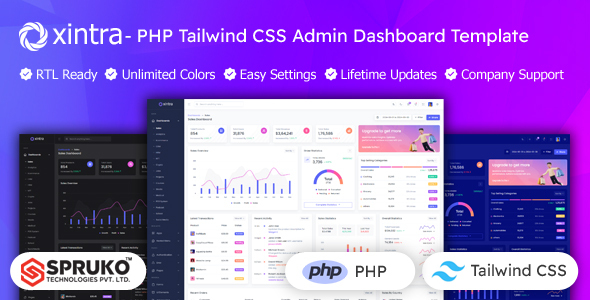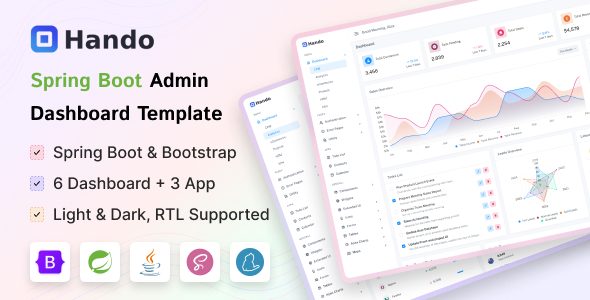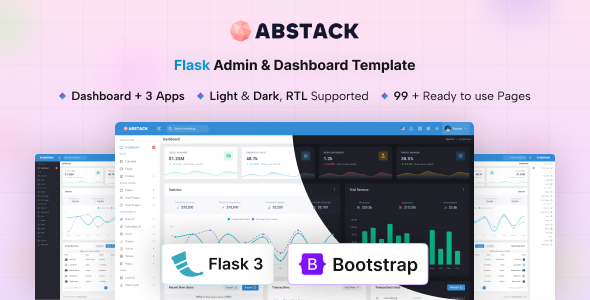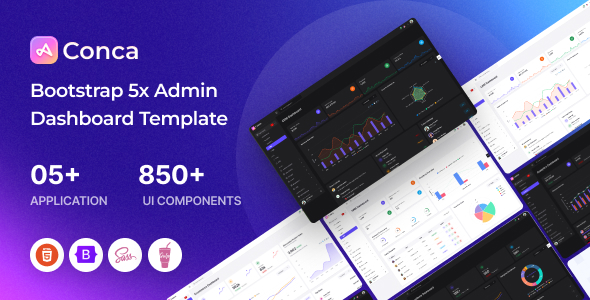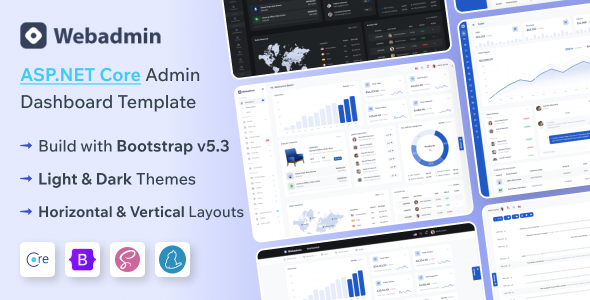
WebAdmin is an ASP.NET Core admin dashboard template built with Bootstrap, designed for developers needing a solid foundation for web applications. This template offers a range of pre-built components and layouts suitable for building various types of back-end interfaces and data-driven applications.
Building Backend Applications Faster with WebAdmin
When we're tasked with building out the administrative side of a web application, especially for clients who need a functional dashboard quickly, finding a solid starting point is key. WebAdmin provides exactly that. It's an ASP.NET Core admin template that comes packed with a lot of the UI elements and page structures we often need to build from scratch. This significantly cuts down on the initial setup time, allowing us to focus on the core application logic rather than styling buttons and tables.
The template is built with Bootstrap, which is a standard we're all familiar with. This means the components are predictable and easy to customize if we need to deviate from the defaults. We found that the pre-built pages for things like e-commerce dashboards, user management, and invoices are well-organized. For projects where we need to display complex data sets or manage product listings, having these ready-made sections saves us hours of development.
Who Should Use This Admin Template
This template is a good fit for agencies and freelance developers who are building data-heavy web applications on the ASP.NET Core framework and need to deliver functional admin interfaces efficiently. If your project involves creating SaaS platforms, e-commerce backends, or internal management systems, WebAdmin can provide a strong architectural starting point. It's particularly useful when rapid development is a priority and the client doesn't require a highly bespoke, from-the-ground-up UI design for the admin panel.
However, this isn't the tool for projects demanding highly unique or unconventional administrative interfaces. If your client has very specific, out-of-the-box UI/UX requirements for their backend that go far beyond standard dashboard components, you might find yourself doing more customization than the template intends to save you. It’s also not ideal if you're working with a framework other than ASP.NET Core, as its core is built around that ecosystem.
Workflow Advantages and Practical Considerations
The main workflow problem WebAdmin solves is the repetitive task of building common admin panel components. We often spend a considerable amount of time on things like setting up data tables with sorting and pagination, creating form layouts with validation, or designing user profile pages. With WebAdmin, these elements are already implemented, and they follow standard practices. For instance, the data table implementations are robust and handle common interactions like searching and sorting smoothly, which is crucial for applications that manage large amounts of information.
We also appreciate that the template is SASS powered. This means the CSS is organized in a way that's manageable and extensible. When we need to adjust colors, fonts, or spacing across the entire application, it's straightforward to modify the SASS variables rather than hunting through individual CSS files. This approach contributes to cleaner code and makes future maintenance less of a headache, which is a significant factor in long-term project costs.
The template includes features like light, dark, and RTL modes, which are managed through SCSS. This is a practical benefit because it allows for easy switching between these display options without extensive code changes. For applications that might be used by a global audience or by users with specific visual preferences, having these modes readily available is a nice touch that can improve user experience and accessibility.
What We Found Standard and Areas for Improvement
While WebAdmin provides a good set of features, some aspects feel standard for admin templates in this category. The variety of layouts is decent, but in our experience, most developers will likely settle on one or two primary layouts for their application. The included utility pages, like error pages and maintenance modes, are essential but are also features we expect in most comprehensive admin templates.
One area where we feel there's room for more depth is in the documentation for integrating custom backend logic with the frontend components. While the code itself is clean and commented, more detailed examples of how to connect specific backend data endpoints to the various dashboard widgets or tables would be beneficial. This would further streamline the process of building out dynamic applications and reduce the time spent figuring out data binding scenarios.
Compliance and Standards
We checked that WebAdmin adheres to standard accessibility practices, which is vital for any web application. The semantic structure of the HTML is generally clean, which is good for SEO and also aids screen readers. The use of Bootstrap components also means that many of the underlying accessibility features are already built-in, provided we use them correctly within our application.
FAQ
What are the primary benefits of using an admin template like WebAdmin for an ASP.NET Core project?
Admin templates significantly reduce development time by providing pre-built UI components and page layouts, allowing developers to focus on application logic rather than repetitive frontend styling.
How does WebAdmin handle customization and theming for different client needs?
The template uses SASS for its styling, which makes it easier to customize colors, fonts, and layouts by modifying SCSS variables, allowing for a degree of theming without extensive manual CSS changes.
Is WebAdmin suitable for building complex e-commerce backends?
Yes, WebAdmin includes dedicated pages and components for e-commerce functionalities like product management, orders, and customer lists, making it a solid foundation for such applications.
What is the learning curve for integrating WebAdmin with an existing ASP.NET Core application?
Given its foundation in Bootstrap and ASP.NET Core, the learning curve is generally moderate for developers familiar with these technologies, especially for integrating standard dashboard features.