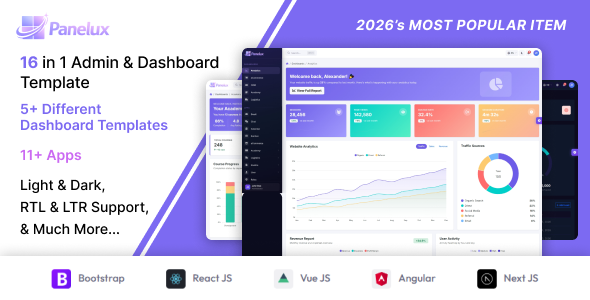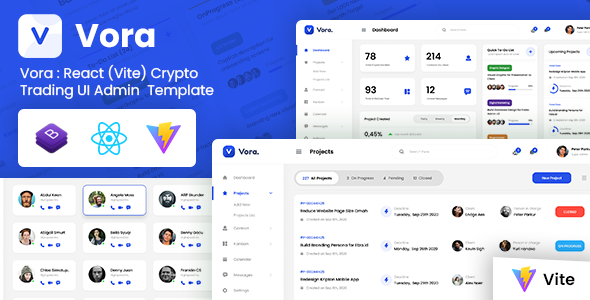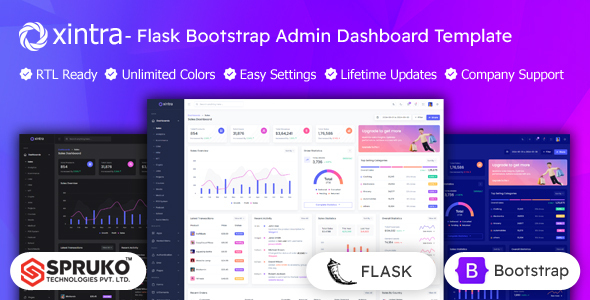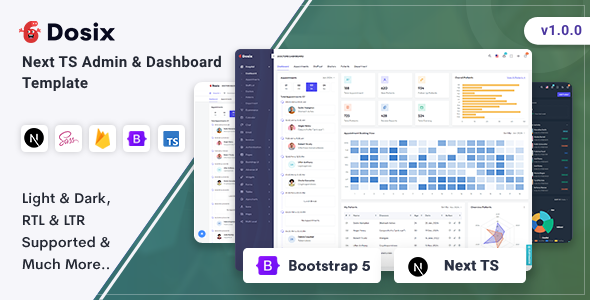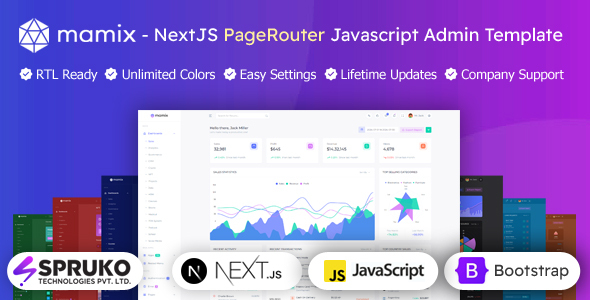
Mamix is a Next.js and React Bootstrap dashboard template designed for developers building web applications. It offers 16 dashboard variations, 230+ components, and 60+ plugins to accelerate project delivery.
Understanding the Mamix Next.js Admin Panel Template
This template is essentially a comprehensive frontend kit for building admin dashboards using Next.js, React, and Bootstrap. It gives you a ready-made UI shell for various internal tools, client portals, or SaaS admin interfaces. The core idea here is to save you the significant upfront time of designing and coding common dashboard elements from scratch.
Who Benefits from This Dashboard Template
Mamix is a solid choice for agencies and freelancers who regularly need to spin up admin panels for clients and prioritize fast turnarounds. If you're building a SaaS product and need a robust, pre-styled interface for your backend operations, this template can cut down development time considerably. It’s particularly useful if your team is already comfortable working with Next.js Page Router and React Bootstrap.
However, this is not for absolute beginners in the Next.js ecosystem. You'll need a good grasp of React and Next.js to integrate your data and build out custom logic. It's also important to note that this template focuses on client components and doesn't include any backend functionality. If your project requires a deeply integrated, opinionated full-stack solution out of the box, you’ll need to factor in building or connecting your own API.
Extensive Dashboard Layouts and UI Components
The strength of Mamix lies in its sheer volume of pre-built elements. You get 16 distinct dashboard variations, covering common use cases like sales, analytics, ecommerce, CRM, and even niche areas like crypto or medical dashboards. This means if you are building a CRM dashboard template or an ecommerce admin panel, you likely have a starting point that's 80% there.
- It includes over 230 individual UI components, which is a substantial library. This covers everything from basic buttons and forms to more complex widgets like tables, charts, and calendars.
- The template integrates 60+ plugins, which is helpful. Things like Firebase Authentication, Redux for state management, various chart libraries (Apex, Chart.js, Echart), and advanced data tables mean less time spent researching and integrating these common tools yourself.
- You also get essential features like Grid JS Tables and Filepond for file uploads, which are standard but often time-consuming to set up cleanly.
Developer Experience and Code Organization
From a developer's perspective, the template is built with modern practices. The decision to use Next.js Page Router and eliminate jQuery dependencies is a good sign, leading to a lighter, more performant application. The code is described as well-commented, which makes it easier to navigate and customize when you're digging into the SCSS files or specific React components.
When we tested the kit on a demo site, the asset loading felt efficient, suggesting a focus on performance. This translates to a better user experience for business owners, as faster loading dashboards improve productivity. The use of SCSS for styling provides a structured way to manage CSS, which is crucial for maintaining a consistent design system across large applications and reducing maintenance costs.
Customization and Adaptability for Different Projects
Mamix offers a good range of customization options, which is critical for agencies and freelancers. You can switch between light and dark themes, adjust header and menu styles, and choose between vertical or horizontal navigation. These switcher features are handy for quickly rebranding the admin interface for different clients or internal tools.
While the component library is extensive, like any template, you might find yourself needing to tweak styles to perfectly match a unique brand guide. However, the clean, well-structured code and SCSS architecture mean these adjustments are generally straightforward, rather than fighting against overly complex or deeply nested CSS selectors.
Limitations and Practical Considerations
One aspect to consider is the template's focus on client components and its static nature, meaning it doesn't come with a backend. While this keeps the frontend lean and flexible for integration with any API, it means you're responsible for all server-side logic, database interactions, and authentication beyond the Firebase client-side setup. This is a common trade-off for frontend-only templates, but it's important to set expectations.
Also, while it includes many dashboard variations, specific, highly custom business logic will always require bespoke development. This template provides the shell for building custom admin panels with Next.js, but not the unique operational workflows.
Final Verdict on Mamix Next.js Dashboard Development
If you're in the business of Next.js dashboard development and frequently build admin interfaces, Mamix is a solid investment. It's a well-structured frontend kit that leverages modern technologies like Next.js, React, and Bootstrap, offering a massive head start on UI development. The sheer volume of components and dashboard variations means you're not starting from zero, significantly reducing development time for a variety of projects.
It’s particularly strong for creating a polished, responsive interface for a React Bootstrap dashboard for SaaS applications or internal tools. While you'll need to bring your own backend, the quality of the frontend foundation makes it a worthwhile purchase for experienced developers looking to deliver high-quality admin panels efficiently.
FAQ
Does Mamix include a backend or database functionality?No, Mamix is a frontend-focused template. It provides the user interface (UI) built with Next.js, React, and Bootstrap, but you will need to integrate your own backend services and database.
Is this template suitable for someone new to Next.js or React?While the code is clean, Mamix is best suited for developers already familiar with Next.js and React concepts. You'll need this knowledge to effectively customize, integrate data, and extend its functionality.
Can I easily change the overall look and feel to match my brand?Yes, Mamix offers extensive customization options, including switcher features for themes, layouts, and colors. The SCSS structure also makes it straightforward to apply your brand's specific styling.