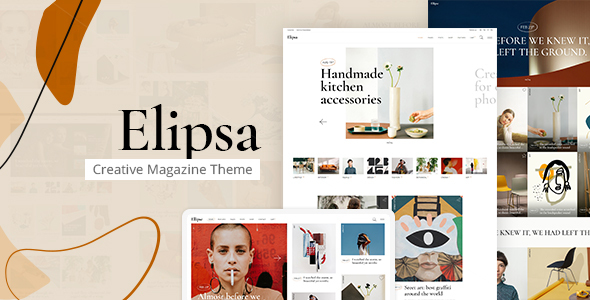
Elipsa is a WordPress theme for creative magazine, news portal, and lifestyle blog websites, offering diverse post layouts and Elementor integration. It simplifies visual content presentation for publishers.
Who Elipsa is For (and Who It Isn't)
This theme suits agencies and freelancers tasked with building visually engaging editorial sites quickly, especially when clients need varied content display options. It’s also a solid choice for content creators managing a WordPress theme for online publications who want significant control over page layouts without custom coding.
However, Elipsa isn't ideal for projects requiring deep custom backend logic or those looking to avoid page builders entirely. If your team prefers a pure block editor approach or minimal dependencies, this theme might introduce more overhead than you need.
Streamlining Editorial Workflows with Elipsa
Elipsa primarily solves the workflow problem of creating visually distinct article types and editorial sections without extensive custom development. For a blog or magazine needing to showcase everything from standard articles to galleries and video posts, the theme provides ready-made solutions.
This saves significant development time on styling individual content formats, letting us focus on content rather than code. The inclusion of Elementor compatibility means editors can manipulate page structures directly, which is a big win for content velocity.
Design Flexibility for Magazine Layouts
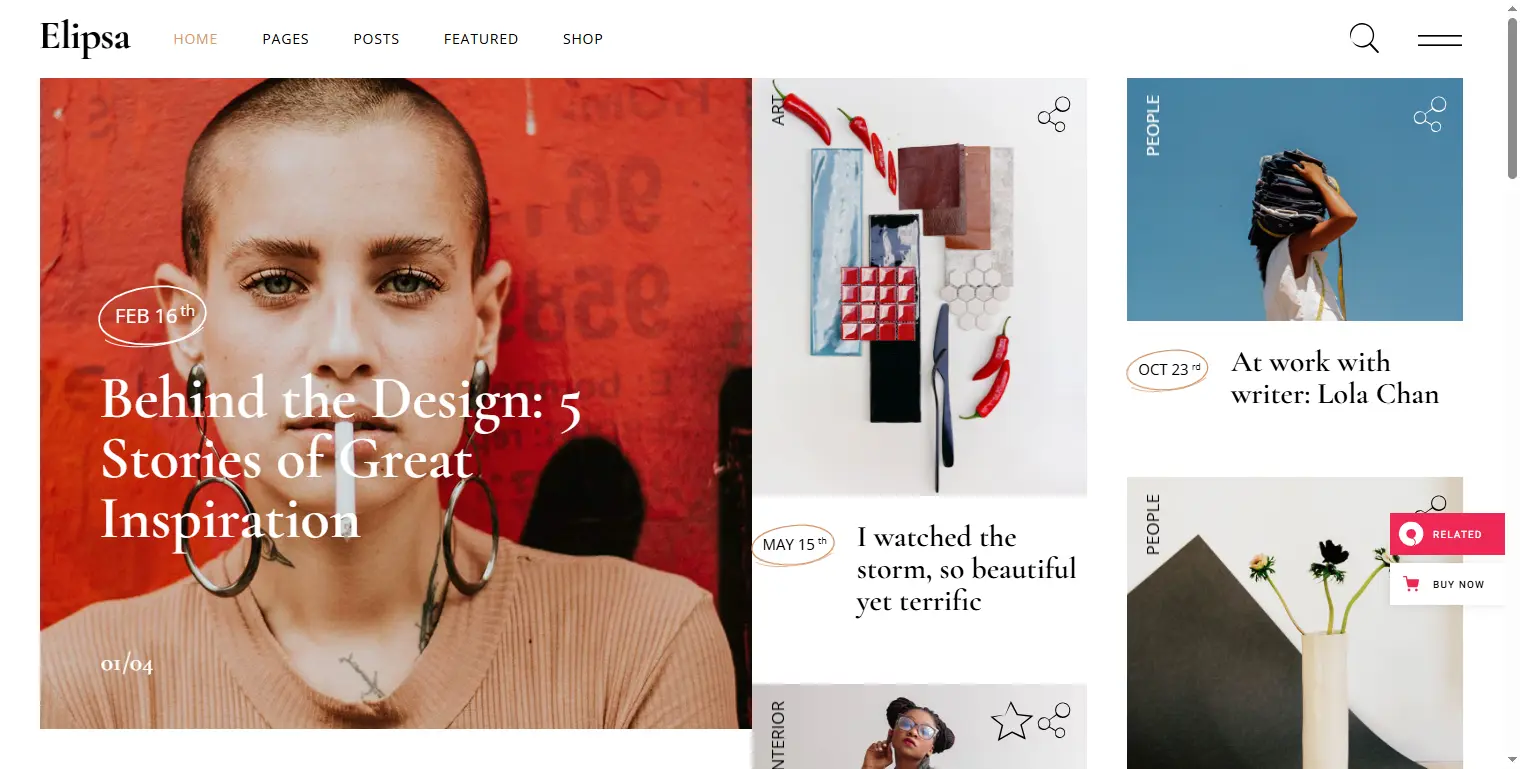
The theme offers a good starting point with its five predesigned homepages and various inner pages, which is standard for this category. We appreciate the collection of custom shortcodes designed for editorial content:
- Featured Posts Carousel for highlighting top stories.
- Blog List shortcode with customizable layouts for category pages.
- Masonry Media Gallery shortcode for visual content presentation.
These elements help in building a dynamic Elementor magazine layout that keeps readers engaged. The multiple header types and behaviors also provide good control over the primary navigation experience, adapting well to different branding needs.
Under the Hood: Performance and Maintenance
From a developer's perspective, the theme's structure leverages Elementor, which brings flexibility but also means we need to be mindful of page weight. While the one-click demo import gets a site up fast, we always recommend optimizing assets post-setup to ensure good Core Web Vitals scores.
The theme includes several icon font packs like Font Awesome and Material Icons. While this offers choice, it’s crucial to ensure only necessary fonts are loaded to prevent unnecessary requests and maintain quick page load times, which directly impacts user experience and SEO for news content.
We see standard accessibility practices in its responsive design and retina readiness. The inclusion of a child theme is always a positive, ensuring our customizations are update-proof. The theme is also translation ready and WPML compatible, which is essential for global online publications.
Nuances and Considerations for Publishers
Elipsa offers considerable customization through its powerful admin interface and typography settings, including 900+ Google Fonts. This level of control is great for matching brand guidelines.
However, the reliance on a large collection of custom shortcodes, while offering specific functionality, can sometimes lead to a form of vendor lock-in. If a client ever decides to switch themes, these shortcodes would need to be re-implemented or replaced, which is a common trade-off with feature-rich themes.
While the "Rotating Ellipse Text" and "Text Marquee" shortcodes are unique, we find them to be more niche design choices that might not fit every contemporary editorial aesthetic. It’s a good example of a feature that offers creative freedom but requires careful application to maintain a clean, modern look.
Final Thoughts on Elipsa for Editorial Websites
Elipsa delivers a solid foundation for anyone looking to build a visually rich blog editorial theme or magazine website using Elementor. It addresses the core needs of content publishers by providing diverse layouts and strong customization options, saving valuable development time on repetitive styling tasks. For projects where Elementor integration is a priority and a quick launch with varied content display is key, this theme presents a compelling package that helps us deliver on client expectations efficiently.
ThemeSparkle Expert Score
Overall Score: 7.8 / 10
- Niche Specificity: 9/10. The theme provides a wide array of post layouts and shortcodes specifically tailored for magazine, news, and blog content types.
- Visual Standards & Aesthetics: 8/10. The design offers modern layouts suitable for editorial content, though some included animation shortcodes might not fit all contemporary styles.
- Ease of Setup: 8/10. One-click demo import and Elementor compatibility make initial setup and page building straightforward for common editorial structures.
- Customization Flexibility: 7/10. Extensive typography options and Elementor integration offer good flexibility, but heavy reliance on custom shortcodes can limit long-term portability.
FAQ
Does Elipsa impact website performance due to Elementor integration?
Like any Elementor-based theme, Elipsa can introduce additional page weight. We recommend diligent optimization of images and assets post-setup to maintain good loading speeds.
How does Elipsa handle different types of media content for articles?
The theme supports custom post formats for audio, video, gallery, and standard articles, providing specific layouts and styling for each to ensure diverse media is presented effectively.
Is Elipsa a good choice for SEO, especially for news content?
Elipsa provides a clean semantic structure, which is a good foundation for SEO. Combined with its responsive design and fast loading (if optimized), it supports better visibility for news and blog content.
What happens to my content if I decide to switch themes later?
Standard WordPress content remains portable, but any layouts built with Elipsa's custom shortcodes or Elementor-specific widgets would need to be rebuilt or replaced with native WordPress blocks or new theme features.