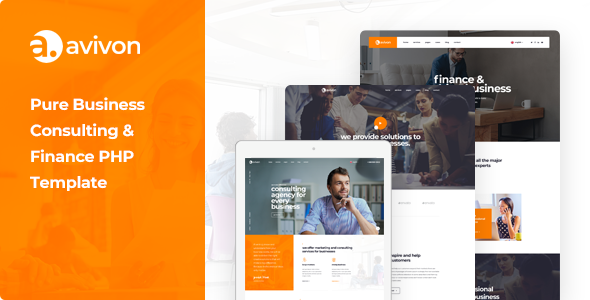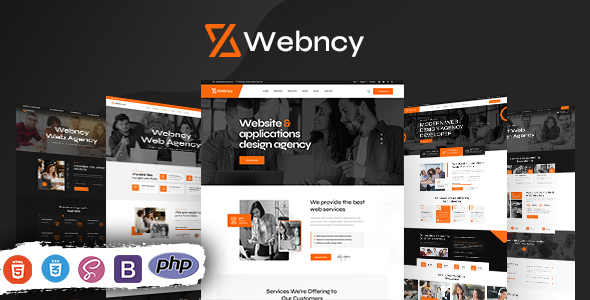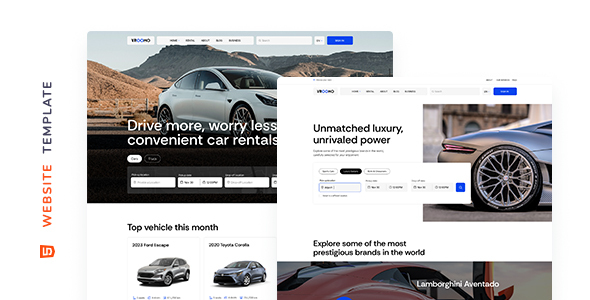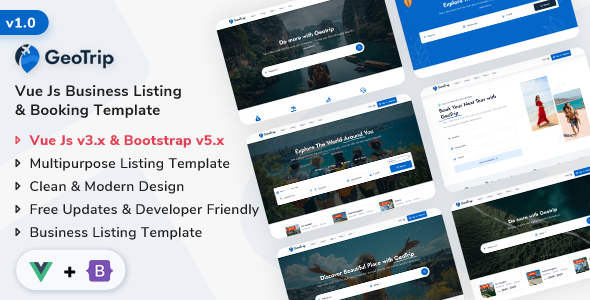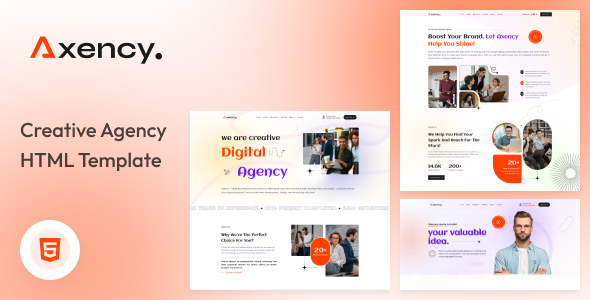
Axency: A no-nonsense HTML template for digital and business consulting agencies, providing 3 homepages, 13 inner pages, and key features for a quick online presence. It is built with Bootstrap, suitable for agencies and freelancers needing to launch client sites fast.
Axency: A Practical HTML Template for Consulting Agencies
Axency is a static HTML template designed specifically for digital and business consulting firms. It’s not a WordPress theme or a CMS, which means you’re working directly with HTML, CSS, and JavaScript. This product solves the common problem of starting from scratch when a client needs a straightforward online brochure or service showcase site quickly, saving significant time on initial structural setup and basic styling.
Who Benefits from this Digital Consulting Agency Template
This template is ideal for web development agencies and freelance developers who regularly build static client websites or need a solid base for a future CMS integration. If you’re comfortable with HTML and CSS, and your goal is to deliver a professional-looking site without the overhead of a content management system, Axency provides a quick start.
However, it’s not for absolute beginners who lack coding knowledge, nor is it suitable for projects requiring complex backend logic, dynamic content creation out-of-the-box, or deep database integrations. If your client expects to update content daily without touching code, you'll need to integrate this with a CMS, which adds another layer of work.
Axency's Design Philosophy for Business Services
The design is clean and modern, as you’d expect from a contemporary business services website template. It focuses on presenting information clearly, which is critical for consulting firms showcasing their services, team members, and client testimonials. The animations are subtle, adding a touch of polish without being distracting, ensuring a professional user experience.
Page Structures and Components for Agency Websites
Axency includes 3 distinct homepage layouts and 13 inner pages. This is a decent collection for a digital consulting agency template, covering typical needs like About Us, Services, Portfolio, Team, and Contact pages. These pre-built sections mean less time spent on fundamental layout decisions, allowing you to focus on content and client-specific customizations.
- Three distinct homepage layouts.
- Thirteen inner pages covering common business needs.
Key Business Features for Consulting Firms
This template is built around the core needs of a consulting business. It offers dedicated sections for showcasing services, displaying a professional portfolio, introducing your team, and featuring client testimonials. These elements are crucial for building trust and demonstrating expertise, directly supporting the business goals of a consulting firm seeking new clients.
Developer Experience and Code Structure for Maintainability
Built with HTML5, CSS3, and Bootstrap, the code base is familiar to most web developers. The description mentions "well-structured code" and "easy and customizable files," which in our experience usually translates to a standard Bootstrap architecture. This means CSS is likely organized in a way that’s relatively straightforward to navigate and modify.
Fonts like Rubik, and icons from Flaticon and Fontawesome, are typically loaded via CDN or local hosting. This approach, if implemented efficiently, contributes to good Core Web Vitals, which is important for user experience and search engine performance. Clean semantic HTML also provides a good technical SEO foundation, making it easier for search engines to understand your content.
Ensuring Responsive Design Across Devices
Responsiveness is a given with Bootstrap, and Axency handles various screen sizes as expected. The layouts adjust well from desktop to mobile, ensuring your digital consulting agency website looks good and functions correctly on any device. The mobile menu behavior is standard, providing easy navigation for users on smaller screens.
Technical SEO Foundation for Digital Agency Websites
While an HTML template doesn't magically rank your site, Axency provides a solid technical SEO foundation. Its clean, semantic HTML structure helps search engines parse content effectively. Paired with efficient asset loading, which is generally easier to control in a static HTML setup, it contributes to faster page loads, a factor Google considers for ranking.
The Verdict: Is Axency a Smart Investment for Your Agency Site?
Axency is a practical, no-frills HTML template that delivers exactly what it promises: a clean, responsive starting point for digital and business consulting agency websites. After building multiple agency sites with tools like this, we can say it genuinely saves significant setup time on the initial build for a specific niche.
Its primary limitation is that it's just HTML, meaning any dynamic functionality or content management requires additional development work. However, for a fast agency website setup or as a base for a custom static site, it’s a smart investment. You get a well-structured, presentable site quickly, allowing you to focus on client content and unique branding rather than boilerplate coding.
FAQ
Is this template suitable for a complete beginner without coding knowledge?No, Axency is an HTML template and requires familiarity with HTML, CSS, and basic JavaScript to customize and maintain effectively.
Can I easily integrate this HTML template with a content management system like WordPress?Integrating Axency with a CMS like WordPress is possible but requires significant development work to convert the static HTML into a dynamic theme, which is a project in itself.
What are the ongoing maintenance requirements for an Axency-based website?Maintenance primarily involves directly editing the HTML and CSS files for content updates or design changes, as there is no backend interface for content management.
Does Axency support dynamic content or database functionality?As a static HTML template, Axency does not inherently support dynamic content or database functionality; any such features would need to be added through external scripts or a separate backend integration.