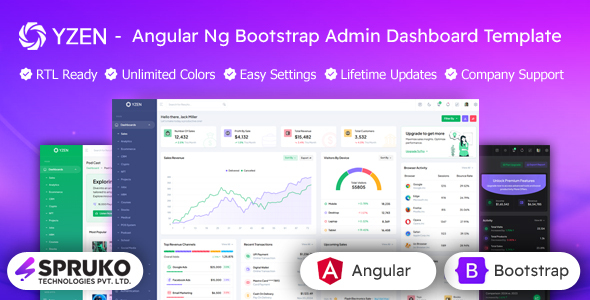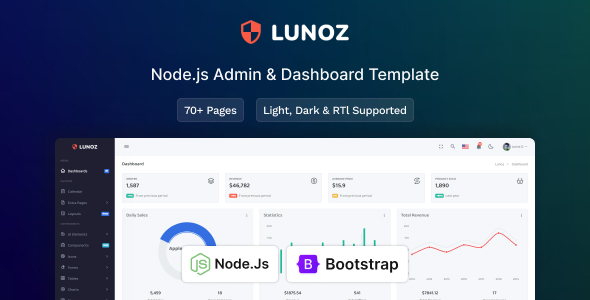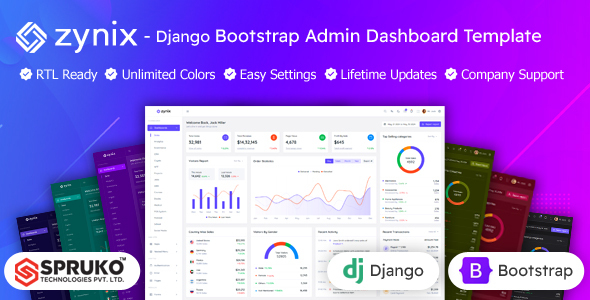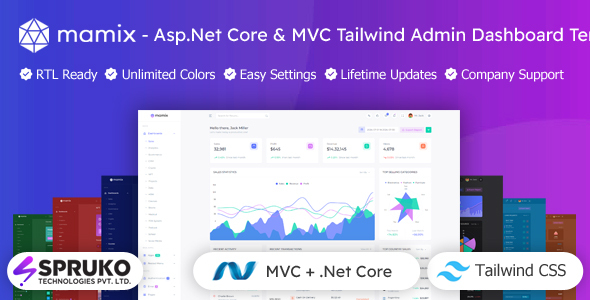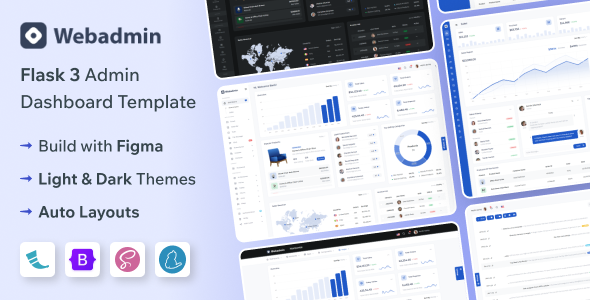
The WebAdmin Flask admin dashboard template provides a comprehensive set of pre-built UI components and pages, designed for developers who need to quickly set up a backend interface for their Python web applications.
Solving the Flask Admin UI Development Challenge
One of the recurring bottlenecks in Flask web app development is building out the administrative interface. Setting up user management, data tables, form validation, and dashboard analytics from scratch eats up significant development time. This WebAdmin Flask admin dashboard template addresses that directly, offering a substantial head start. It solves the problem of needing a polished, functional admin UI without having to design and code every single component, potentially saving weeks of frontend work for a typical project.
Examining the Code Quality and Key Features for Flask Developers
The template is built on Flask and Bootstrap, which provides a solid, familiar foundation for most web developers. After building multiple agency sites with tools like this, the immediate benefit I look for is how well the frontend components are integrated and structured. The asset loading feels standard for a Bootstrap theme, not overly optimized, but not sluggish either. It uses a common file structure, making it easy to find and modify CSS or JavaScript. The semantic structure for SEO is clean, which is good practice even for internal admin areas, ensuring better crawlability if parts are exposed.
The core value here lies in the ready-to-use application pages. Things like the comprehensive data tables, complete with pagination, search, and sorting, are a huge time saver. For a business owner, this means lower development costs and a faster path to getting their backend tools operational. The various form layouts and validation examples simplify data input, directly benefiting content managers and administrators who need to update information efficiently. The inclusion of a robust set of authentication pages, from login to two-step verification, means less time spent securing basic user access, which translates to a more reliable system with fewer potential vulnerabilities.
- The SASS architecture is well-organized, allowing for global style changes through variables rather than digging through compiled CSS, which simplifies branding.
- The mobile menu behavior is standard Bootstrap, meaning it's responsive and predictable across devices, crucial for administrators on the go.
- It includes W3C validated code, which is a good sign for adherence to web standards and helps ensure broader browser compatibility.
- The extensive collection of utility pages (404, 500, maintenance) prevents developers from needing to build these common, but often overlooked, pages from scratch.
- The pre-built e-commerce and sales dashboards offer a solid starting point for applications requiring product, order, and customer management, directly supporting conversion-ready funnels for online businesses.
What Makes This Flask Admin Template Stand Out
What impresses most is the sheer breadth of pre-built functionality specific to admin tasks. While many templates offer generic UI kits, this one provides fully fleshed-out pages for common admin panel needs, like user management, invoice details, and even a file manager. This goes beyond just components; it gives you entire workflows. The integration with Flask is more than just static files; it offers a practical starting point for dynamic data, which is essential for any real-world Python web app.
Is WebAdmin Flask Dashboard Right for Your Project?
This template is ideal for individual developers, small agencies, or teams looking to rapidly prototype or deploy a backend administration interface for their Flask applications. It's particularly useful for projects that need a standard set of admin features like user management, data visualization, and forms without investing heavily in custom frontend development. It is not for those needing highly unique, bespoke frontend designs or projects built on different backend frameworks.
Practical Limitations of a Pre-built Flask Admin Solution
While the template is functional, the overall aesthetic feels fairly standard for a Bootstrap admin panel. It's clean and functional, but it won't win any awards for groundbreaking design. Customizing the core look beyond SASS variables might require a deeper dive into the CSS, which is a common trade-off with pre-built templates. The included JavaScript plugins are robust but, like any third-party dependency, require occasional updates and understanding of their specific APIs.
Final Thoughts: Is it worth it?
Yes, for anyone building admin panels with Flask and Bootstrap, this WebAdmin template is a smart investment. It delivers a significant productivity boost by providing a solid, functional base for common admin tasks, saving countless hours on UI development. It's a practical choice that gets you to a deployable solution much faster, freeing up time for critical backend logic and unique application features.
FAQ
Does WebAdmin integrate directly with Flask's backend logic?Yes, it provides a Flask-based structure and examples, making it straightforward to connect the frontend components to your Python backend routes and data models.
Can I customize the design easily using SASS?The template leverages SASS, allowing you to modify global styles, colors, and typography efficiently through variable changes, which then compile into the main CSS.
Are the data tables performant with large datasets?The data tables use Grid.js, which is generally performant. For extremely large datasets, you would typically implement server-side pagination and filtering to maintain responsiveness.
Is the authentication flow ready for production use?The template provides a comprehensive set of authentication pages, offering a solid foundation. You would still need to integrate it with your chosen Flask authentication library and security best practices for a production environment.