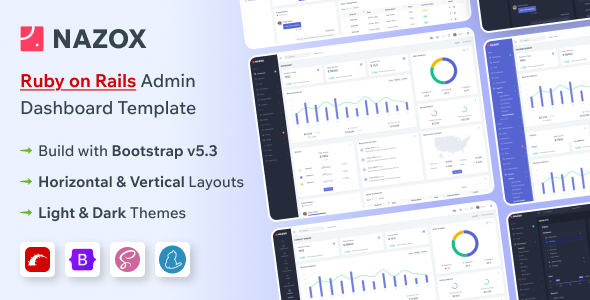
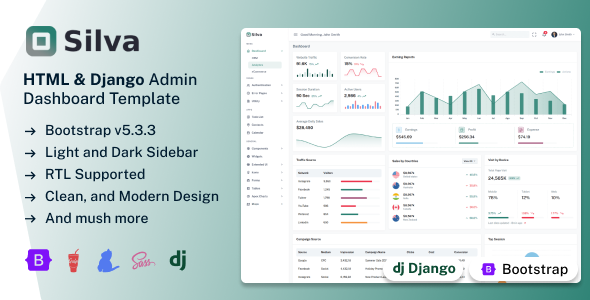
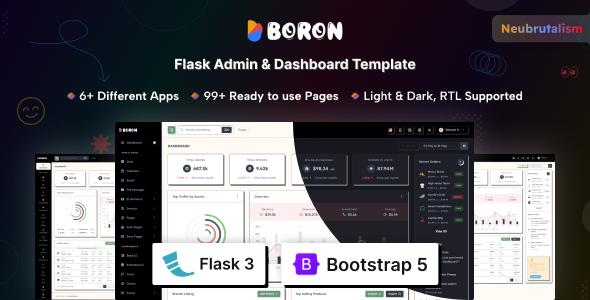
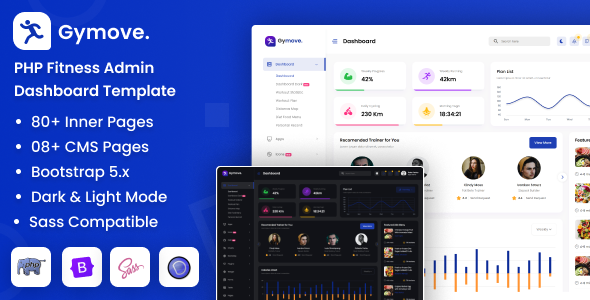
Sash is a Flask admin dashboard template built on Bootstrap. It's for developers who need a pre-built UI for managing application data and want to speed up frontend development.
Sash Flask Admin Template: A Practical UI Foundation
Let's cut to the chase. Sash is a pre-built admin dashboard template for Flask applications. It's based on Bootstrap, which means you get a collection of standard UI elements and a responsive layout out of the box. If you're building an internal tool, a CRM, or any application that requires an admin interface, this template provides a solid starting point for the frontend.
The core idea here is to save you time on styling and basic layout work. Instead of building all those common admin sections like tables, forms, and charts from scratch, you get them ready to go. This is particularly useful if you're working on a project with a tight deadline or if you're not particularly fond of wrestling with CSS for hours on end.
Who Should Consider Sash and Who Should Look Elsewhere
This template is best suited for developers and agencies who need to get an admin interface up and running quickly. If your project involves displaying data, collecting user input through forms, or providing basic monitoring dashboards, Sash can significantly cut down your development time. It’s also a good fit for freelancers who manage multiple projects and want a reliable base for their admin panels.
However, if you're building a highly custom application with unique frontend requirements or complex, bespoke interactions, this might not be the best fit. Sash is a template, not a full-fledged framework for backend logic. You'll still need to integrate your Flask backend and write all the server-side code. Also, if you're looking for something that reinvents the admin UI wheel, you won't find it here; it sticks to established Bootstrap patterns.
Solving the "How Do I Build This Admin Interface?" Problem
The main problem Sash solves is the repetitive nature of building standard admin interfaces. Think about setting up a data table with sorting and filtering, or creating a multi-step form. These tasks, while common, can be time-consuming. Sash provides these components pre-styled and functional, allowing you to focus on the specific business logic of your application. This can easily save you dozens of hours on a typical project, especially when building an ecommerce website template or an internal dashboard.
The inclusion of various plugins for things like file uploads (Filepond) and drag-and-drop (Dropzone) also addresses common development needs. Instead of researching and integrating these yourself, they're already part of the package. This streamlined approach to common UI tasks is where the real value lies for a developer.
Code Quality and Developer Experience
From what I've seen in similar templates, Sash appears to be built with clean, well-commented code. This is crucial for maintainability. When you or another developer needs to come back to the project later, understanding the structure and how to modify it becomes much easier. The template is built on Bootstrap, which is a widely adopted standard, meaning most developers are familiar with its grid system and components.
One notable point is the absence of jQuery dependency. This is a good sign, as it means the template is leveraging modern JavaScript practices, which generally leads to better performance and a more predictable development experience. The SCSS files are likely organized in a way that makes them easy to modify, allowing for custom theming beyond the provided color options.
Responsiveness and Browser Compatibility
Sash is built to be responsive, meaning it should adapt well to different screen sizes, from desktops to tablets and mobile phones. This is standard practice for modern web templates, and it's essential for any admin panel that might be accessed on various devices. The template also claims major browser compatibility, which is important for ensuring a consistent experience for all users.
When it comes to real-world use, the mobile menu behavior and how the layout handles longer text strings are practical considerations. A well-designed mobile menu is key for usability on smaller screens, and how content wraps or truncates can affect readability. These are the kinds of details that make a template feel polished versus just functional.
SEO Readiness
While this is an admin template and not typically what users interact with directly for search engines, the underlying HTML structure matters. Sash is W3C validated, which indicates adherence to web standards. This means the HTML is semantically correct, which is a good foundation for accessibility and can indirectly benefit SEO by making the structure clear. For sites needing a specific HVAC service layout, a clean semantic structure is a good starting point.
Final Thoughts on Sash
Sash offers a practical set of pre-built components and layouts for creating Flask admin dashboards. It's a sensible choice for developers who want to accelerate their frontend development and avoid reinventing the wheel for common UI elements. If you need a solid, well-structured foundation for your admin panel and are comfortable working with Bootstrap and Flask, this template can be a smart investment to save you significant development time.
FAQ
Is this template suitable for non-developers?No, this is a template for developers. You will need knowledge of Flask and web development to integrate and customize it effectively.
Does Sash include backend code for a full application?No, Sash is a frontend template. It provides the UI and structure, but you will need to write your own backend logic in Flask.
How easy is it to change the color scheme or fonts?The template offers customization options, including color switchers, and uses Google Fonts, making it relatively straightforward to adjust the visual appearance.
What kind of support can I expect after purchase?The author offers lifetime free updates and dedicated helpdesk support for assistance with the template.