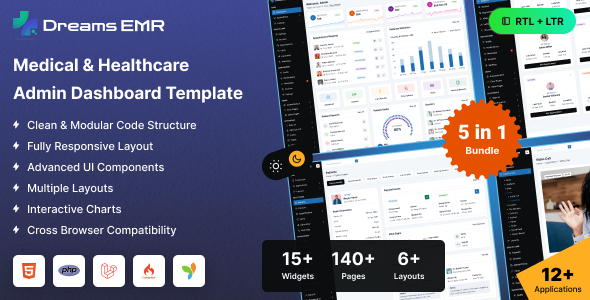
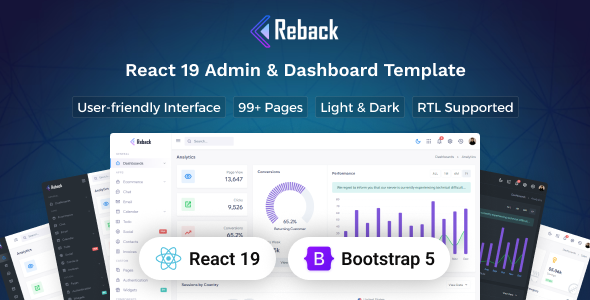
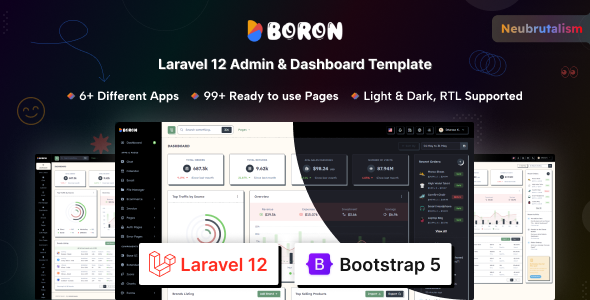
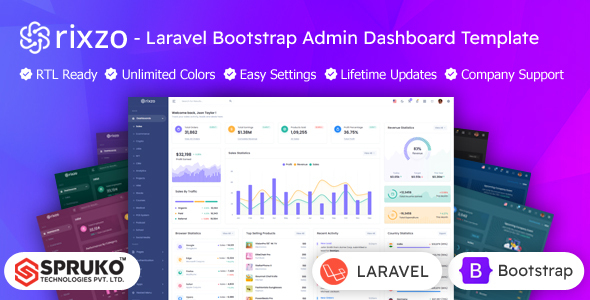
Admina is a multipurpose Bootstrap admin dashboard template for building backend interfaces for SaaS, CRM, and various enterprise applications. It's designed for developers who need a solid foundation for complex dashboards and admin panels.
Admina: A Bootstrap Admin Dashboard Template for Enterprise Applications
If you're building a complex web application, chances are you'll need a robust admin dashboard. Admina offers a collection of pre-built dashboard layouts using Bootstrap, which is a standard framework for responsive web development. This template comes with over a dozen different demo variations, covering areas like eCommerce, analytics, CRM, and finance.
The core idea here is to provide a starting point that saves you from building common UI elements from scratch. We're talking about things like data tables with sorting and filtering, form validation, charts, and authentication pages. For anyone who has spent hours styling tables or wrestling with form inputs, this can be a significant time saver.
Who Should Use Admina and Who Should Look Elsewhere
This template is a good fit for agencies and development teams that frequently build custom backend systems. If you need to get a functional admin interface up and running quickly, Admina provides a solid foundation. It’s also suitable for freelance developers who want to offer clients a polished admin panel without reinventing the wheel for every project. The inclusion of SASS and build tools like Webpack and Gulp indicates it's geared towards developers who appreciate a structured development workflow.
However, if you're looking for a template for a simple brochure website or a small business landing page, this is overkill. Admina is designed for data-heavy interfaces. It's also not the best choice if you need a highly unique, custom-designed frontend experience that deviates significantly from standard dashboard layouts. If your project requires deep integration with a specific CMS or a very niche backend functionality not covered by the demos, you might find yourself doing a lot of custom work anyway.
Solving the Admin Panel Development Headache
The primary problem Admina solves is the repetitive nature of building admin interfaces. Setting up basic navigation, card layouts, form elements, and tables can consume a surprising amount of time. By providing these pre-built components and layouts, Admina allows developers to focus on the unique logic and features of the application rather than the boilerplate UI. This can translate to saving days or even weeks on a project, especially for complex applications with many different views and data displays.
The template's structure, using Bootstrap, means it adheres to widely understood responsive design principles. This helps ensure that the admin panel will function reasonably well across different screen sizes, which is crucial for backend usability. For those working on building internal tools or analytics platforms, the availability of numerous chart and graph components is a direct benefit.
Code Quality and Developer Experience Considerations
Admina is built with Bootstrap, which is a well-established framework. The inclusion of SASS support is a plus, allowing for better organization and management of CSS. Tools like Webpack and Gulp suggest a build process is in place, which is standard for modern front-end development and helps with asset optimization. In our experience with similar frameworks, a clean, well-structured code base makes a significant difference in long-term maintenance and ease of customization. The template promises developer-friendly code, which is essential for avoiding headaches down the line when you need to extend or modify it.
The W3C valid code is a good indicator that the template follows web standards, which can indirectly benefit SEO by ensuring a clean semantic structure. While the description mentions SEO-friendly code, this typically means the HTML is structured logically, not that the template itself will magically rank your application. It provides a good starting point for search engine crawlers to understand your content.
Responsiveness and Compatibility
Admina is designed to be 100% responsive. This means the layout should adapt to various screen sizes, from desktops to tablets and mobile devices. For an admin dashboard, this is critical as users might need to access data or perform tasks on different devices. The template is also described as cross-browser compatible, which is standard practice for any professional template. This ensures a consistent experience for users regardless of the browser they use, minimizing compatibility issues.
SEO Readiness
The template mentions "SEO Friendly Code," which in the context of an admin dashboard usually means the HTML structure is semantic and well-organized. This helps search engines understand the hierarchy and content of the pages. For a backend interface, the direct SEO impact is minimal, but a clean structure is always good practice for maintainability and accessibility. It provides a solid foundation if any part of your admin panel needs to be publicly accessible.
Final Thoughts on Admina
Admina appears to be a solid choice if you need a pre-built, feature-rich admin dashboard template for complex applications. It offers a wide range of demos and components that can significantly speed up development. While it's not a magic bullet for every project, it provides a well-structured foundation that, in our experience, is a smart investment for saving development time and resources on backend interfaces.
FAQ
Is Admina suitable for beginners in web development?
While Admina is built on Bootstrap, which is relatively easy to learn, the complexity of a full admin dashboard template might be challenging for absolute beginners. It's better suited for developers with some experience in HTML, CSS, and JavaScript.
How easy is it to customize colors and fonts in Admina?
The template supports SASS and mentions multiple color schemes and Google Fonts, suggesting that customization is intended and should be manageable for developers familiar with these technologies.
Can Admina be used for a multi-language website backend?
The template itself doesn't inherently handle multi-language features, but its clean structure and Bootstrap foundation make it adaptable. You would need to implement the multi-language functionality within your application logic.
What is the difference between Admina and a typical website theme?
Admina is specifically designed for backend interfaces and administrative panels, focusing on data display, user management, and complex form interactions. A typical website theme is generally for the public-facing frontend of a website.