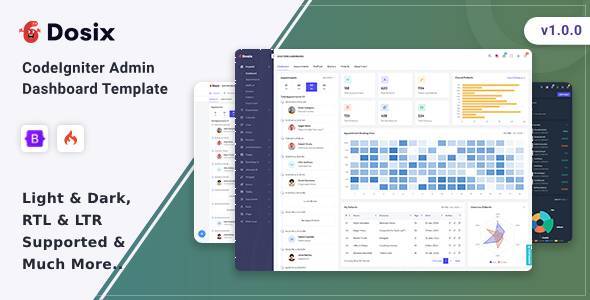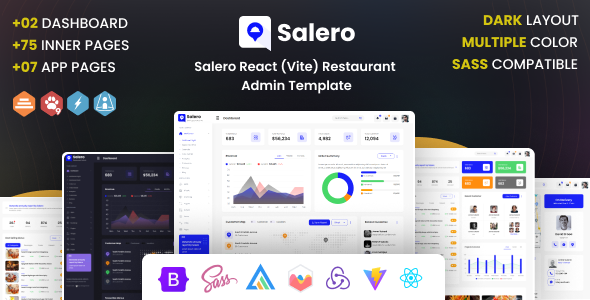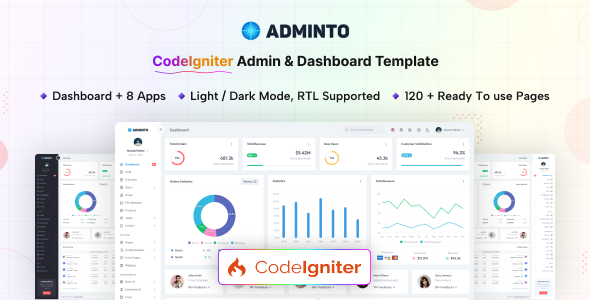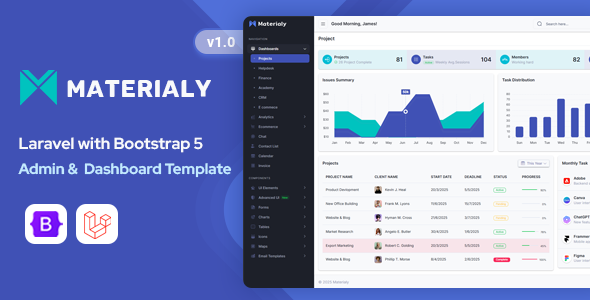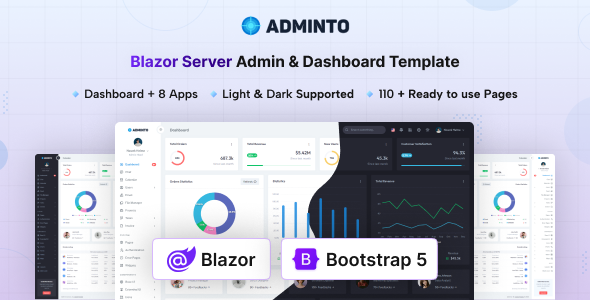
Adminto is a Bootstrap and Blazor admin dashboard template with 100+ pages, 200+ UI components, and integrated apps. It's a solid starting point for internal tool development or SaaS backends.
Adminto: A Blazor Admin Dashboard Template for Rapid Development
As web developers, we often face the choice between building every admin panel UI element from scratch or leveraging a pre-built kit. Adminto falls squarely into the latter, offering a comprehensive Blazor admin dashboard template built on Bootstrap. It's designed to give you a significant head start, providing a fully responsive design and a rich collection of UI components. The real value here is the Blazor integration, which means you're not just getting static HTML, but a functional framework to build on.
Who Benefits from Adminto's Blazor Integration?
This template is primarily for developers and agencies working with Blazor who need to quickly spin up an internal tool, a SaaS backend, or a robust administrative interface. If your stack involves Blazor and you appreciate the consistency of Bootstrap, Adminto can save you a lot of frontend development time. It’s particularly useful for those building custom CRMs, project management systems, or user dashboards where a consistent, pre-designed UI is paramount.
However, if you're not using Blazor, this isn't for you. It's also not ideal for projects demanding an extremely unique, custom UI from the ground up that deviates significantly from Bootstrap's aesthetic. Beginners without a solid grasp of Blazor and Bootstrap might find the initial setup and customization a bit steep.
Core Blazor Components and Pre-built Admin Apps
Adminto comes packed with content. You get over 100 pages, more than 200 UI components, and 30+ charts. In our experience, having these ready-to-go components significantly reduces the boilerplate work. The template also includes 8 built-in applications, which is where it starts to solve some real workflow problems for a Blazor admin dashboard template.
- Calendar: A functional calendar UI.
- Chat: Basic chat interface.
- File Manager: UI for managing files.
- Users Management: Pages for user administration.
- Projects: Project tracking layouts.
- Invoice Management: Invoice creation and tracking pages.
- Email: An email client interface.
- Task Management: Includes Kanban board and detail pages.
These pre-built app UIs mean you don't have to design and code the frontend for these common admin features yourself. You still need to connect them to your backend logic, but the visual heavy lifting is done, saving potentially dozens of hours per application. This is a smart investment for anyone needing to accelerate internal tool development with Blazor.
Developer Workflow and Maintainability with Adminto
From a developer's perspective, Adminto uses SCSS variables, which is standard practice and makes global style changes straightforward. This means branding updates or theme adjustments are much faster, translating to lower maintenance costs over time. The attribute-based light and dark modes are a nice touch, offering quick theme switching without complex JavaScript, which improves the user experience.
The documentation is thorough, which is always a good sign for a complex template. When we tested the kit on a demo site, the file organization felt logical. This clean structure helps with onboarding new developers and reduces the chance of conflicts or bugs during updates, leading to a more stable application.
Responsive Design for All Devices and Browsers
The template is fully responsive and works well across modern browsers and devices. This is a non-negotiable for any web project today, even internal tools. A consistent experience on desktops, tablets, and phones ensures your team or users can access and manage information effectively, regardless of their device. This attention to detail means you won't be scrambling to fix mobile layouts after deployment.
Semantic Structure for Blazor Admin Panels
While an admin panel isn't typically indexed by search engines, good semantic HTML structure is still important. Adminto maintains a clean structure, which benefits accessibility and long-term maintainability. Well-organized code is easier to read, debug, and extend, reducing potential technical debt. This is a foundational aspect that impacts how easily the application can evolve and be supported.
Is Adminto a Smart Investment for Your Blazor Project?
After building multiple agency sites with tools like this, Adminto stands out as a solid choice for anyone deep in the Blazor ecosystem. It’s not going to reinvent the wheel, but it provides a very robust, well-structured foundation for an admin dashboard template. The pre-built apps are a significant time-saver, addressing common requirements directly. While the core Bootstrap styling is functional, you might want to dedicate some time to custom SCSS if you need a truly unique brand identity, but that's standard for most templates.
Ultimately, if you're looking to cut down on frontend development time for your Blazor application and need a comprehensive set of UI components and app layouts, Adminto is a smart investment. It lets you focus on your core business logic rather than building out every dashboard element from scratch.
FAQ
Is Blazor a strict requirement to use Adminto?Yes, Adminto is specifically built with Blazor, so you need to be working within a Blazor project to integrate and use this template effectively.
How easy is it to customize the design and colors?Customization is straightforward using the provided SCSS variables, which allows for quick changes to colors, fonts, and other global styles. The attribute-based light and dark modes also make theme switching simple.
Does this template include backend logic for the built-in apps like user management?No, Adminto provides the frontend UI for apps like user management and invoicing. You will need to implement your own backend APIs and database logic to make these applications fully functional.
What is the typical learning curve for Adminto?If you are already familiar with Blazor and Bootstrap, the learning curve is reasonable. You'll primarily need to understand Adminto's specific component structure and how to integrate it with your existing Blazor application.